
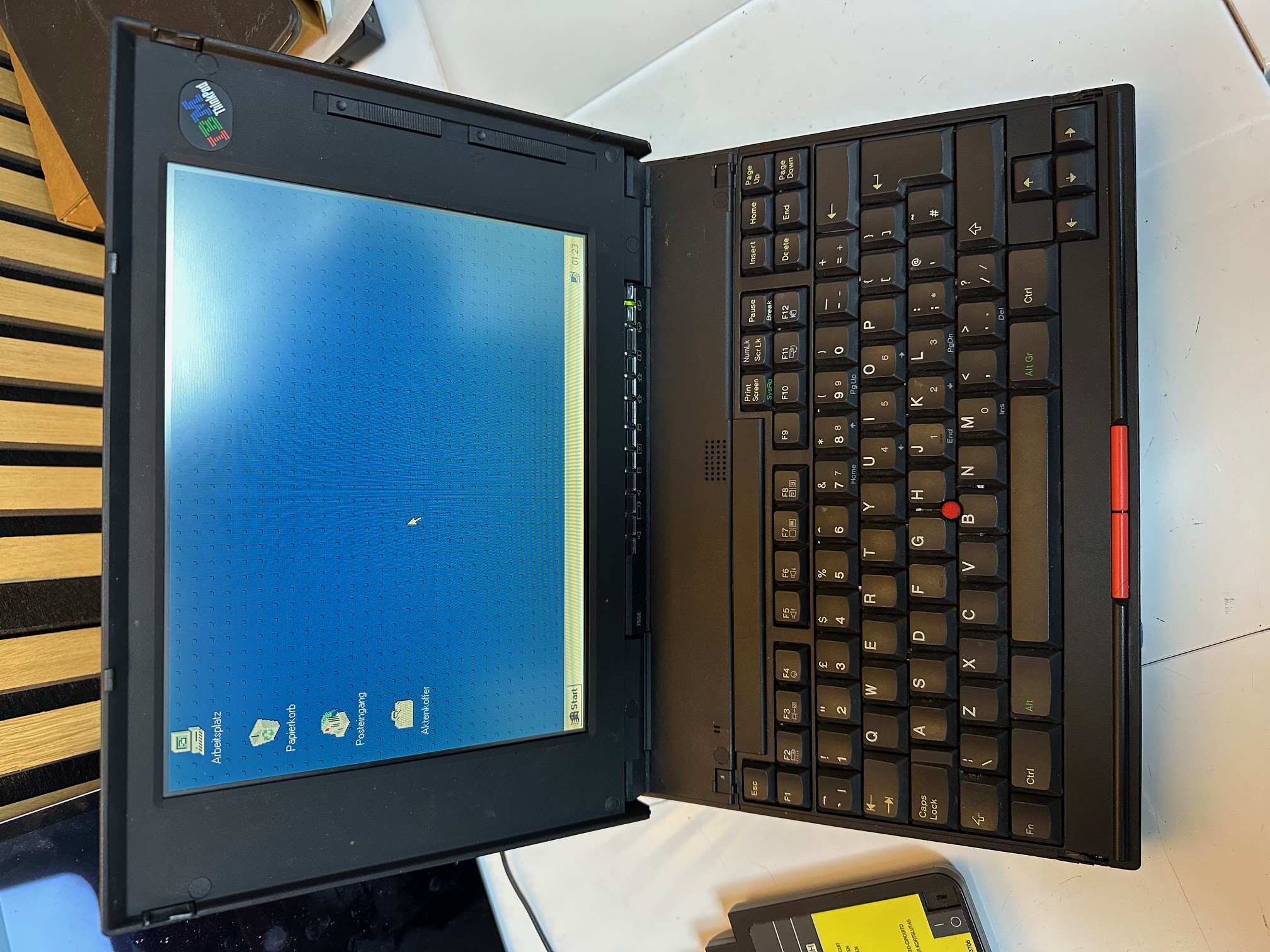
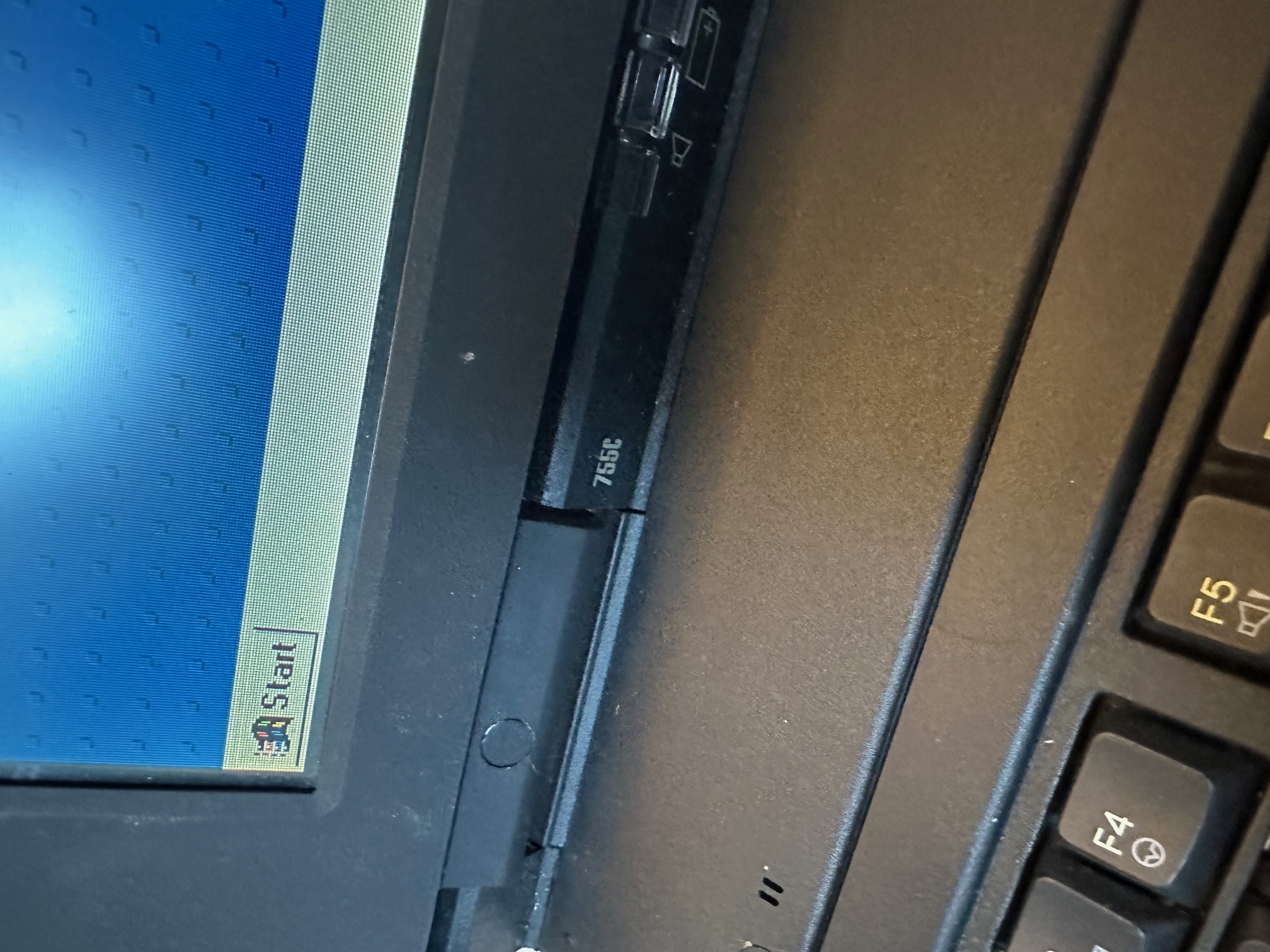
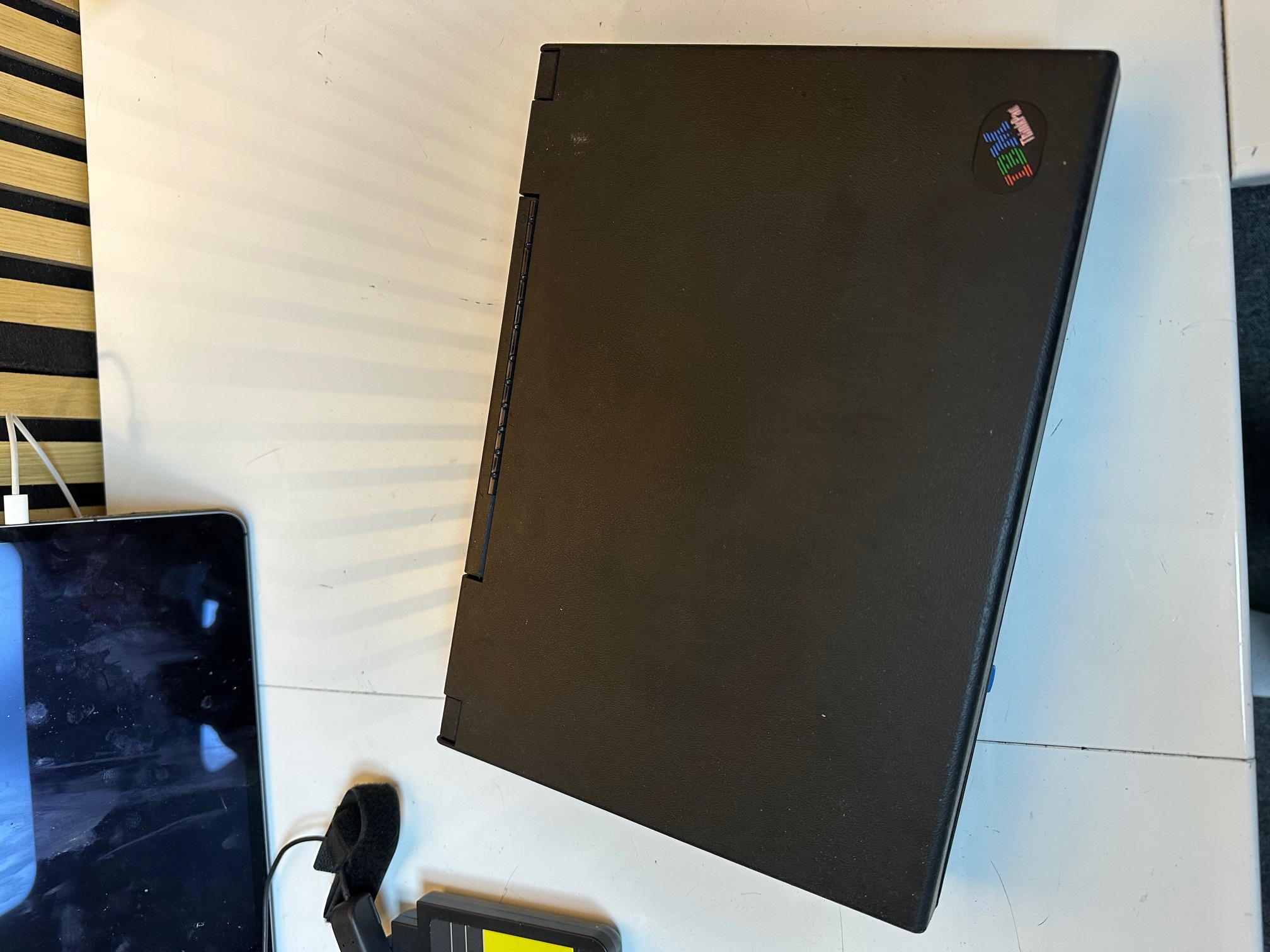
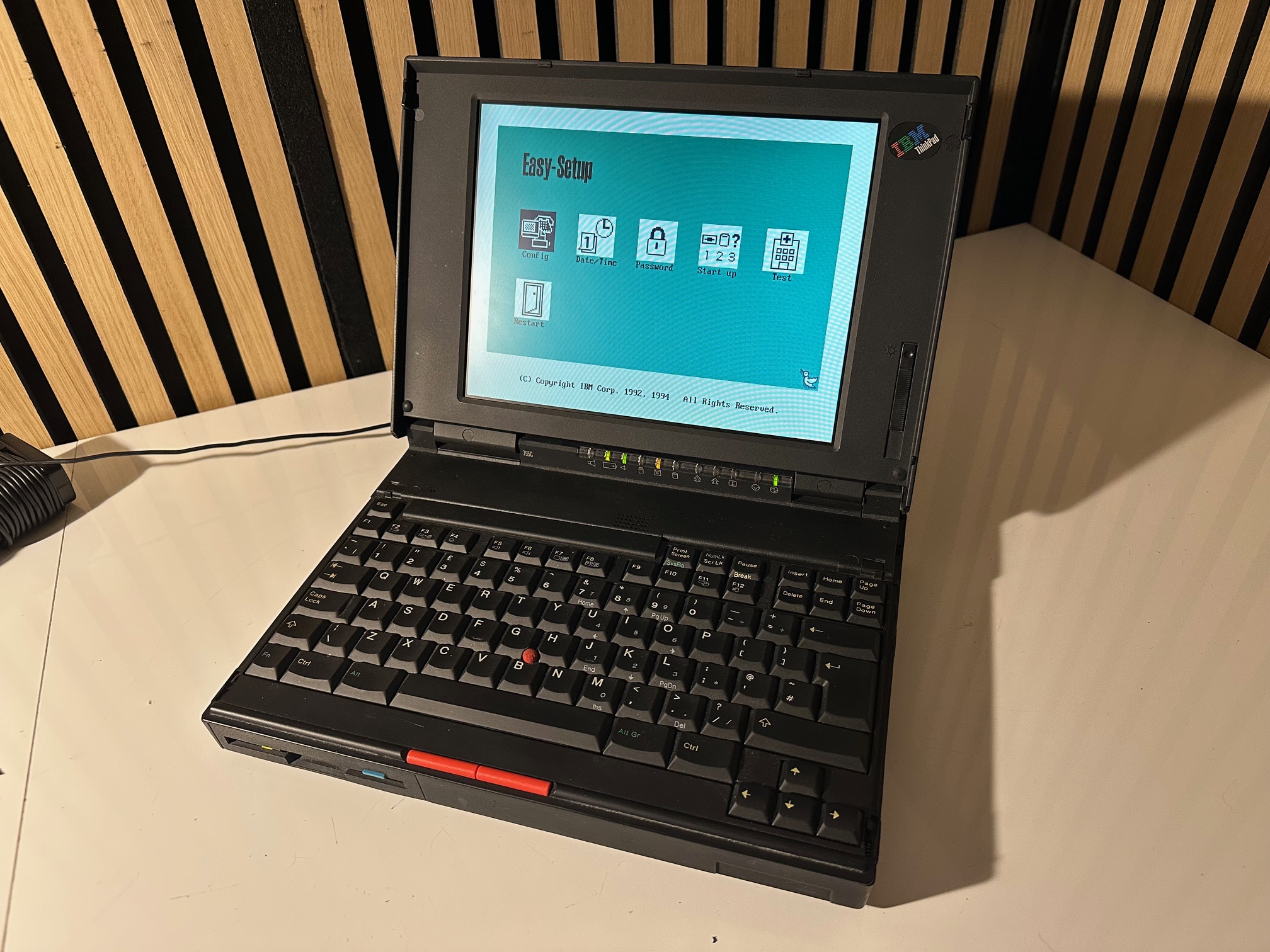
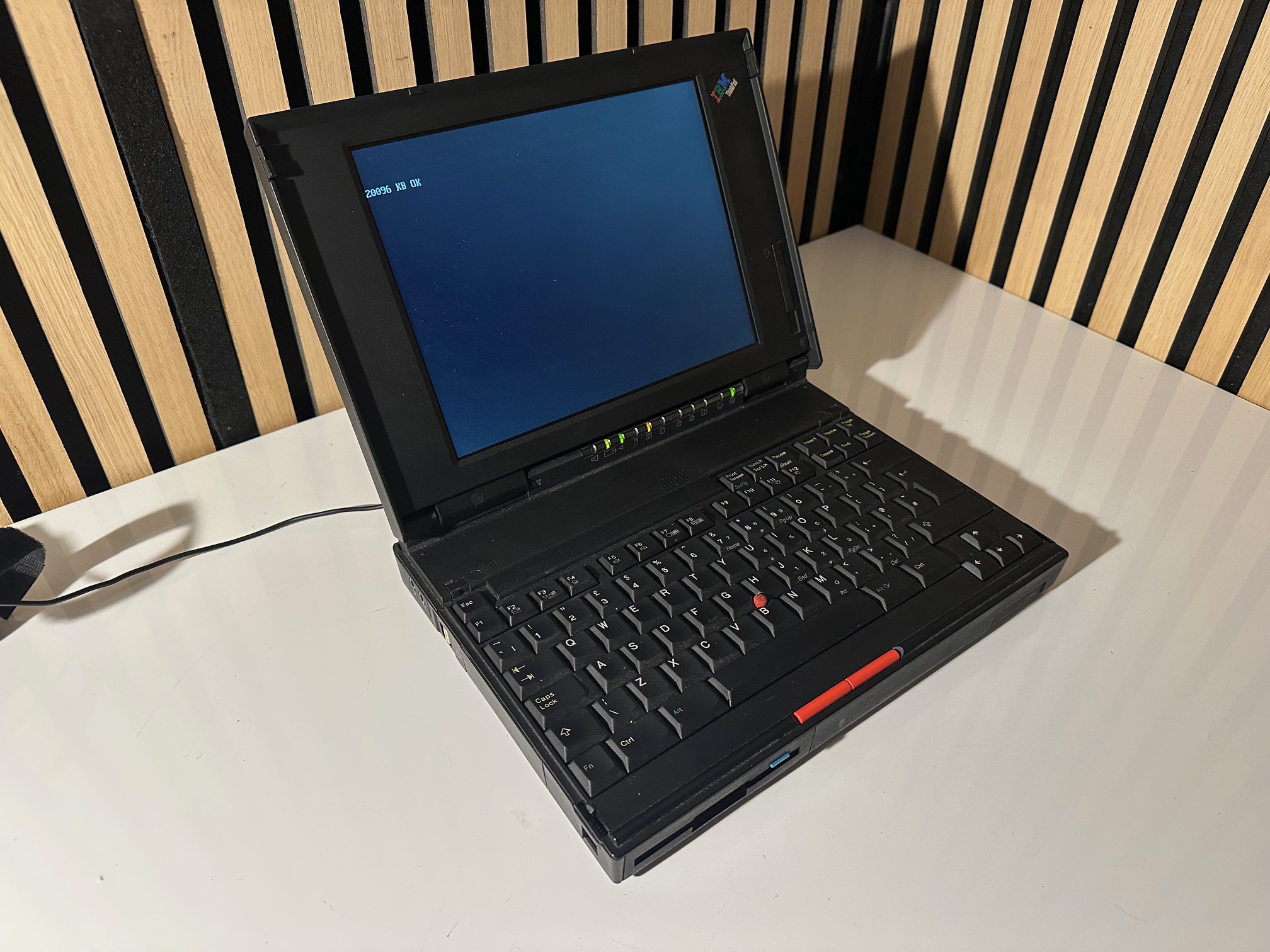
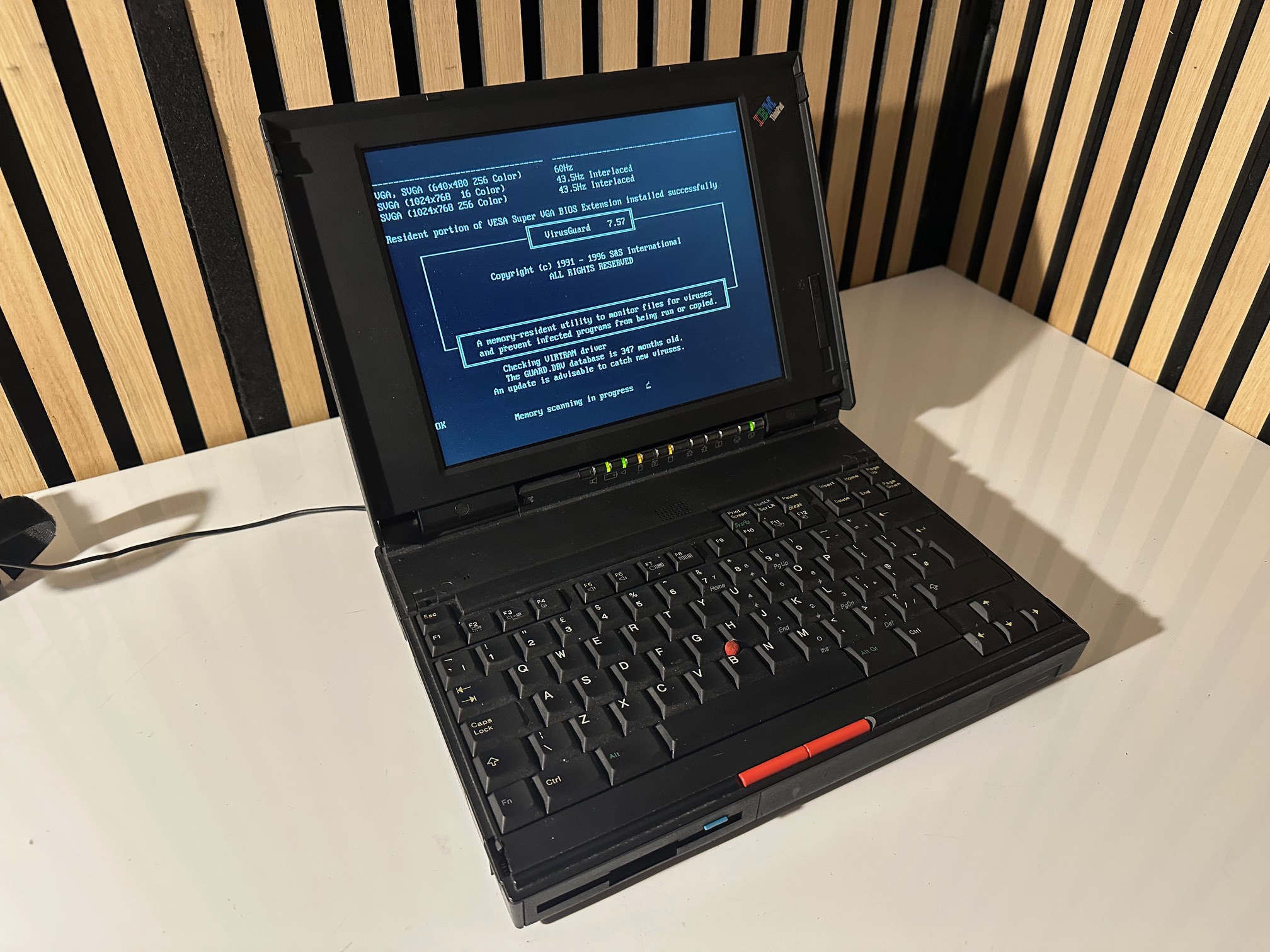
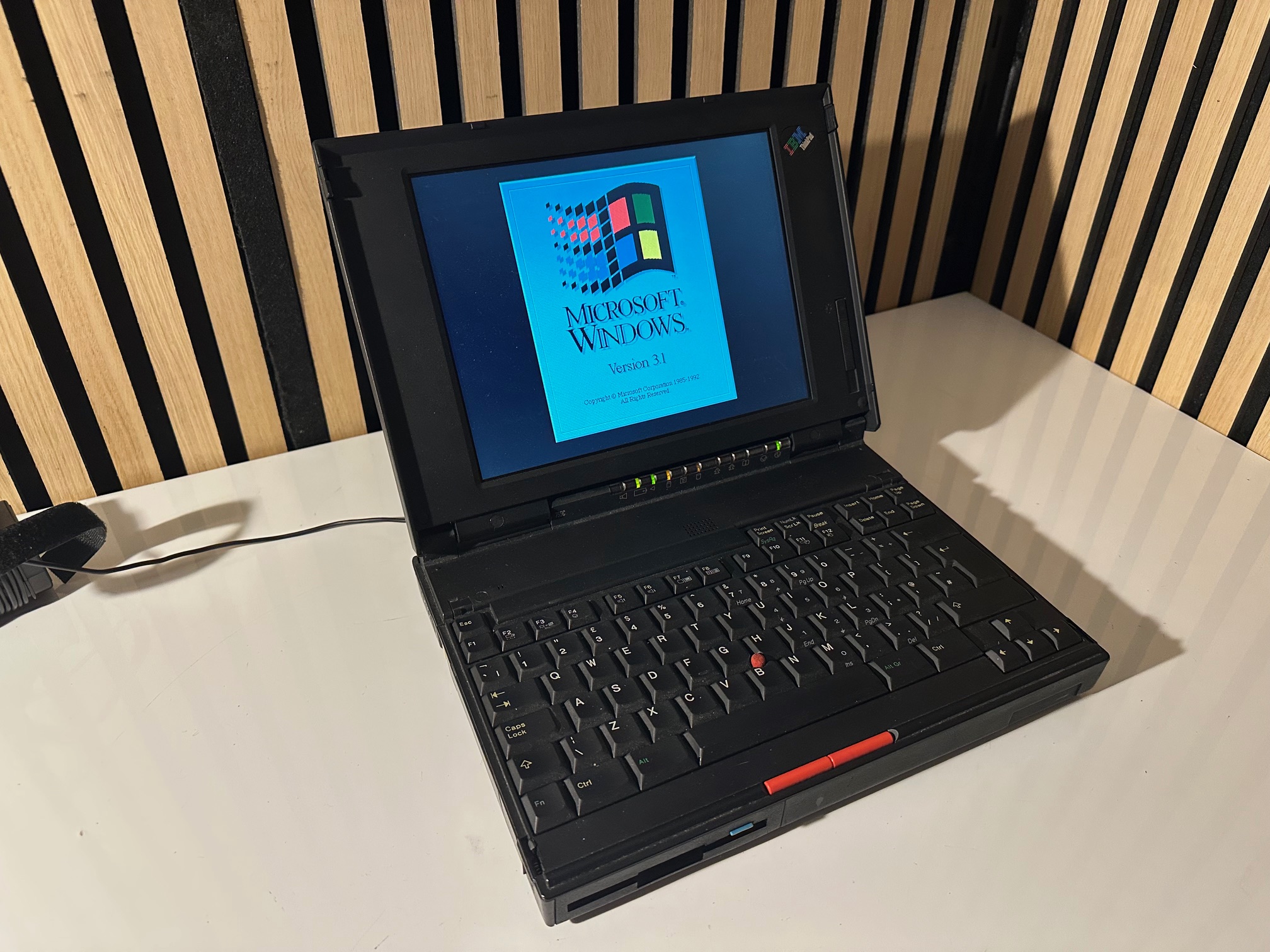
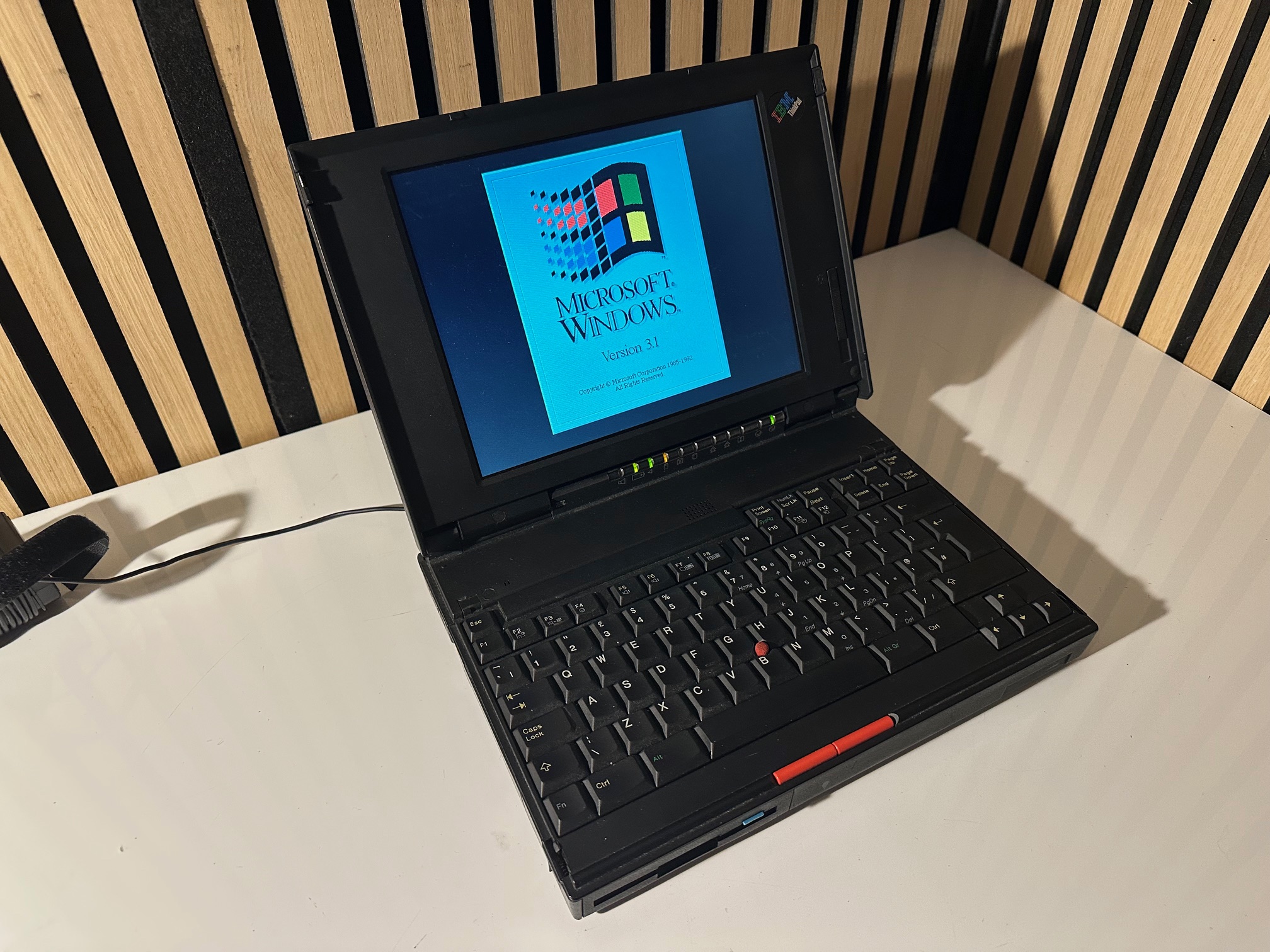
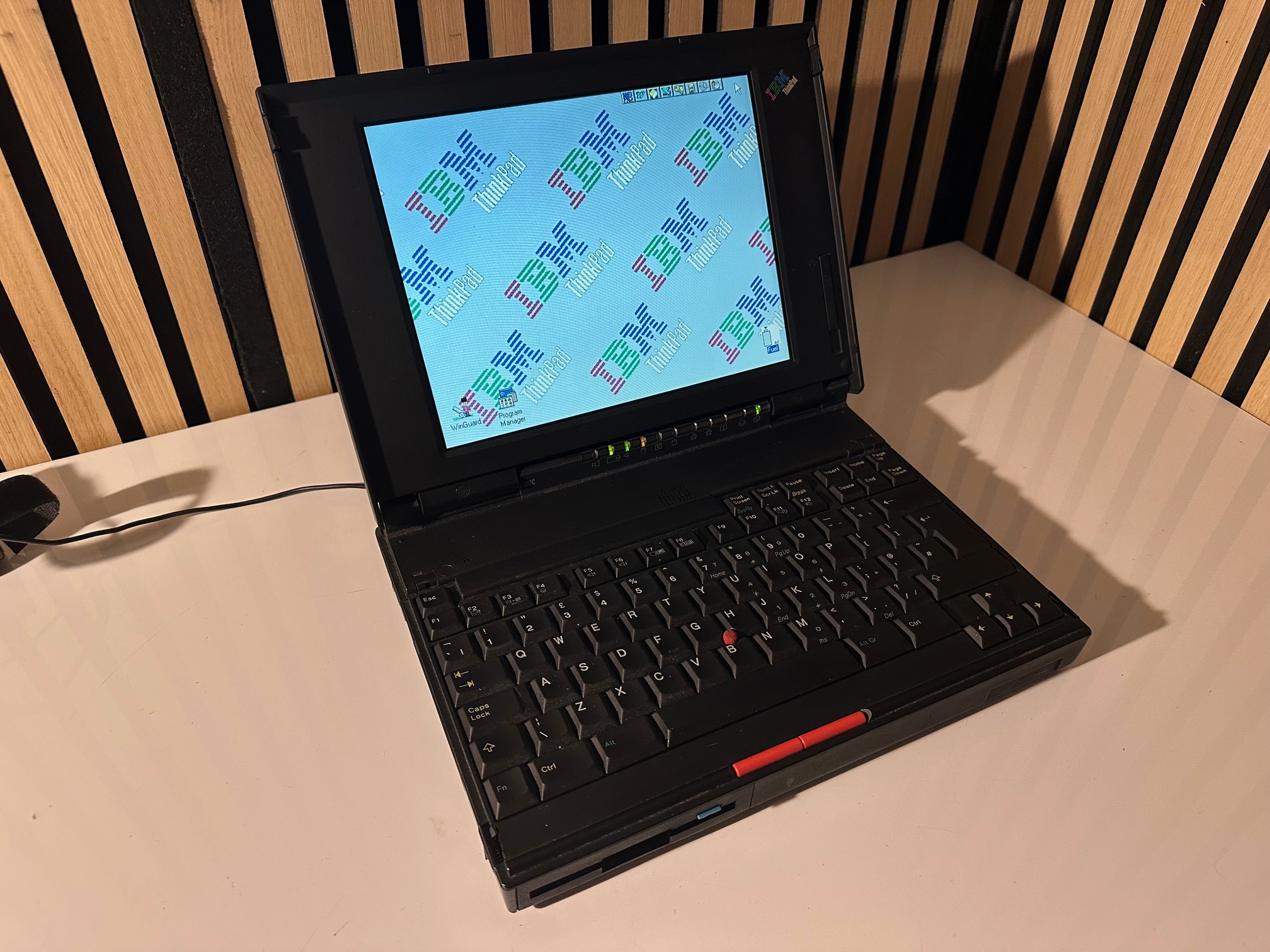
I acquired a foreign (to the UK) IBM Thinkpad 755c. Here are some notes I made considering I spent a few hours today.
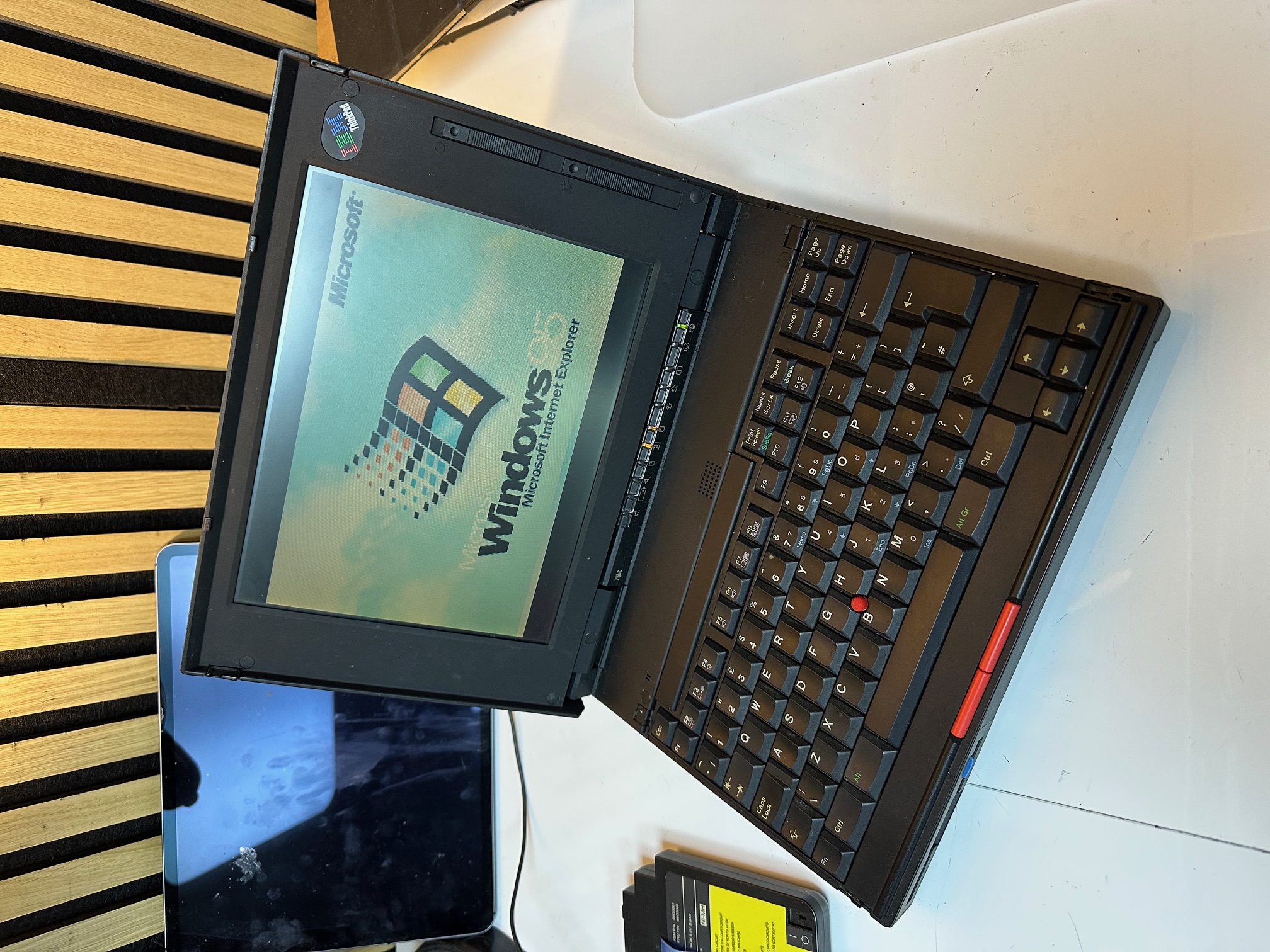
This is a nice example of a 755c, except the true fan will know what's off about it.....
The screen. Whilst the 750c and 755c have very similar displays and lids, the panel from the 750 is completely different,
with a tell-tale 2 sliders on the right, where the top slider doesn't do anything.
The 755C and 755Cs is closer in architecture to the 750-series machines than the later variants of the 755 range, such as the 755CE/CX. You would often assume any 755 has parts interchangable with the other 755 machines but this isn't true. There is not much you can easily swap between the early and late 755 machines.
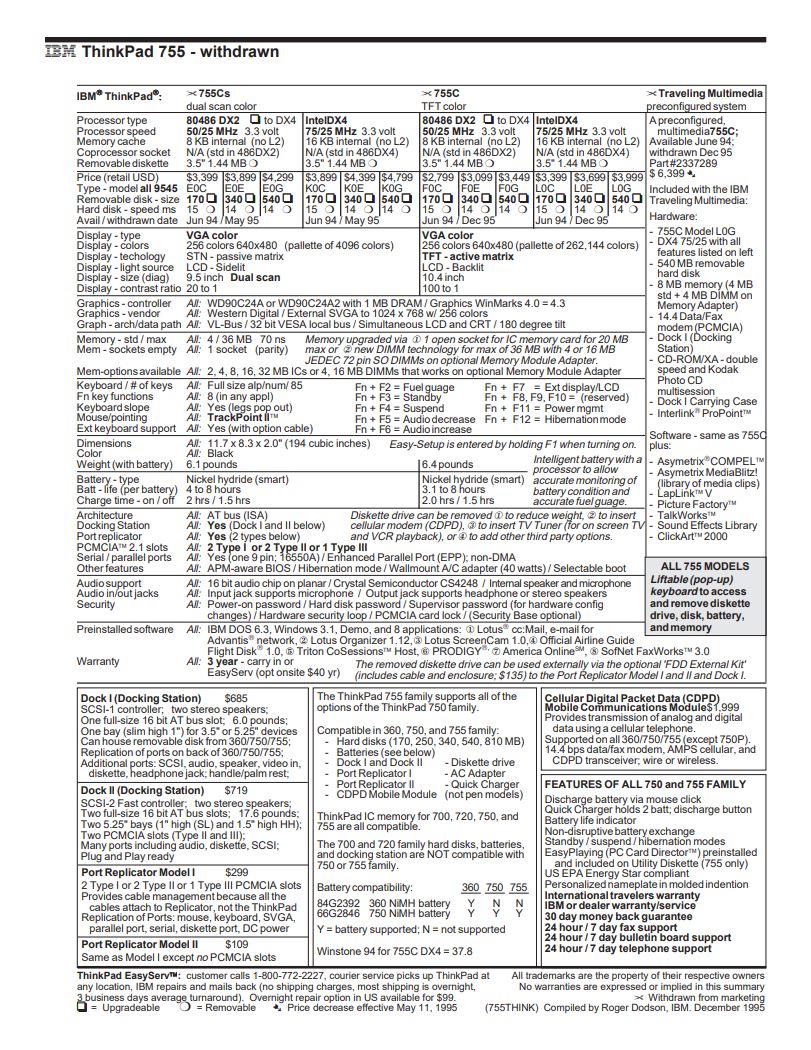
Excerpt from IBM's PSREF document for withdrawn Thinkpads
The most obvious visible differences between the early and later 755 range are:
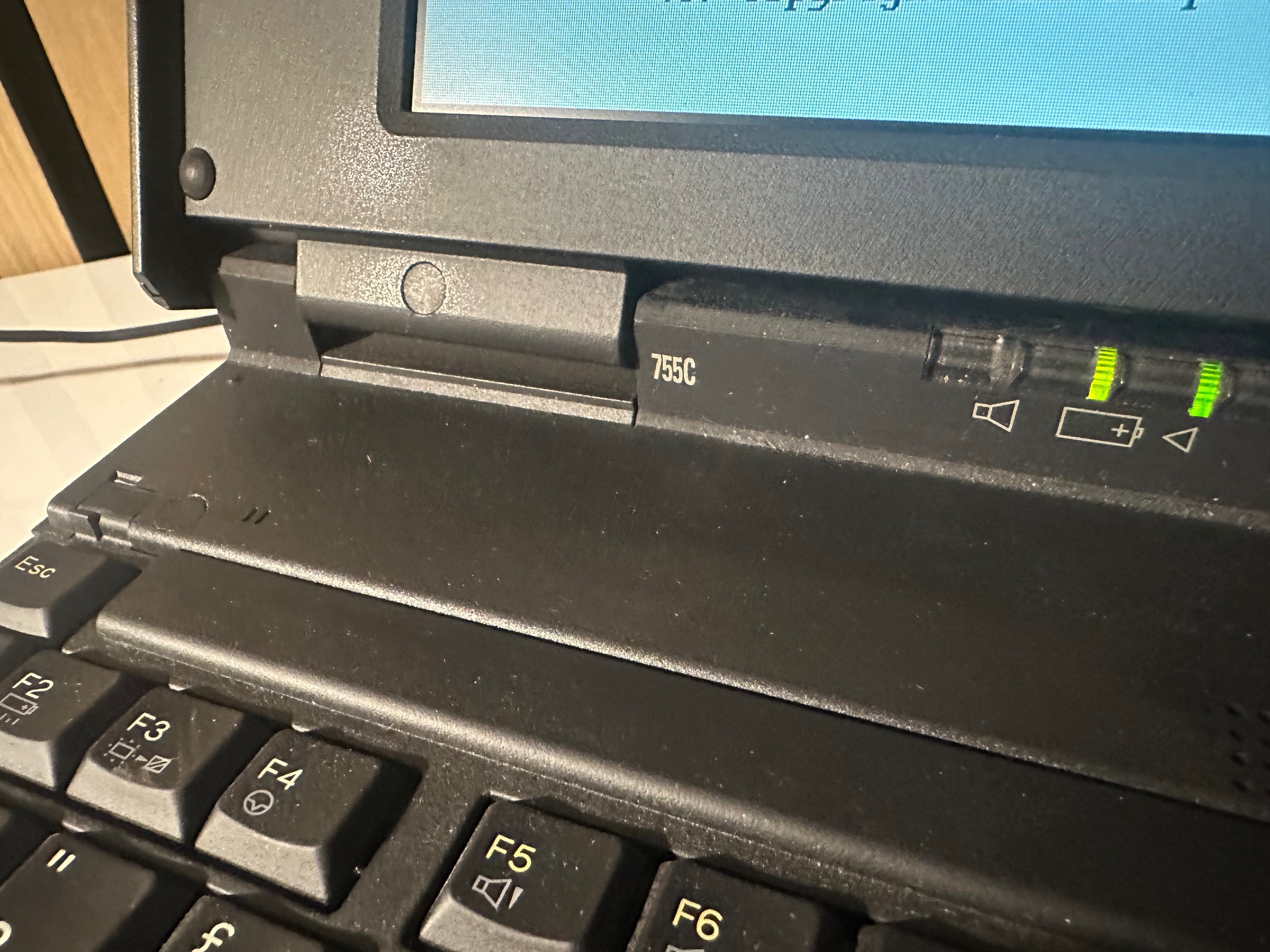
- The early 755 machines have a seperate LED indicator cover, as opposed to the later ones which combine the big flat plastic cover above the hinges with the LED indicator cover.
- The early 755 machines do not have an analogue roller volume control above the keyboard (and have a much smaller speaker inside).
- The early 755 machines do not have a detachable internal RAM daughterboard, underneath the main motherboard, like the later 755 models have.
- The early 755 machines have a pretty mediocre Crystal Audio soundard, whereas the later enhanced models had a Mwave audio soundcard which is far superior.
As covered in a seperate article you can use some parts of the 750 in the early 755 machines - such as the lid with display and it's ribbons is one big switchable part, although many keen eyes would easily spot the later 755 LCD in a 750 machine. The 750's plastic base does not have a removable piece of plastic above the two external audio ports, unlike the 755.
You can also use the plastic base from the 360 on the 755, but it does not have the rubberised coating (which does mean it ages far better) and of course the model number on the base is 2620 rather than the 755's 9545 model designation.
My first machine
The machine was in good working order, once the battery was removed. With the main battery fitted, the status LEDs just flashed you when you pushed the power switch and all went out. This is a common issue with drained Ni-Mh batteries.
Also the CMOS battery was dead, so I used the old one's wiring to swap in a new 2032, to save having to set the time every single cold boot.
It had the base/built-in RAM only, which was 4Mb, so I found an older, parity IC-DRAM card to go in, which was 16Mb, giving a total of 20Mb. Much faster W95.
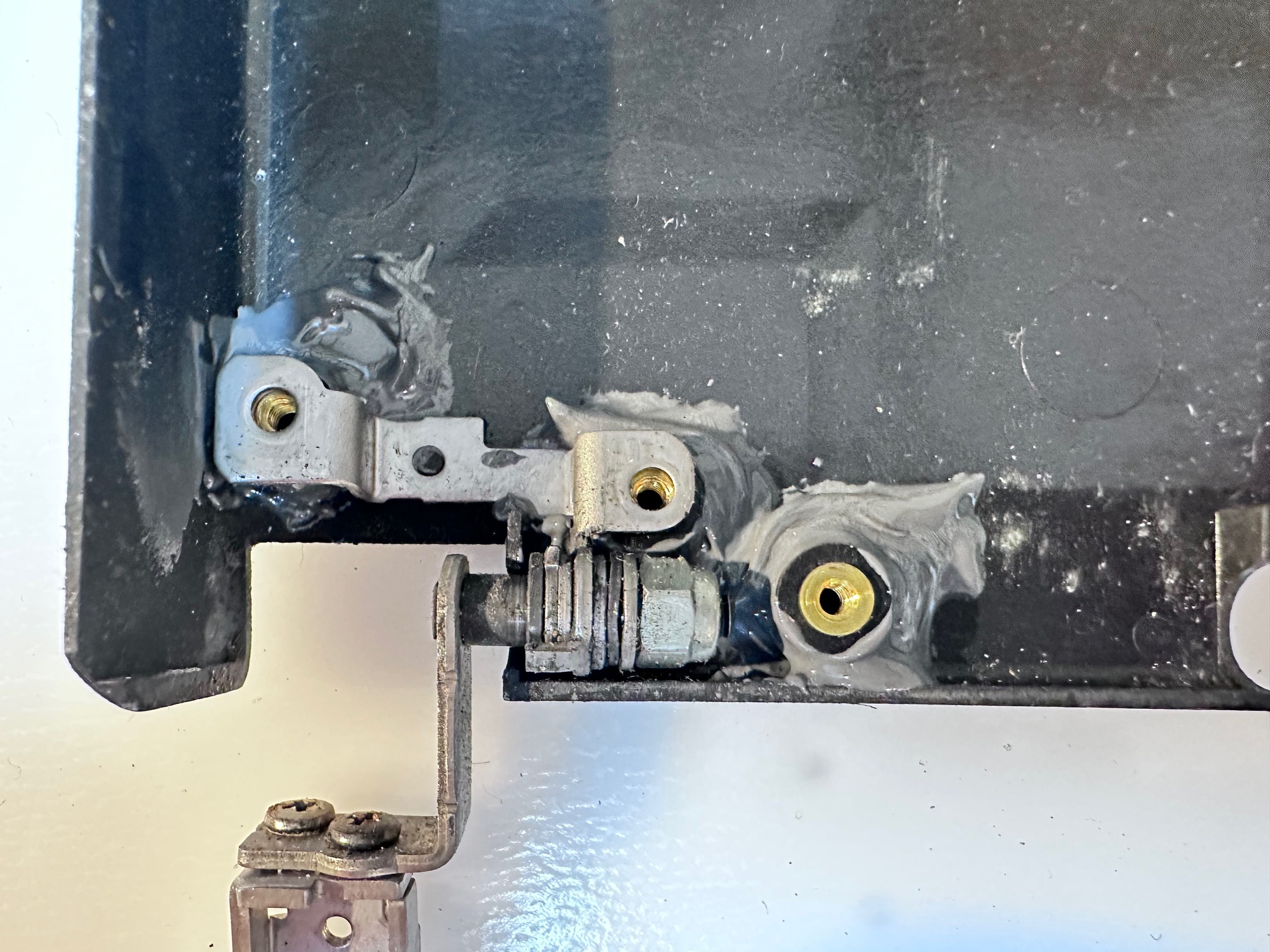
The main issue, which remains is the lid. The hinges are held tight by 3 different screws on each hinge - the middle one on each side screws directly into the lid which is seperate from the front LCD bezel and all the display electronics. Then the outer screw of each hinge passed all the way from the front LCD bezel, through the hinge to the lid and the inside screw the same (but along the bottom of the bezel). This means that when you lift the lid, those 2 inner and 2 outer screws passing front to back, through the hinge are doing a lot of the structural support heavy lifting.
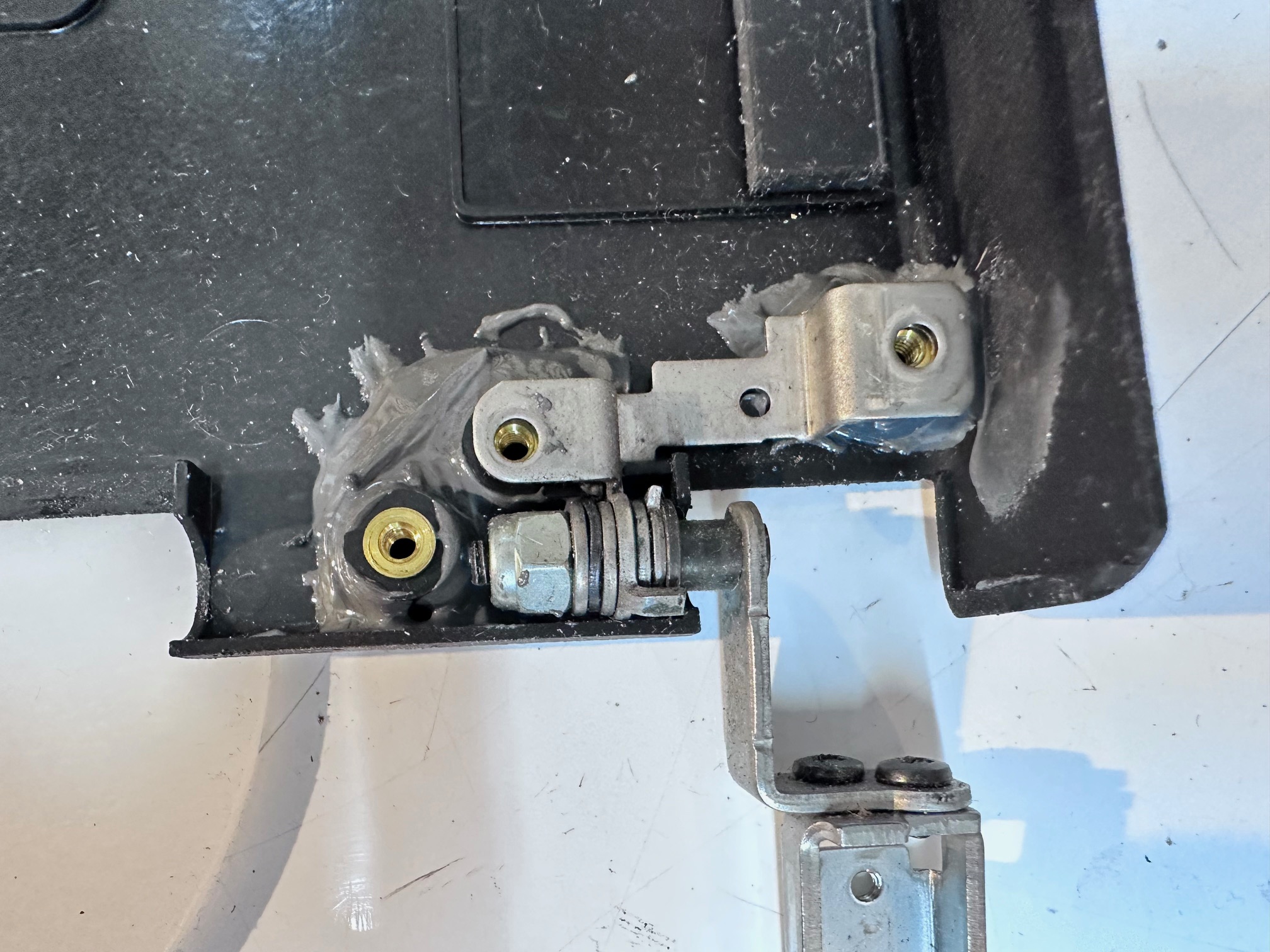
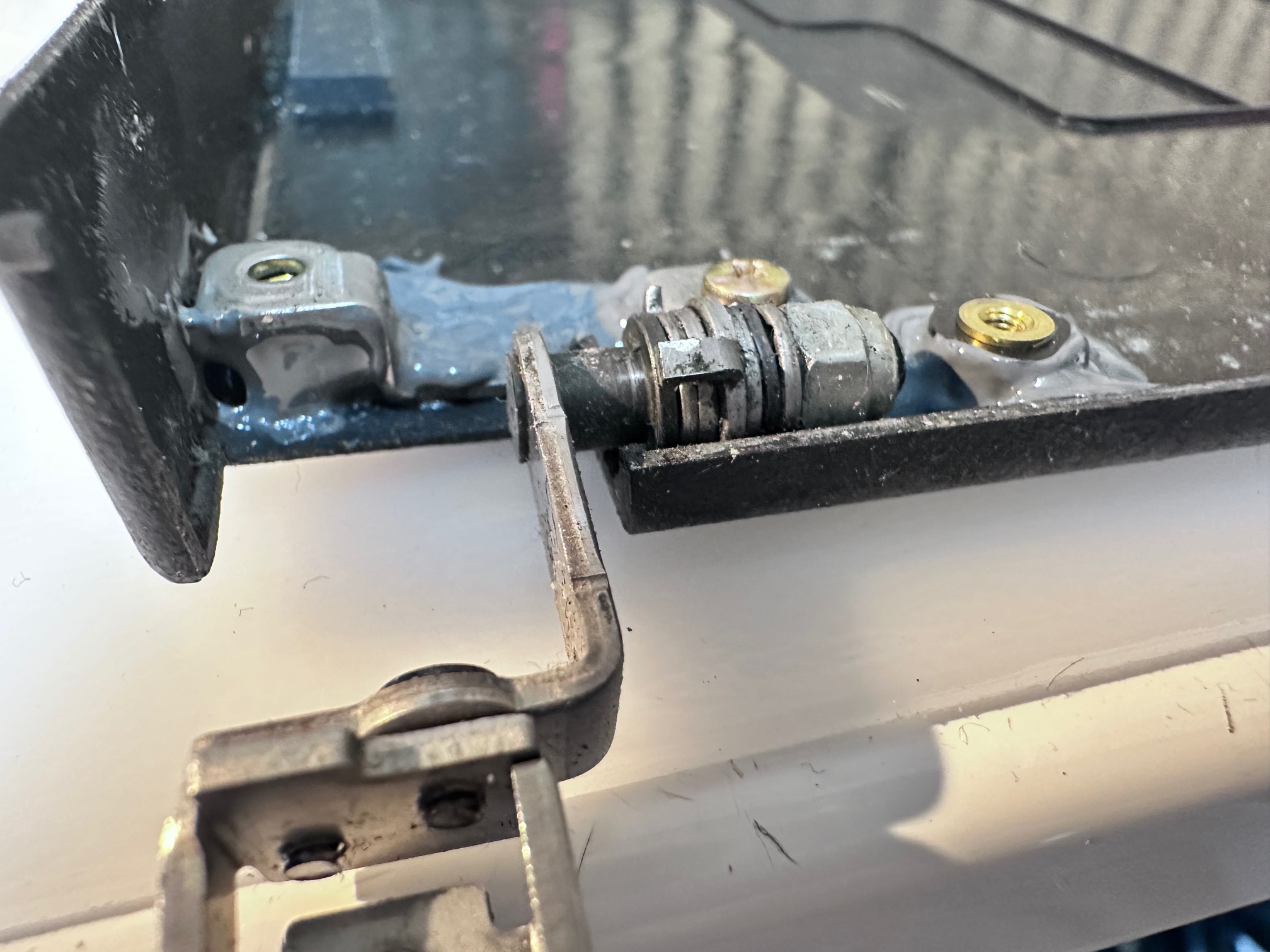
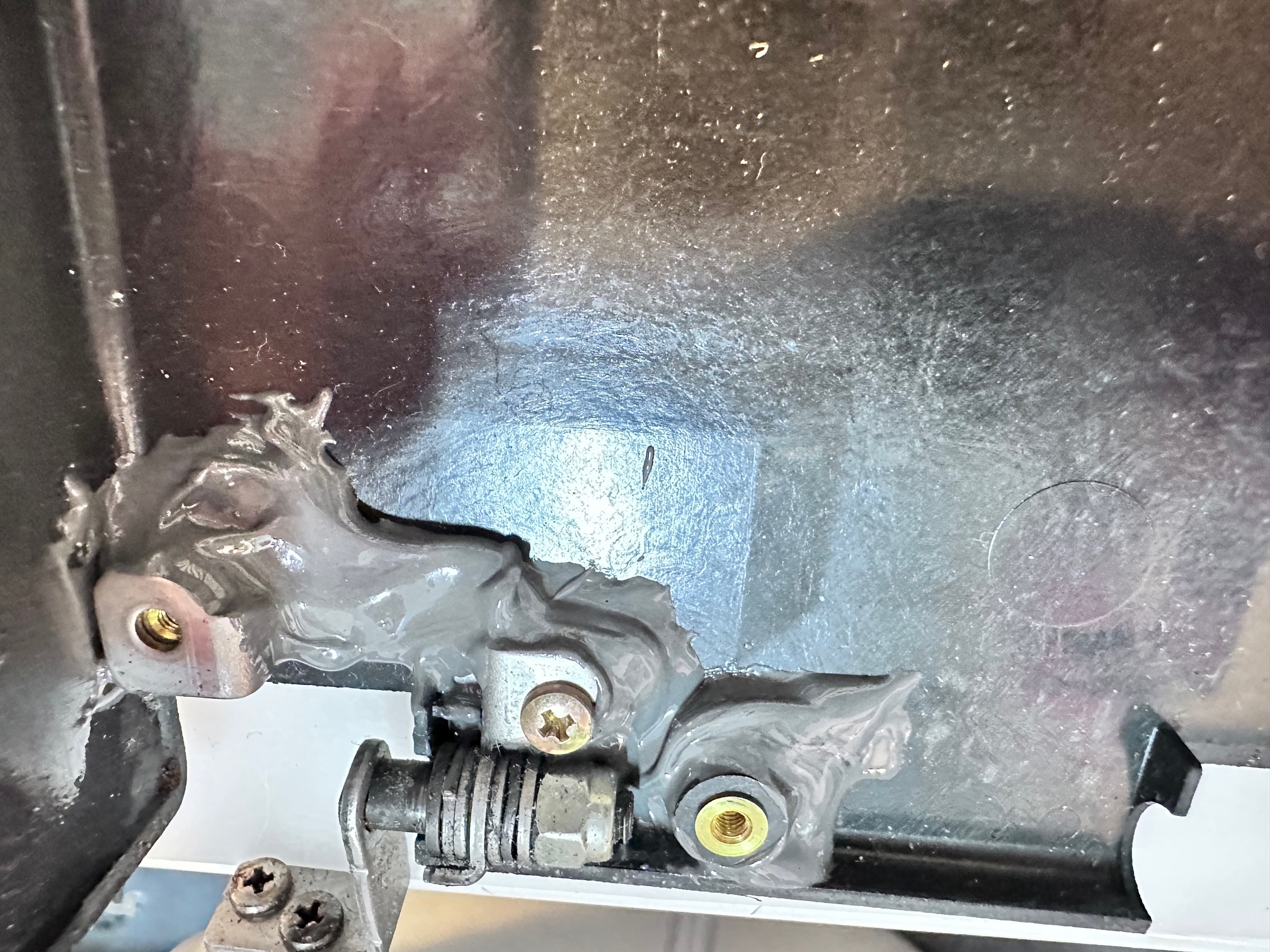
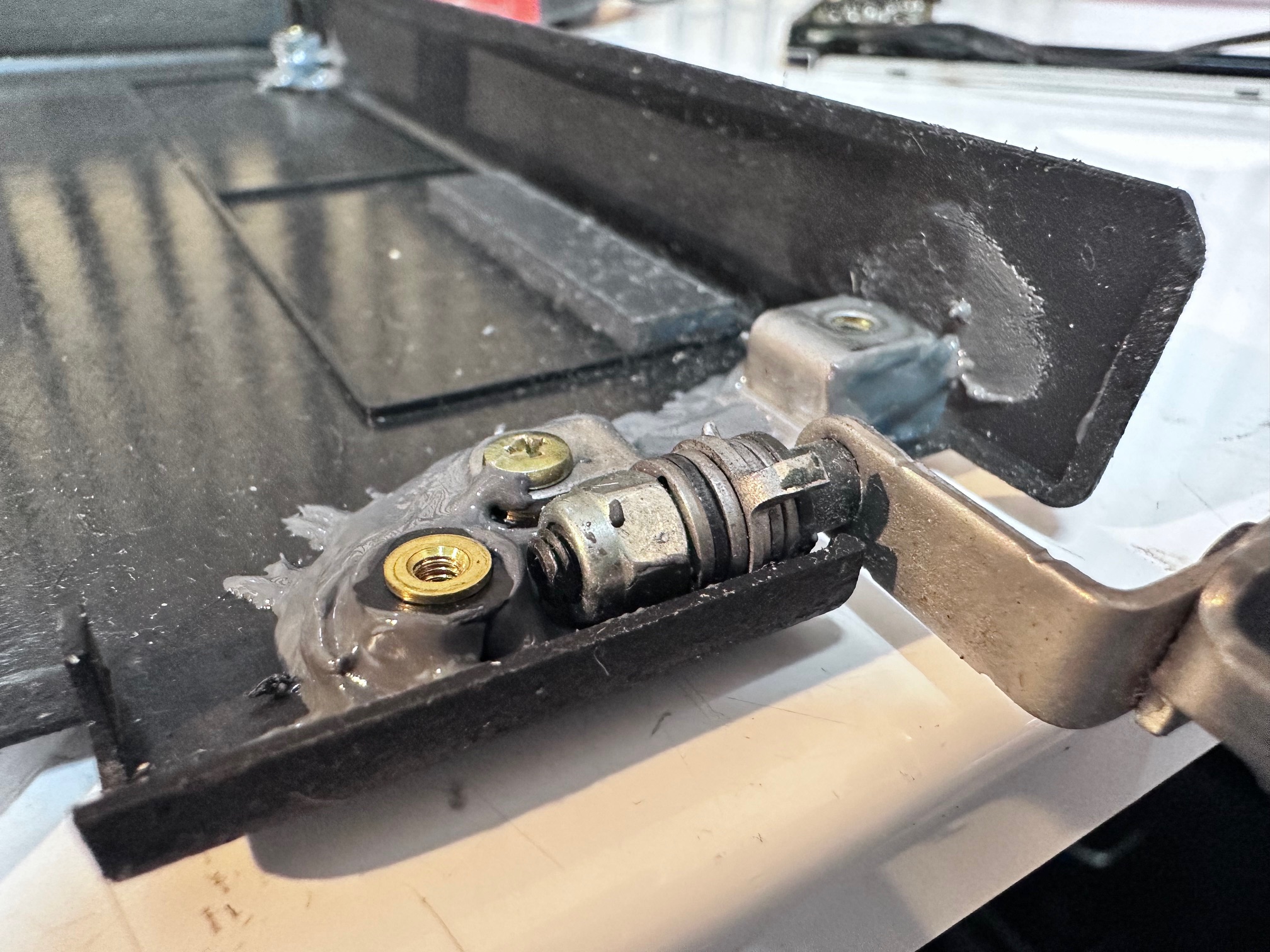
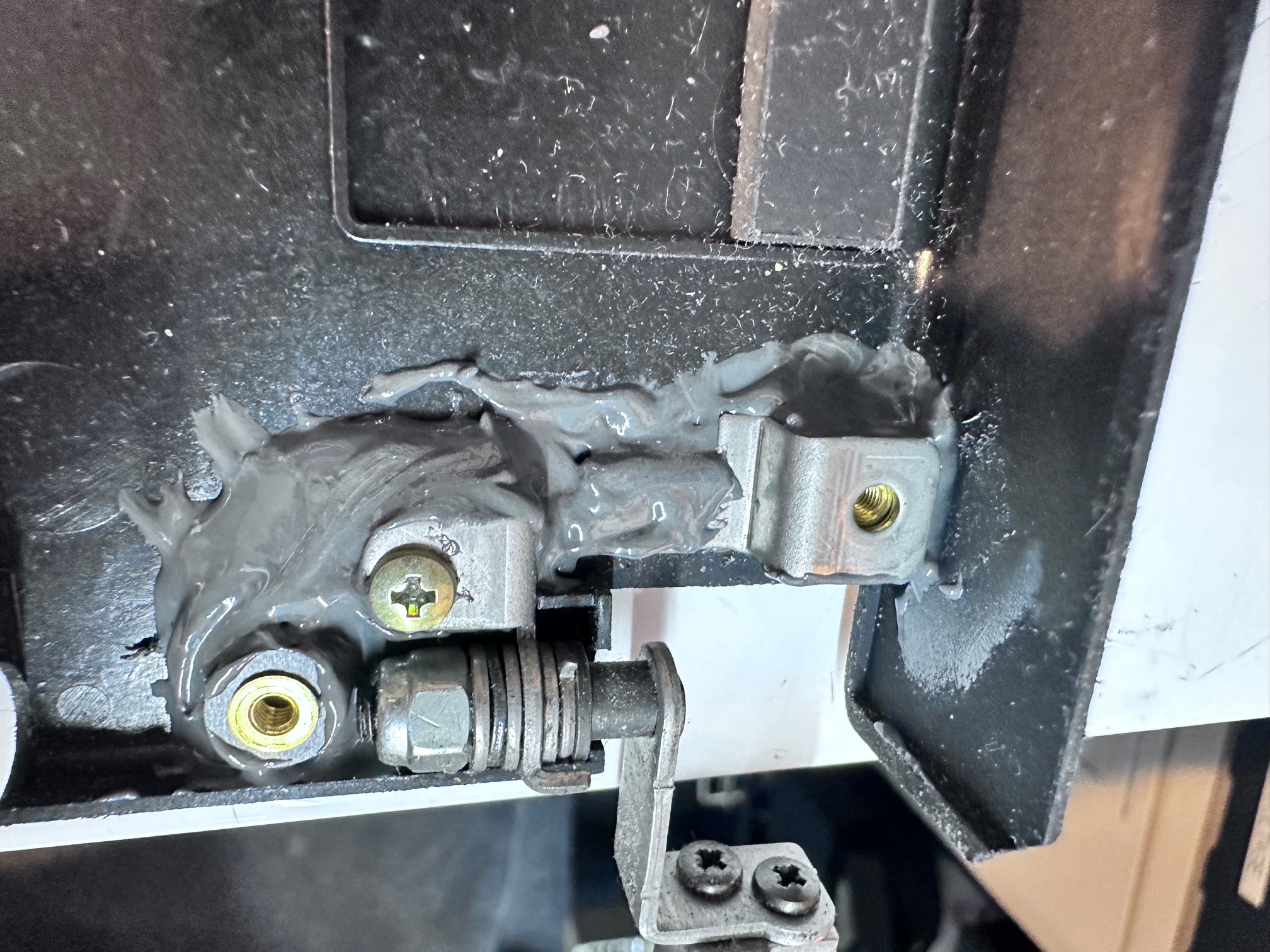
I had two issues - on the left/bottom of my lid, the brass, threaded screw supports had come out of their circular bases in the lid. I superglued these back in position but failed to notice that on the LCD bezel, each of those 4 screw holes obviously has an inner, sunken ring for the screw to bolt-down onto, to secure it's tightness to the lid. The far left one has long since snapped off and gone, so after putting it all back together, whilst I have improved the integrity of my lid, by re-gluing the supports, I'm still down to 75% tightness because my front/left screw isn't bolted tight against anything in the bezel. This means that my left side of the lid is floppy and loose.
I have several 755CX lids and whilst I know the ribbon cables are different, I have not tried swapping the front LCD bezel around, which I may try next.
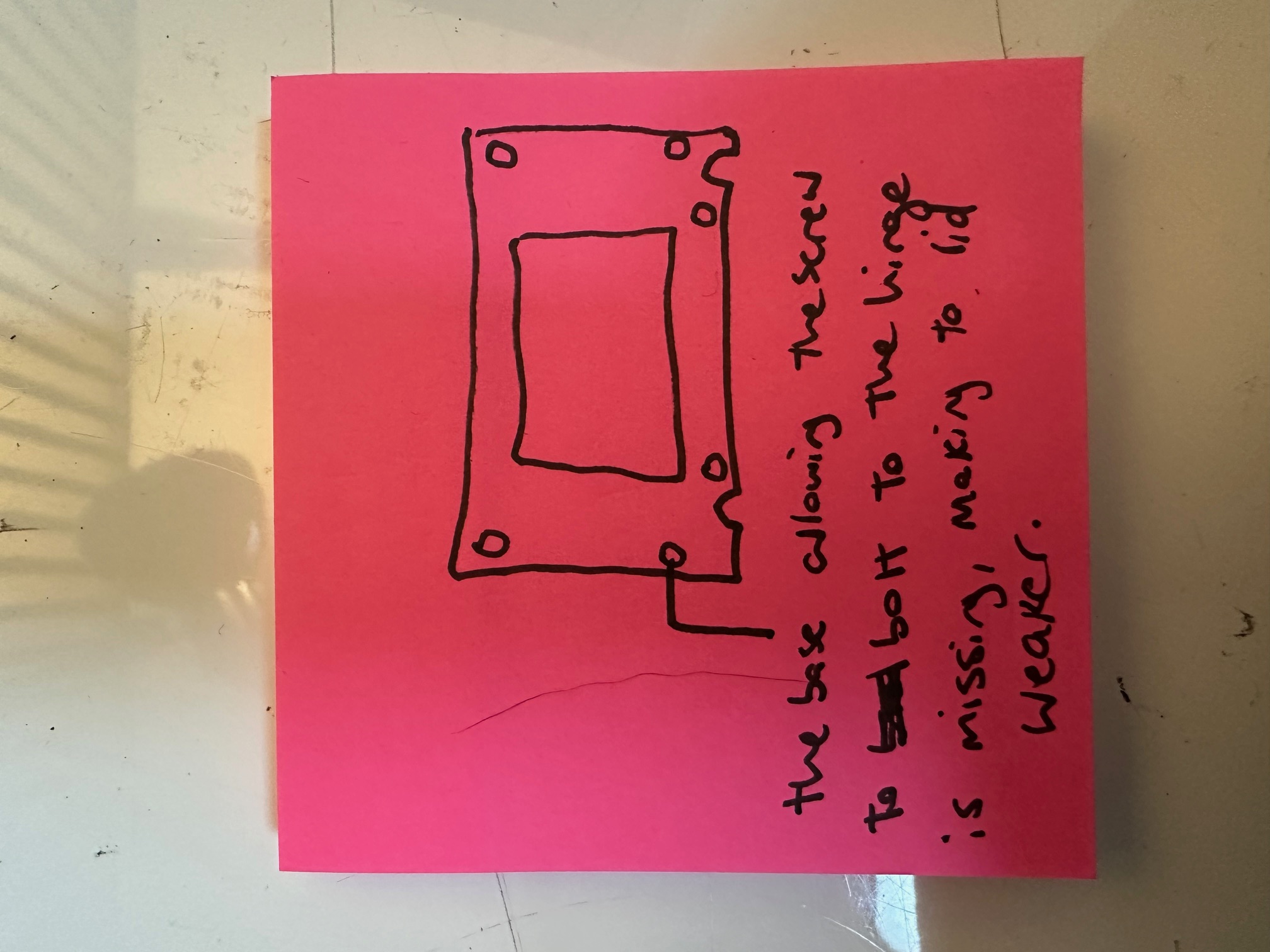
You could say this was disappointing but at least I know what to do next!
Whilst the lid was off, I investigated the capacitor situation within the LCD assembley. The 755c has 3 different PCBs within which each have their own capacitors.
This is the rear of the assembly, removed from the LCD bezel:
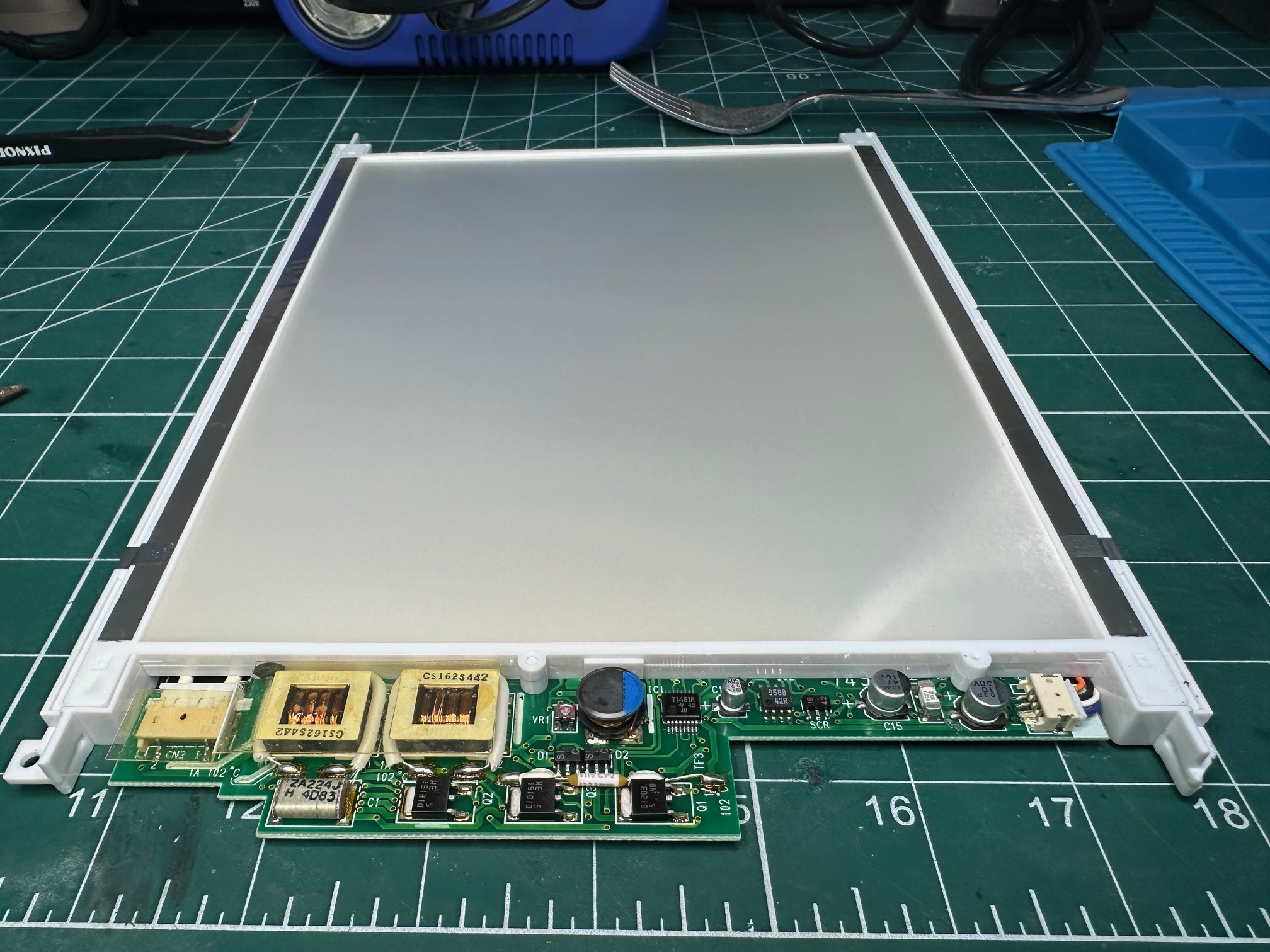
First we have the PCB which is attached to the large white backing and CCFL lighting which has 3 surface mounted caps. 2 of the 3 had leaked and had crustyness all around their bases. This is before:#
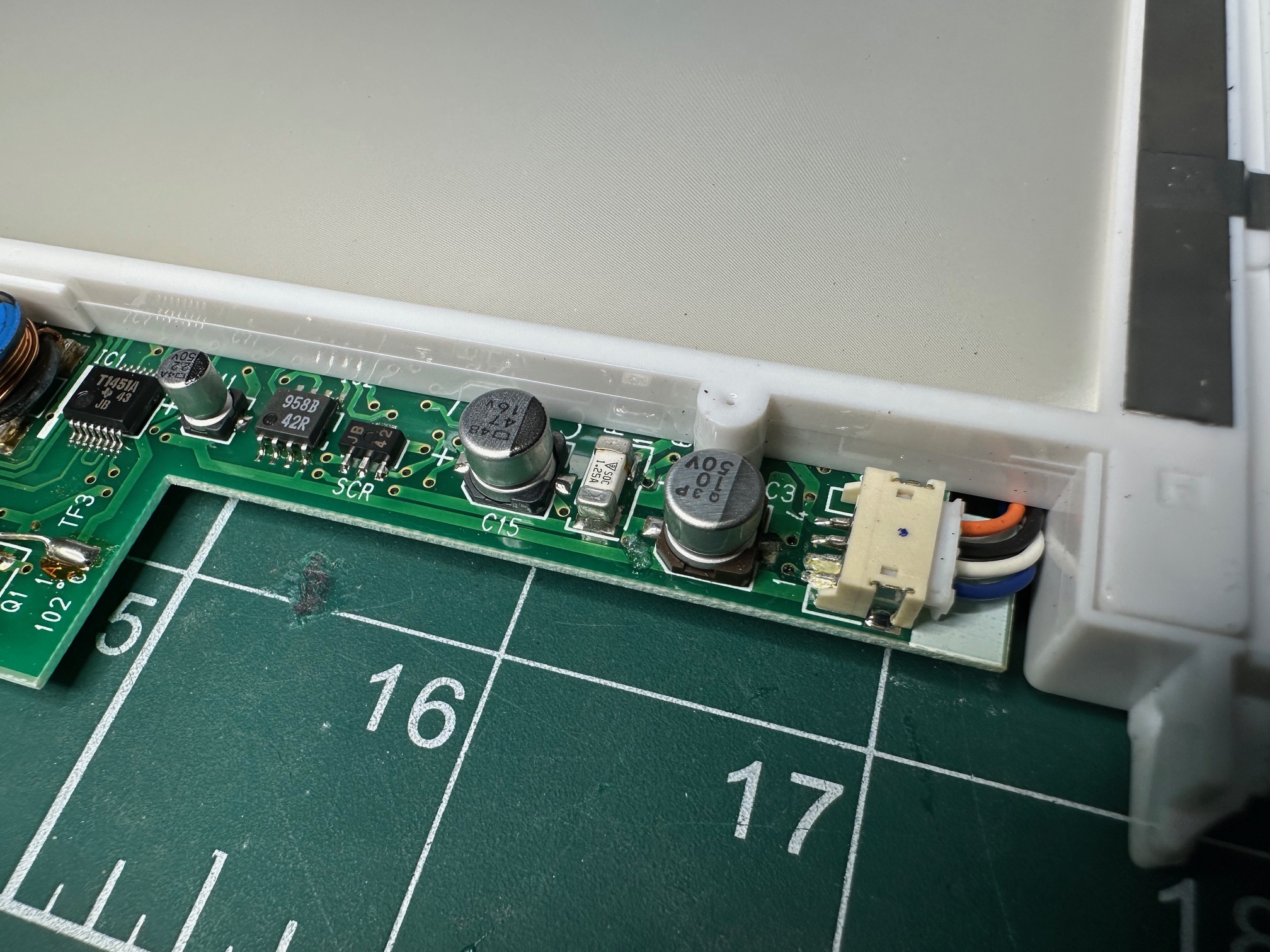
And this is after:

The small board which connects to the thin display ribbon has a single surface mounted electrolytic:
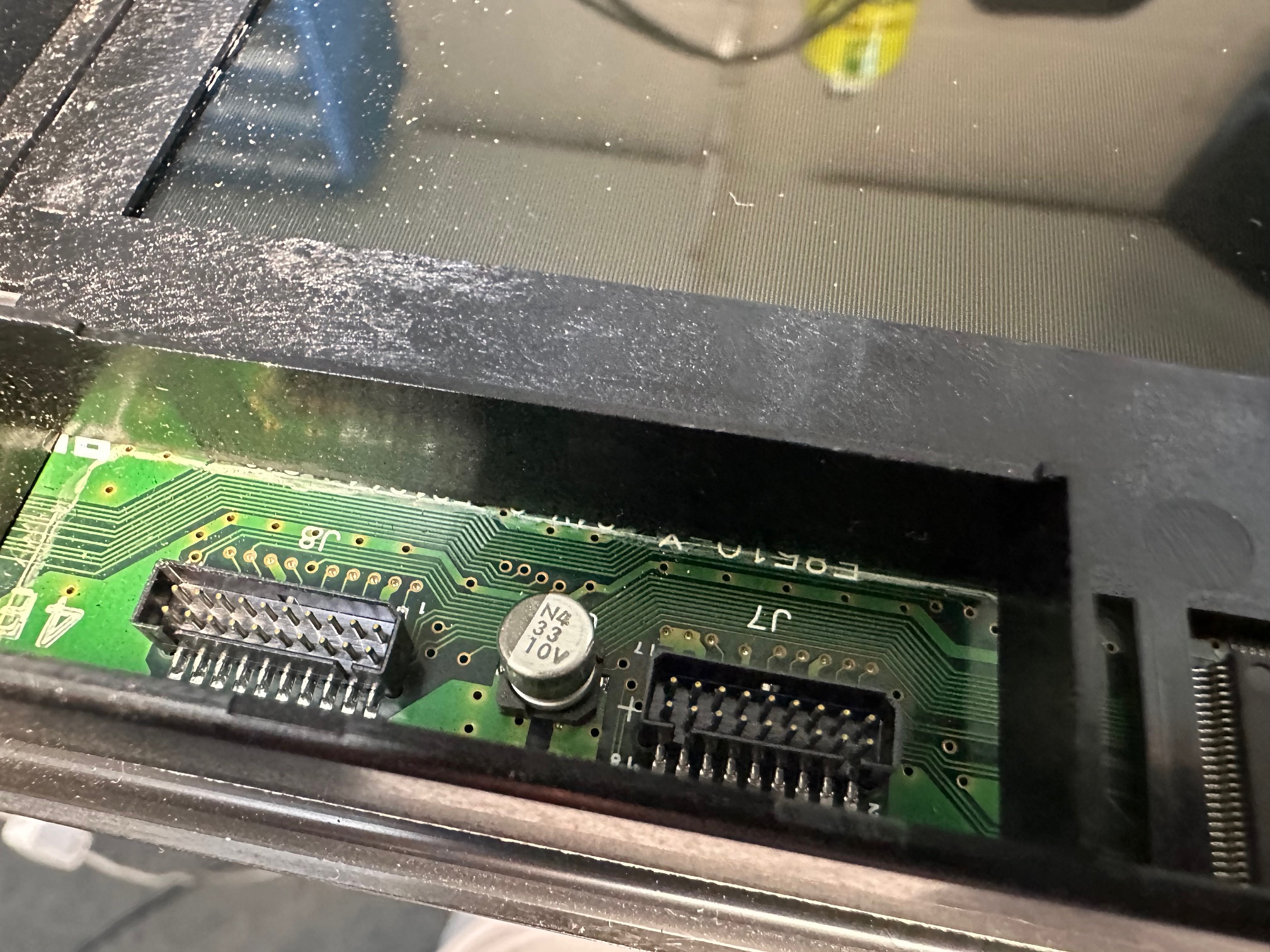
And finally, the inverter, with the brightness and contrast controls, which is connected in the middle to another PCB has the most leaking caps:
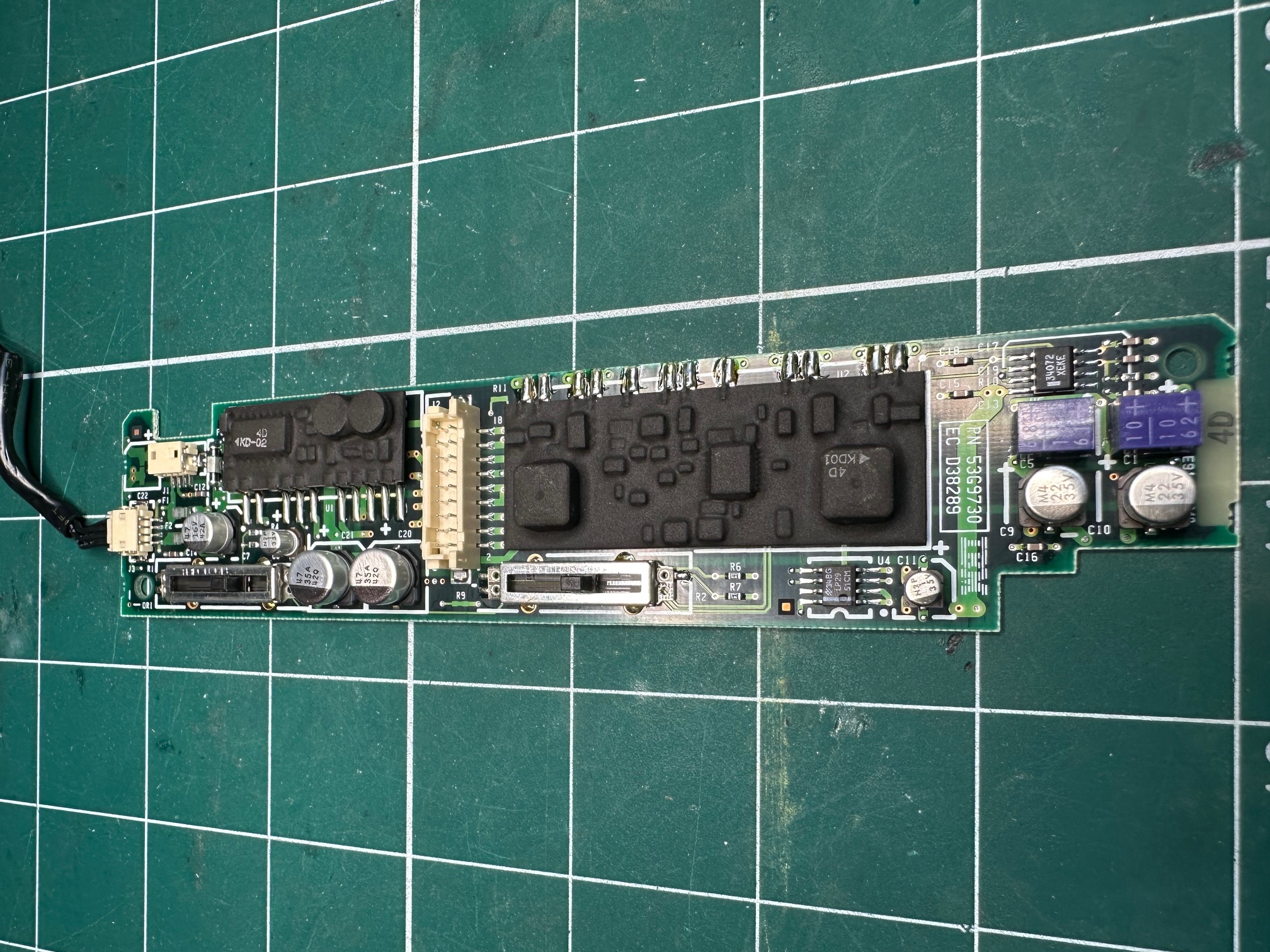
I replaced all my caps with solid ceramics or tantalums with no problem. Where possible I tried to keep the values as close as possible. Worth noting those two purple blocks are also electrolytic capacitors which are side-mounted.
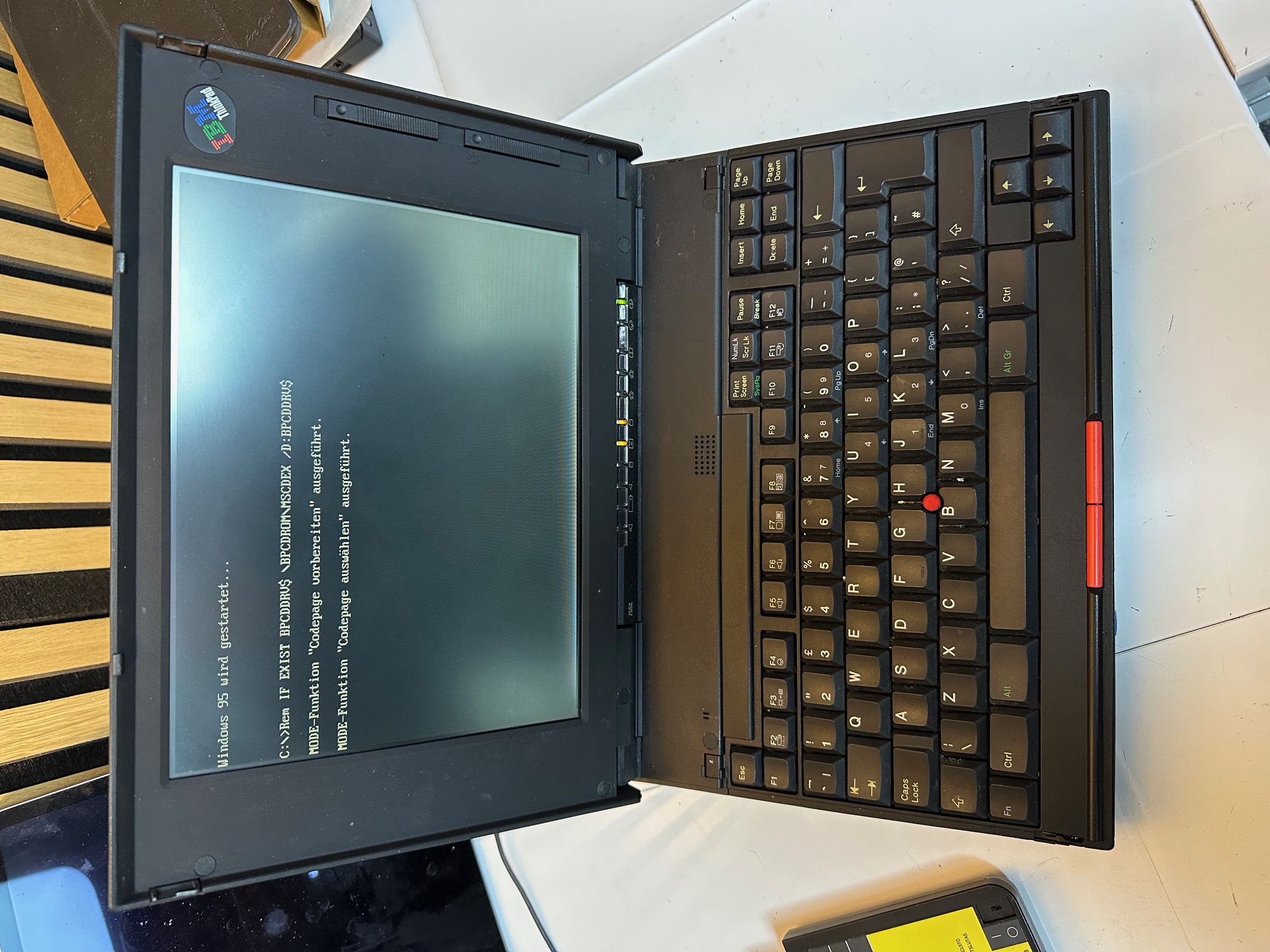
Reinforcing Hinge Bases
I had some fun reinforcing the standoffs, within the machine's lid which frequenctly succumb to 30 years usage:
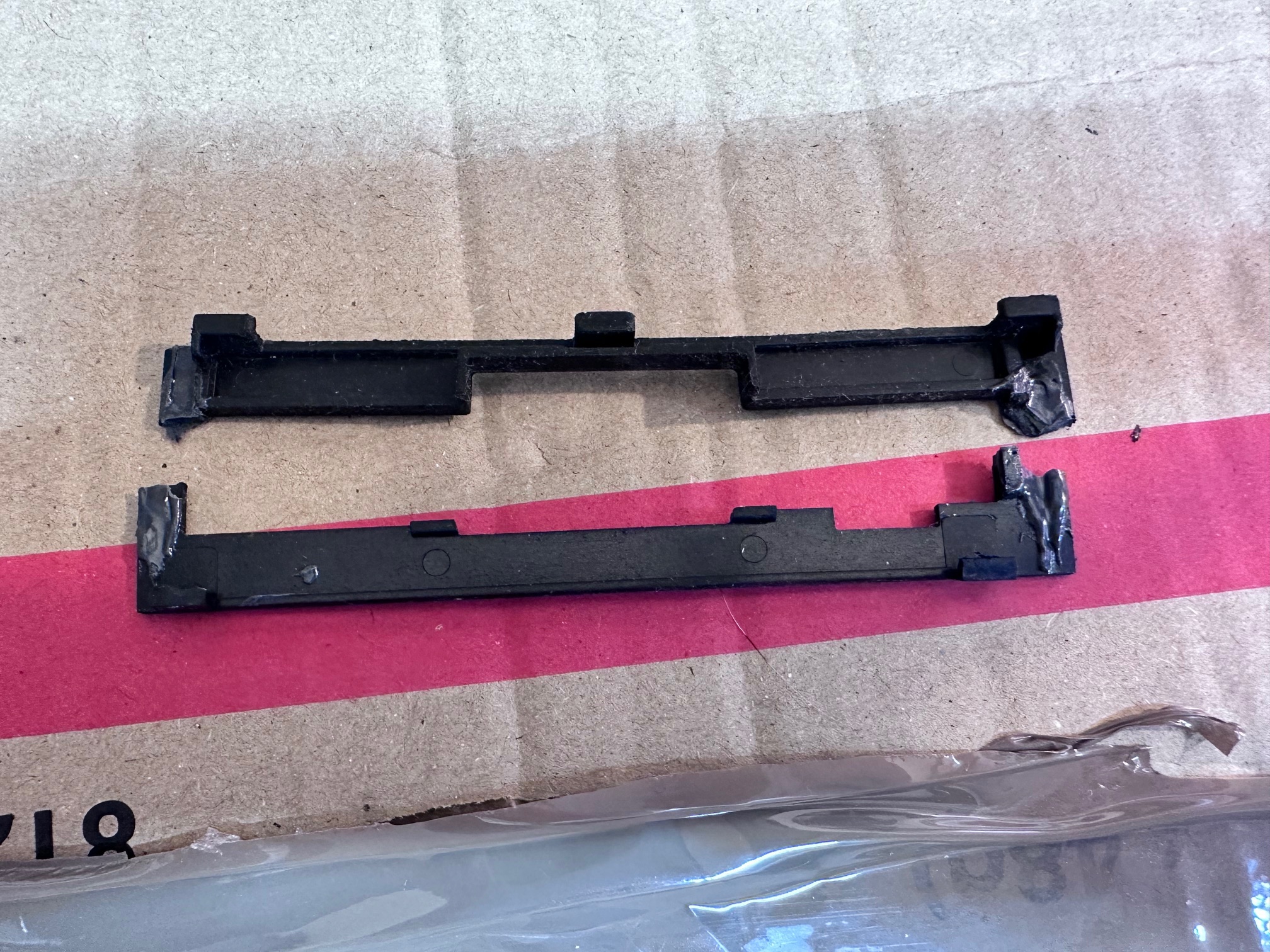
Finally, This one had a german keyboard and both the plastic tabs which hold it down to the base had snapped and long lost (as they often do). The keyboard generally still holds fast, but I did have a spare UK one which still had a damaged left side but good right side (and correct keyboard layout for me), so i swapped it in.
Dismantling
To dismantle the 755c is simple when you know how....
First remove the two black circles either side of the keyboard lift hinges and then remove the 2 screws underneath:
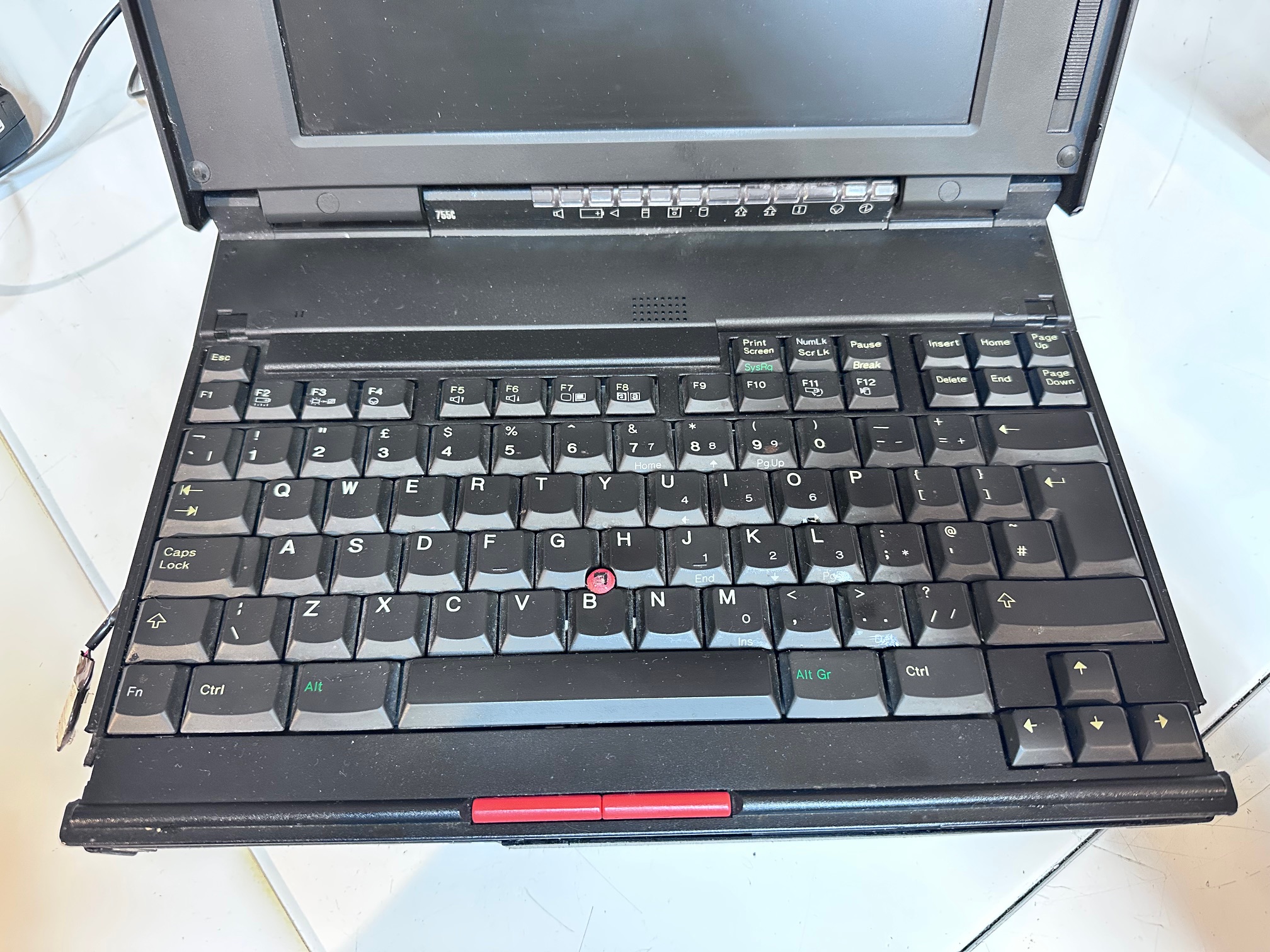
Then push a blade of spudger into either end of that black panel of plastic above the keyboard to help it push up
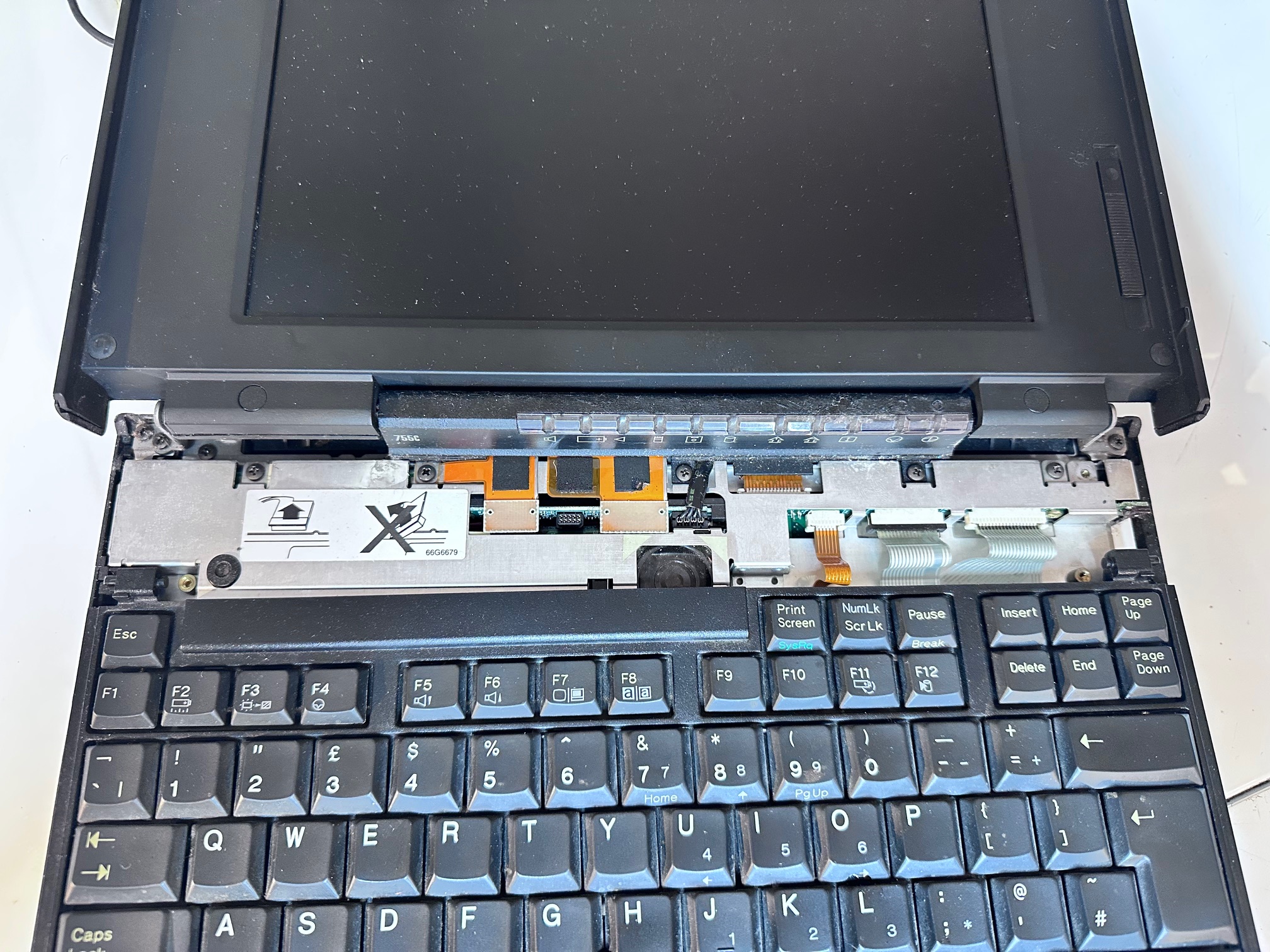
Unscrew the hinge cover on right and emove hinge cover on left.
Release 3 ribbons to remove the keyboard:
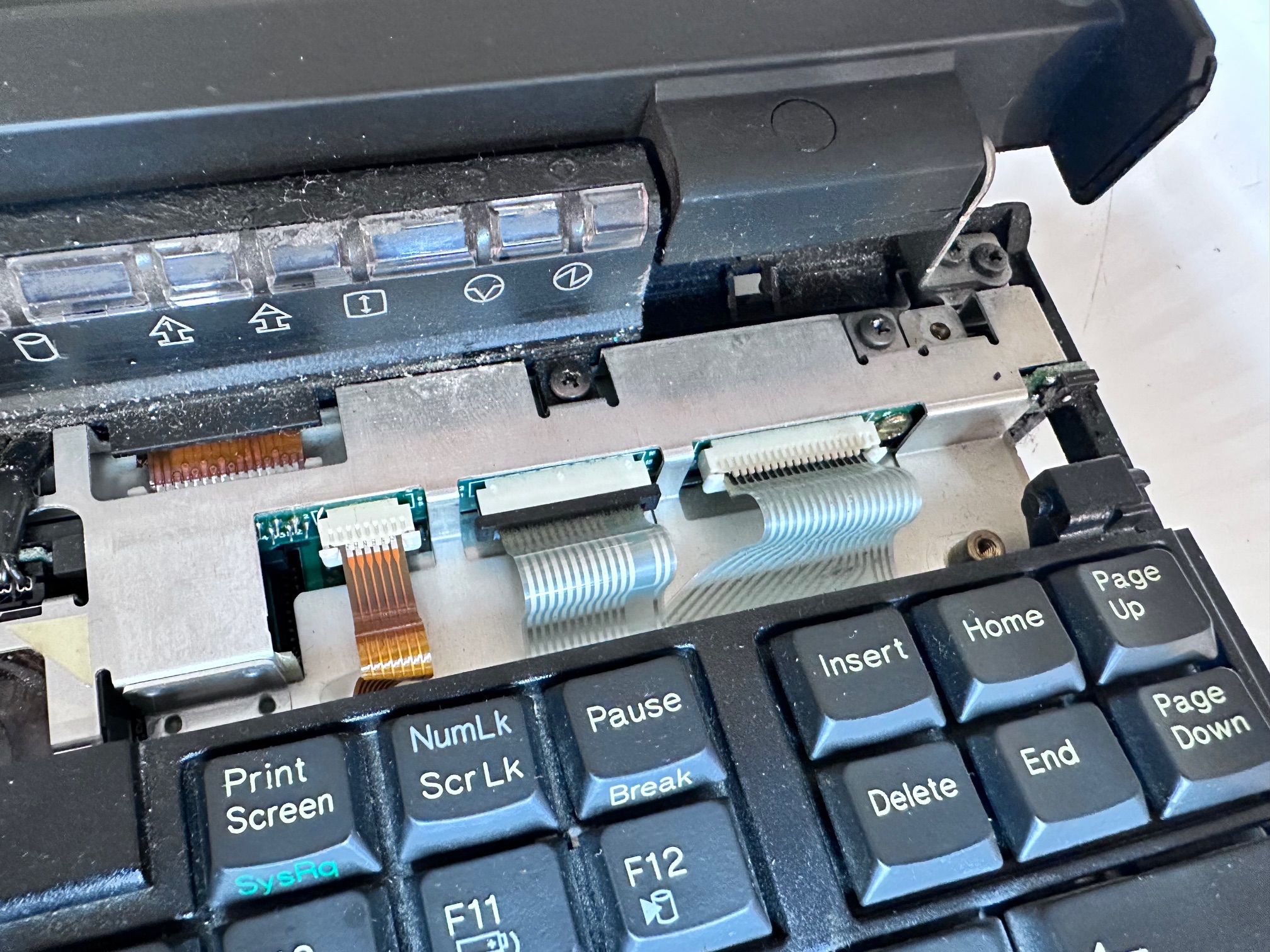
Unscrew the 3 screws holding down the LED bezel
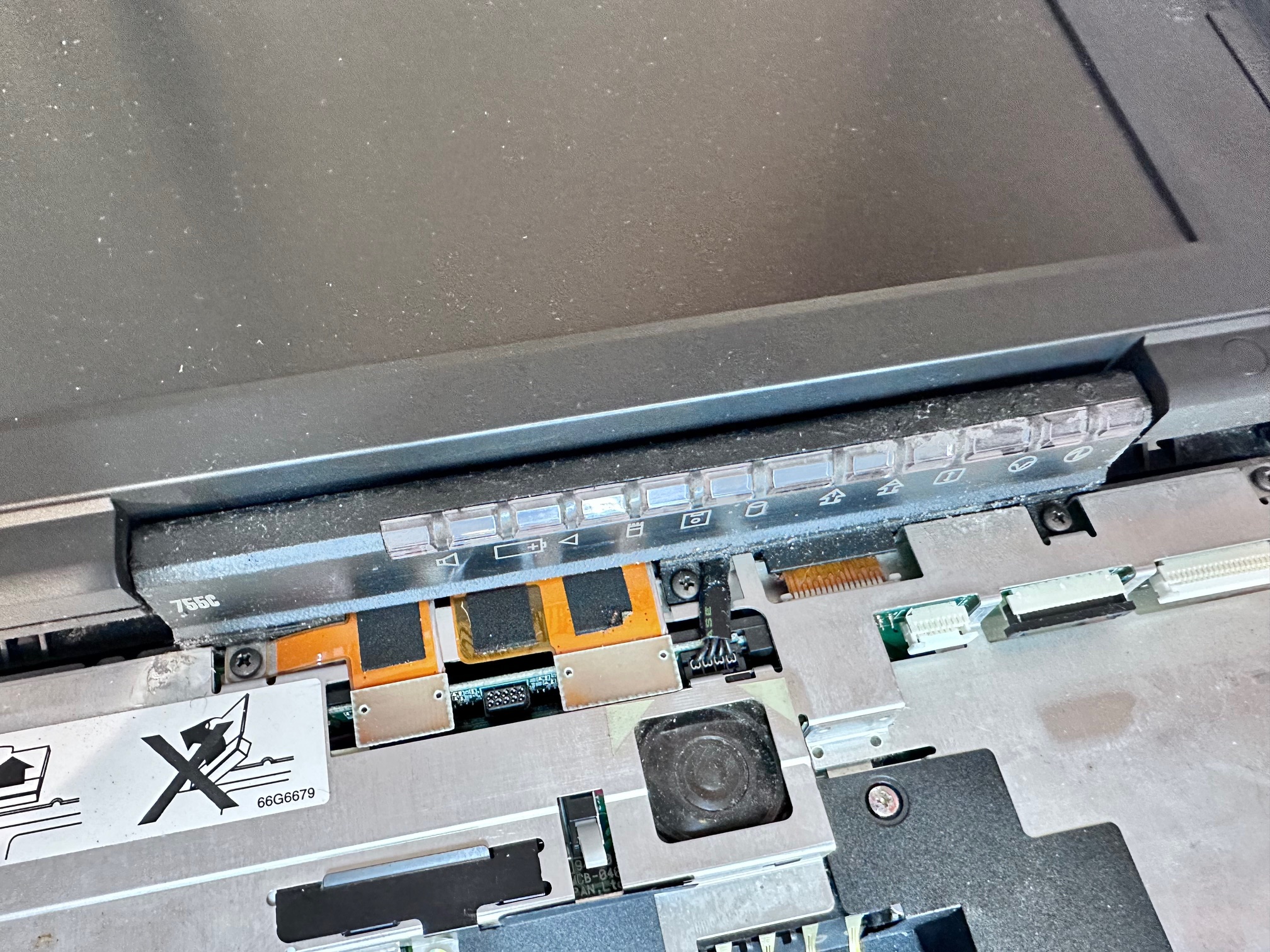
The LED bezel has to be thumb-pushed from the back and a small piece of plastic pushed free from the front-left to release it and then you must release it's ribbon cable underneath.
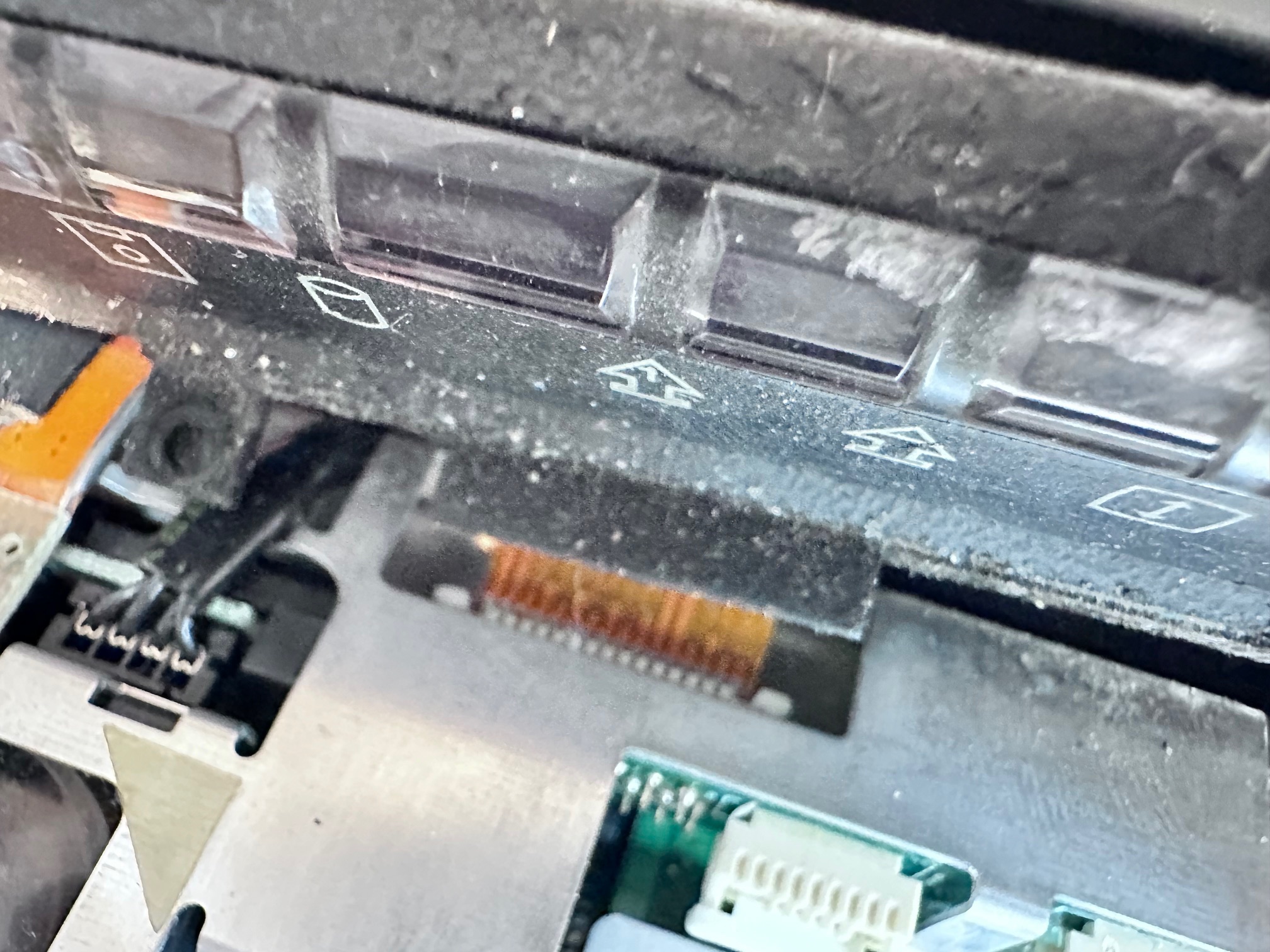
Unscrew both hinge screws from both sides
Remove the screw in the base
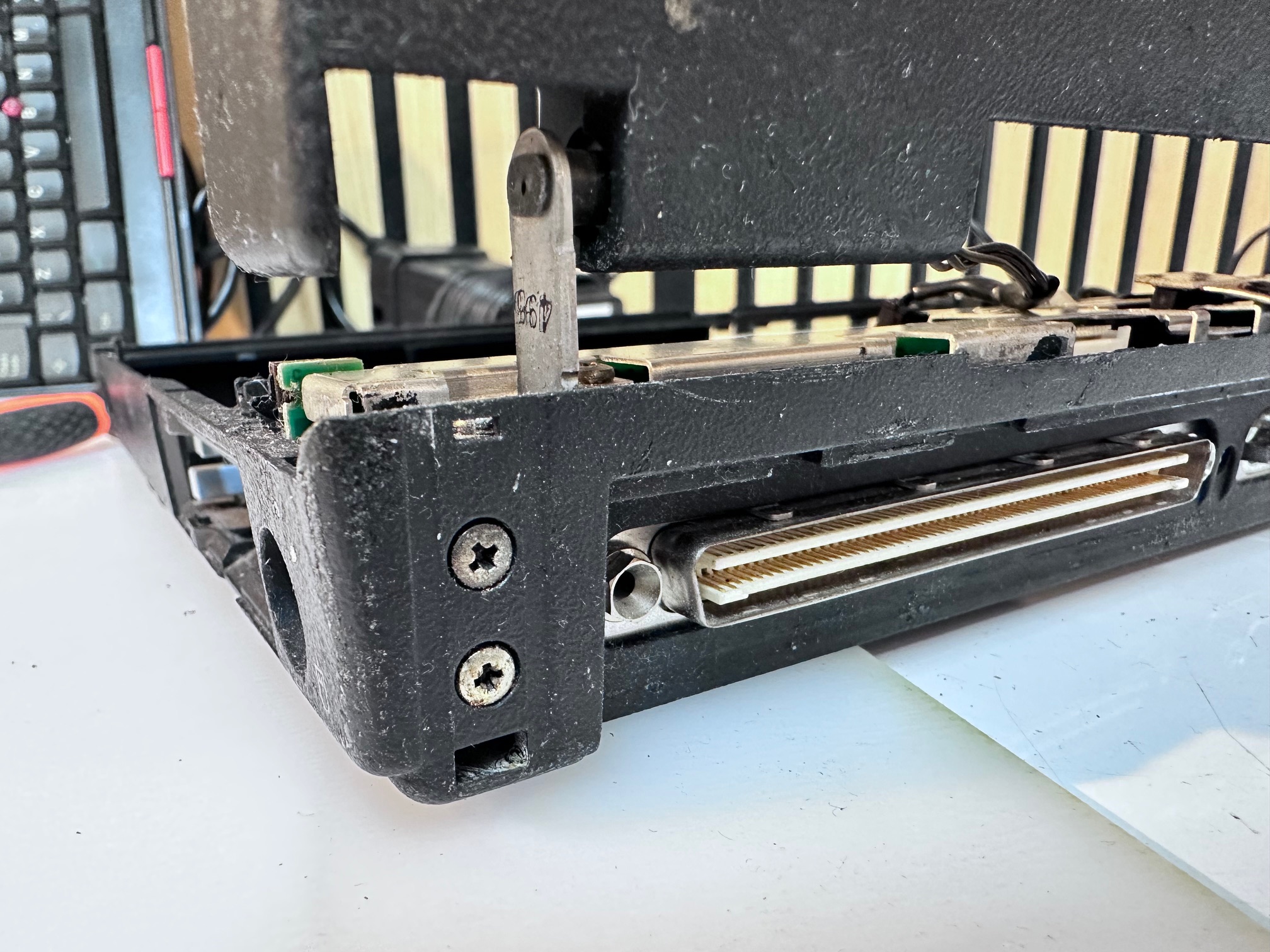
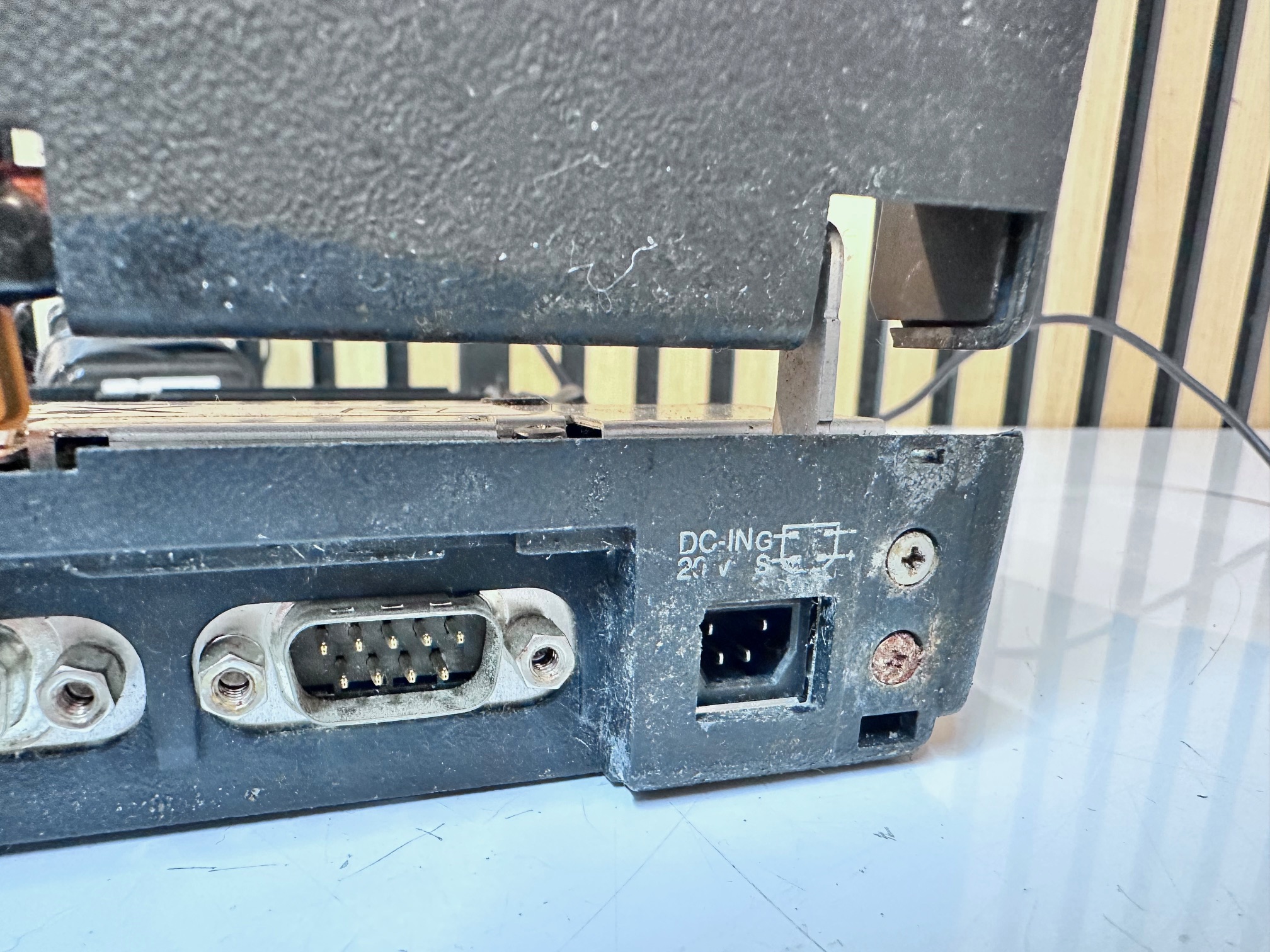
Around the motherboard, remove
- 2 screws either side of floppy connector
- 2 long brass screws in the centre, above battery
- 2 screws either side of HDD
- 4 screws along the back
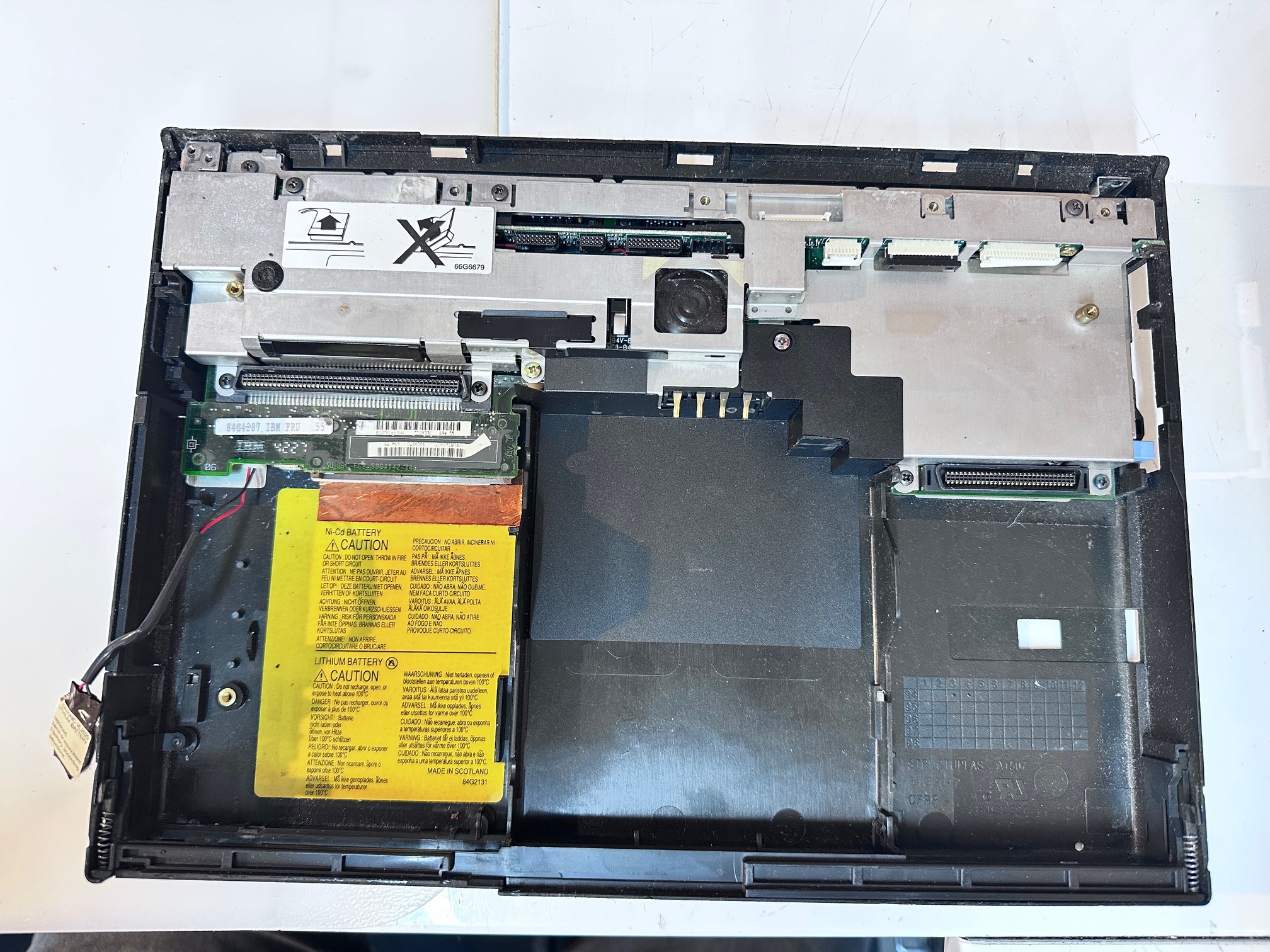
Remove top metal unplugging the speaker:
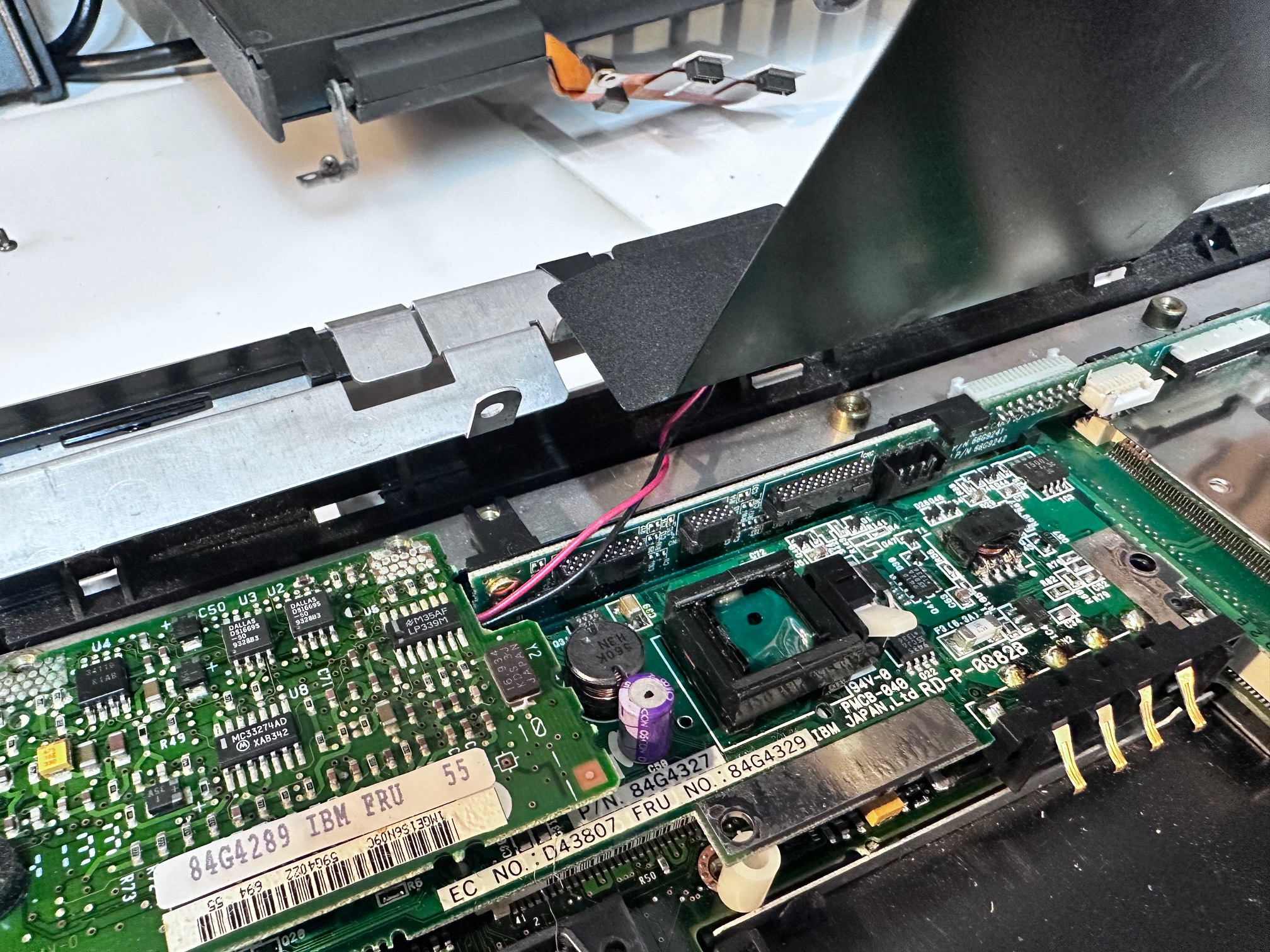
Watch for the white loose plastic spacer between Dc and motherboard:
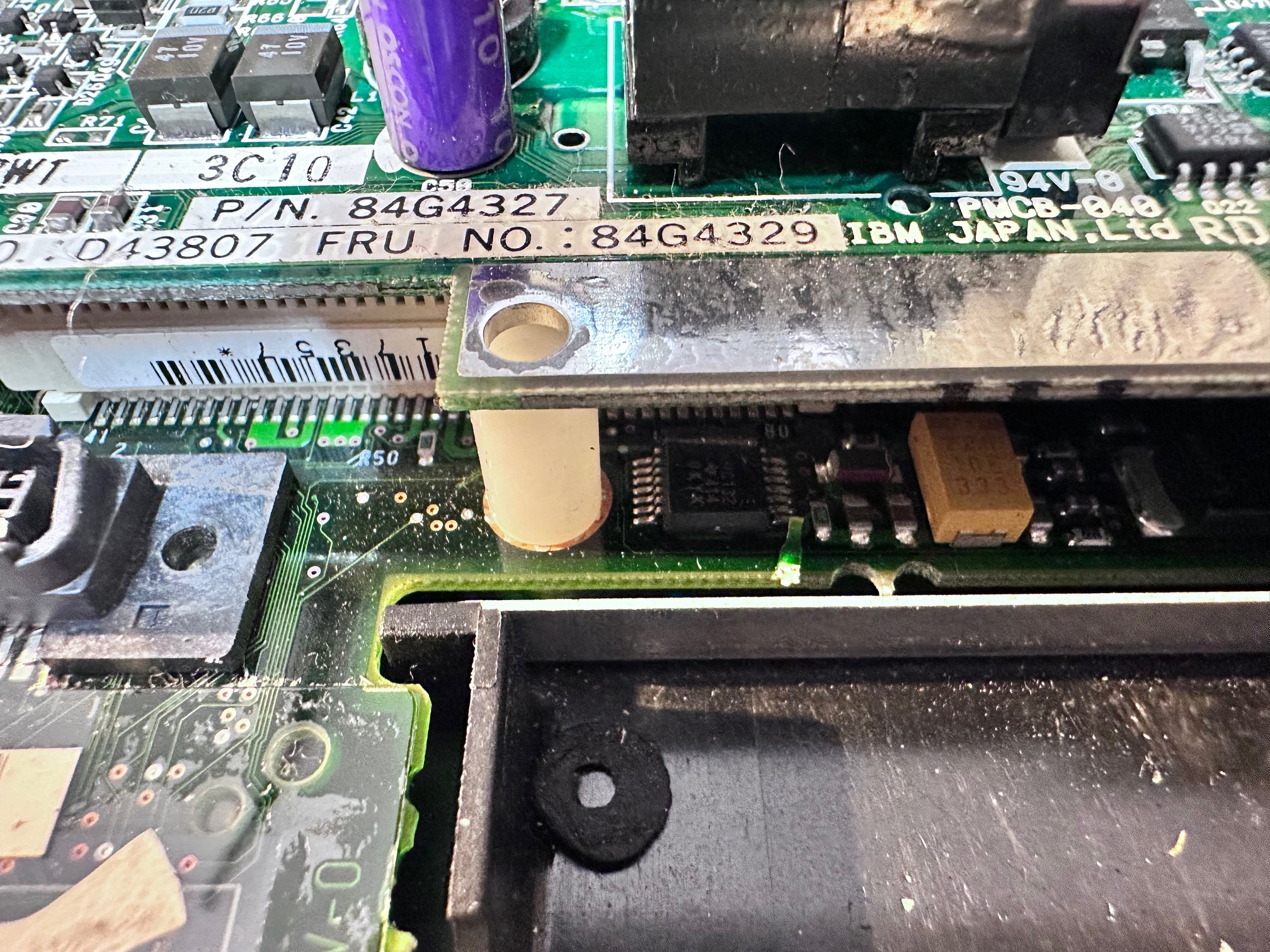
Pull off the soundboard
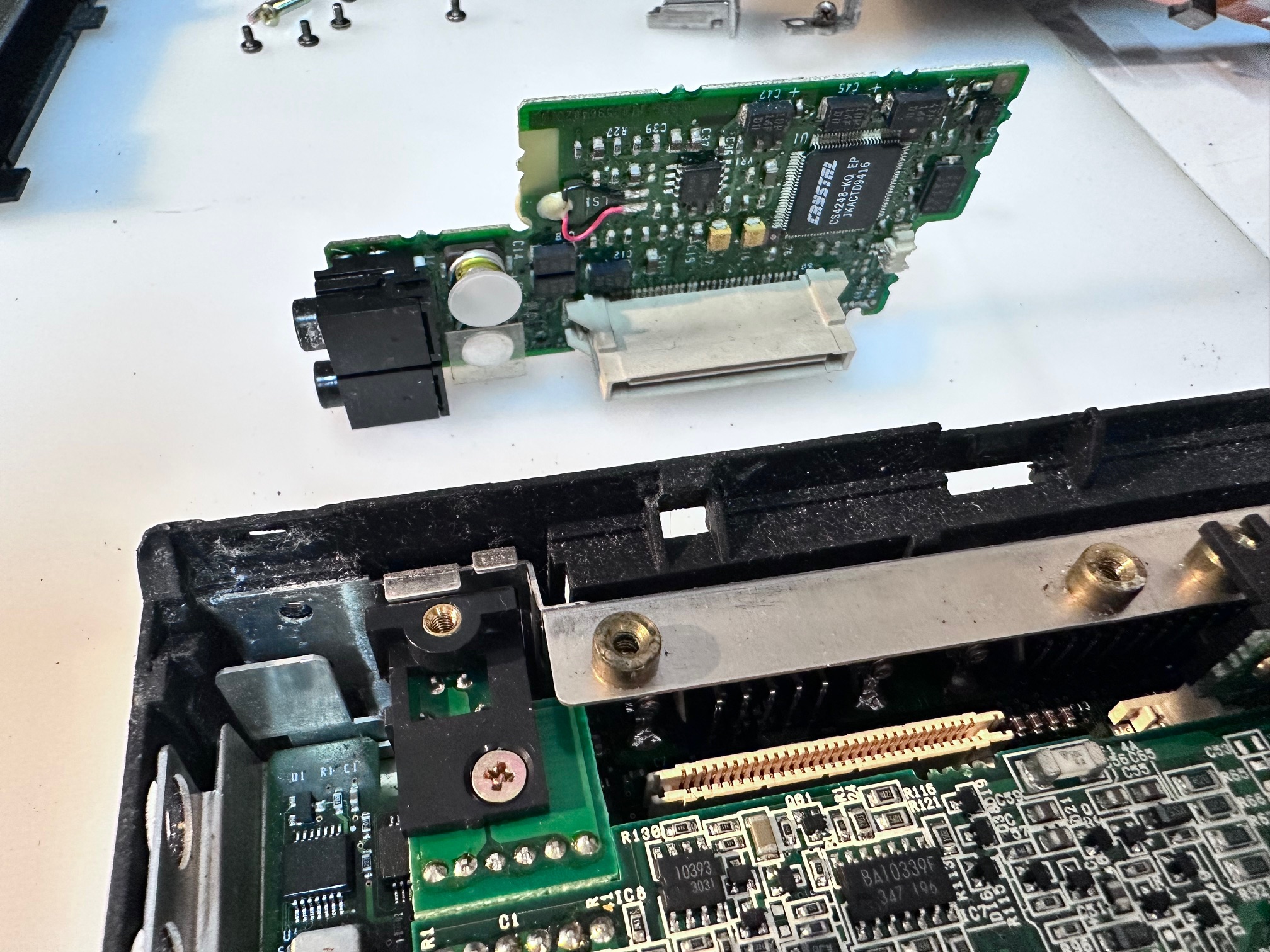
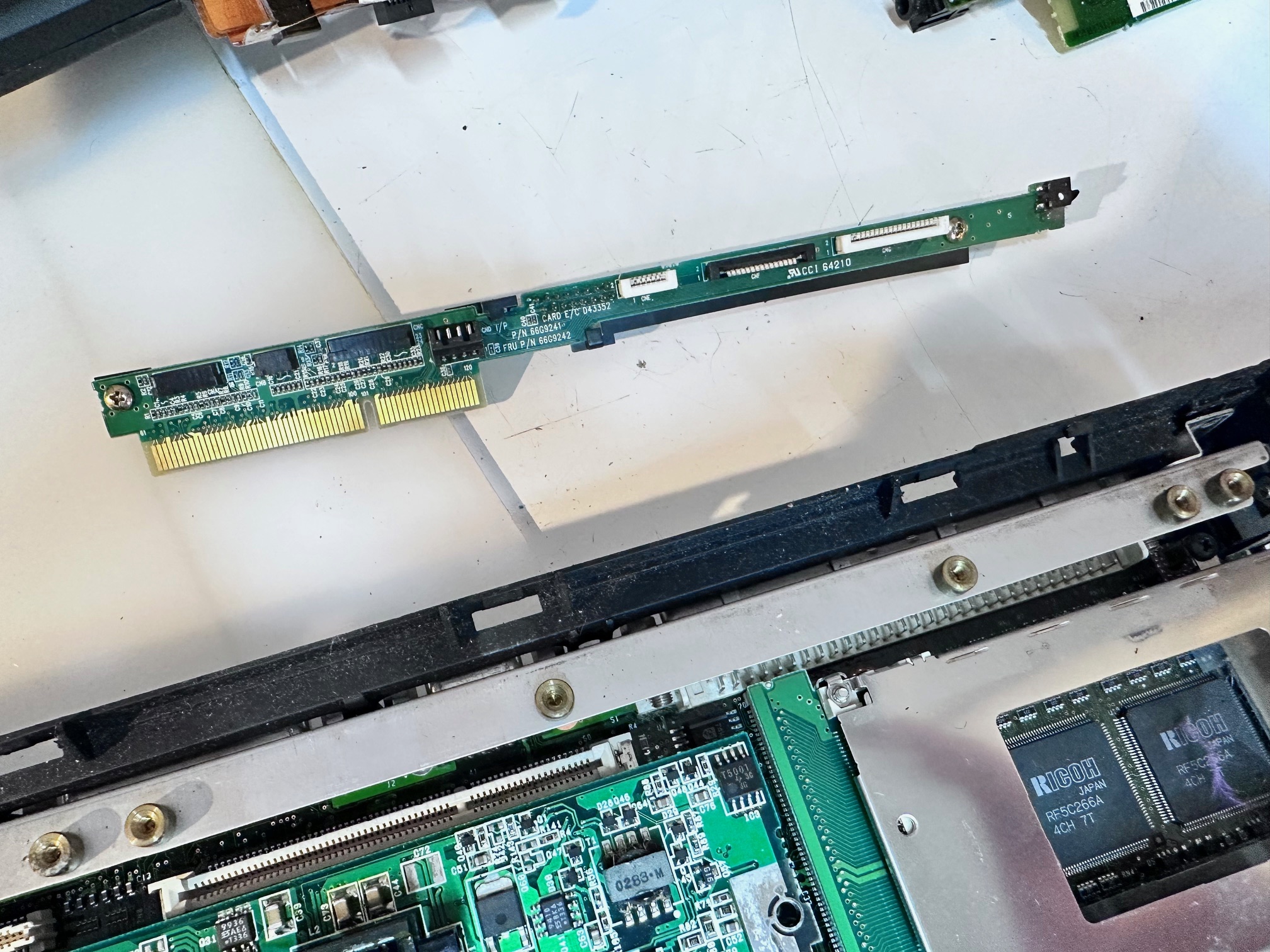
Pull off interposer
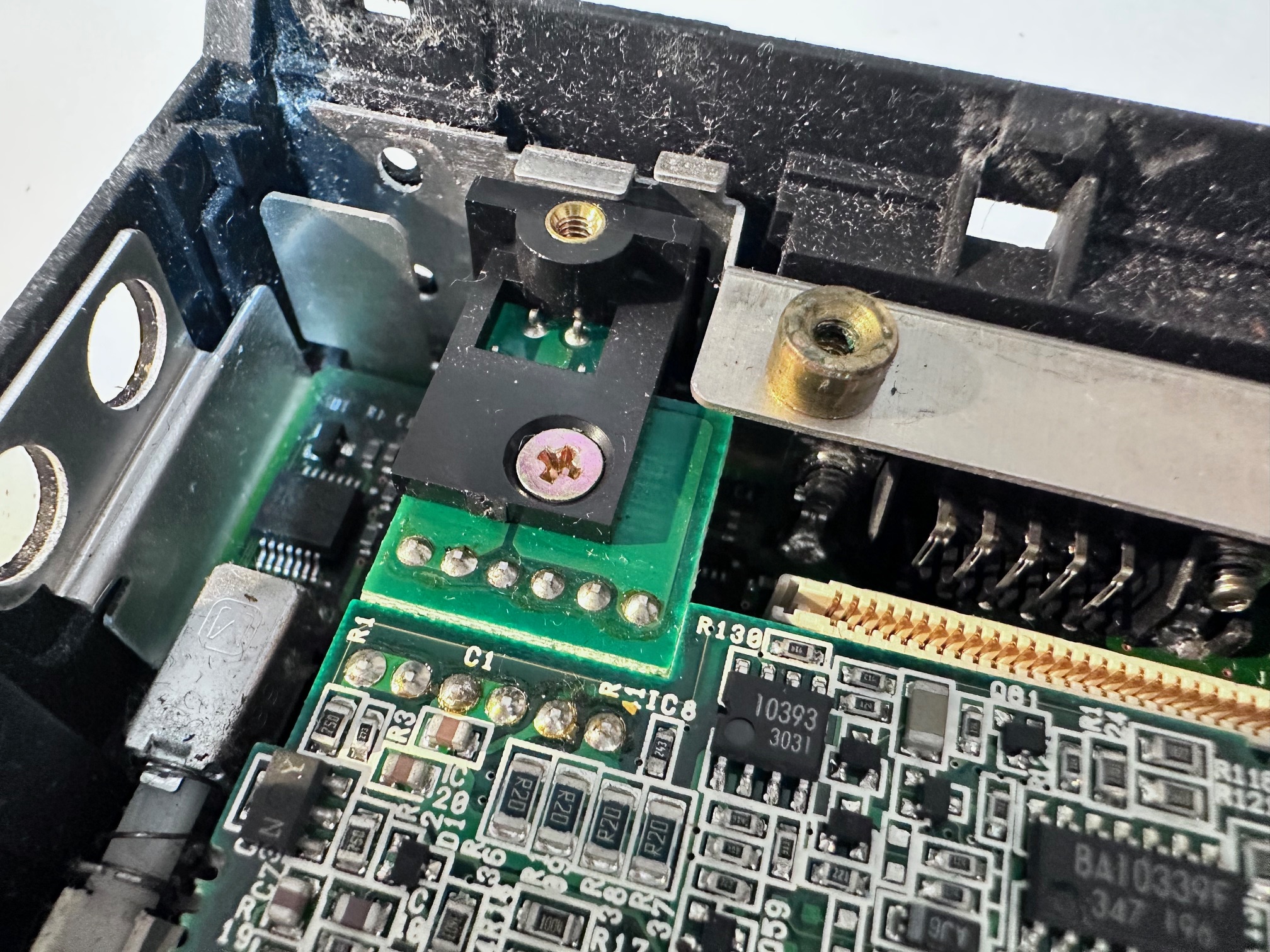
Remove the flat screw at the back holding the DC board down and carefully retain the black plastic spacer
The remaining motherboard will pull out but it’s held back by the on/off switch, the PCMCIA release buttons and a few other bits of plastic
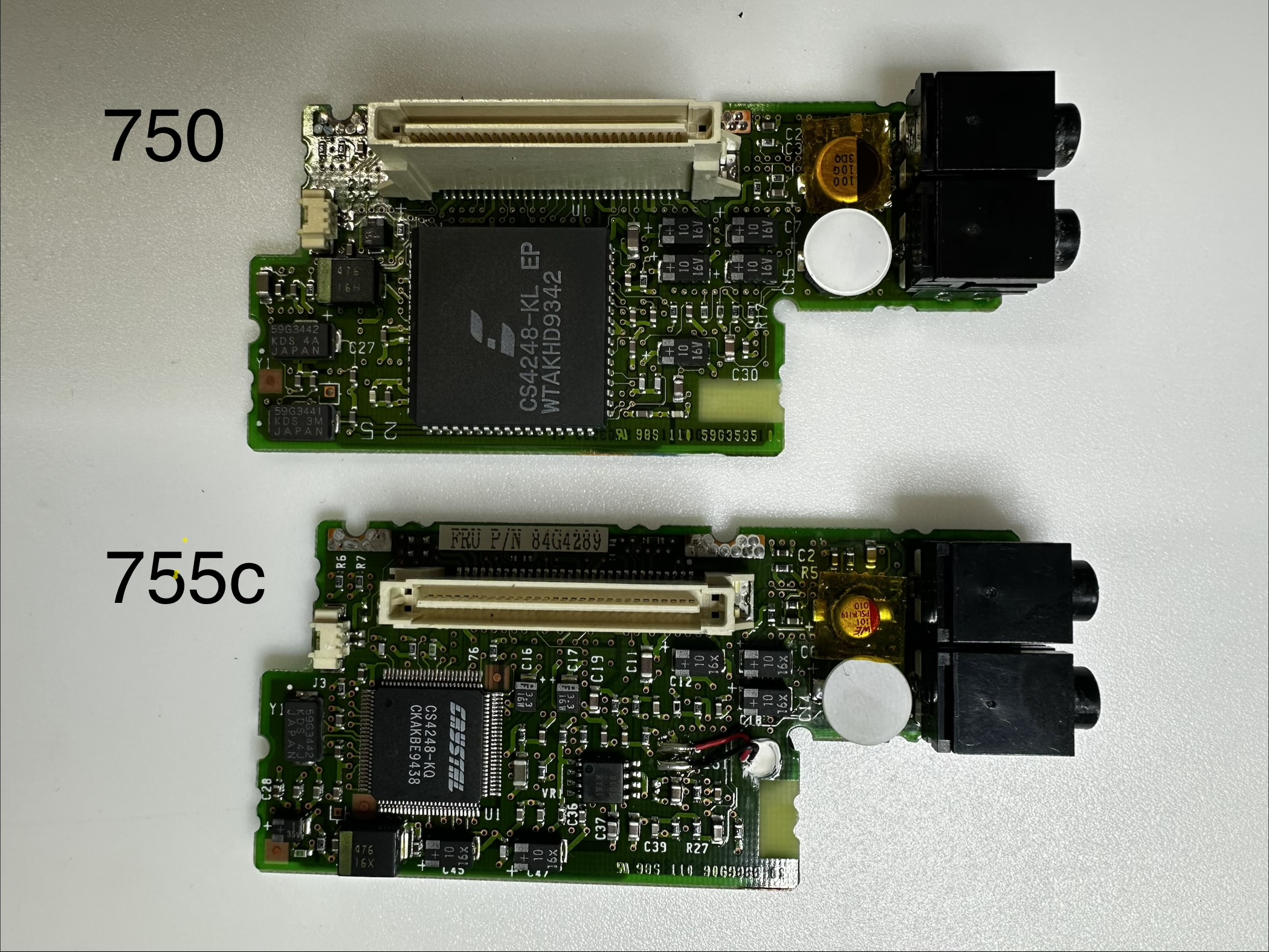
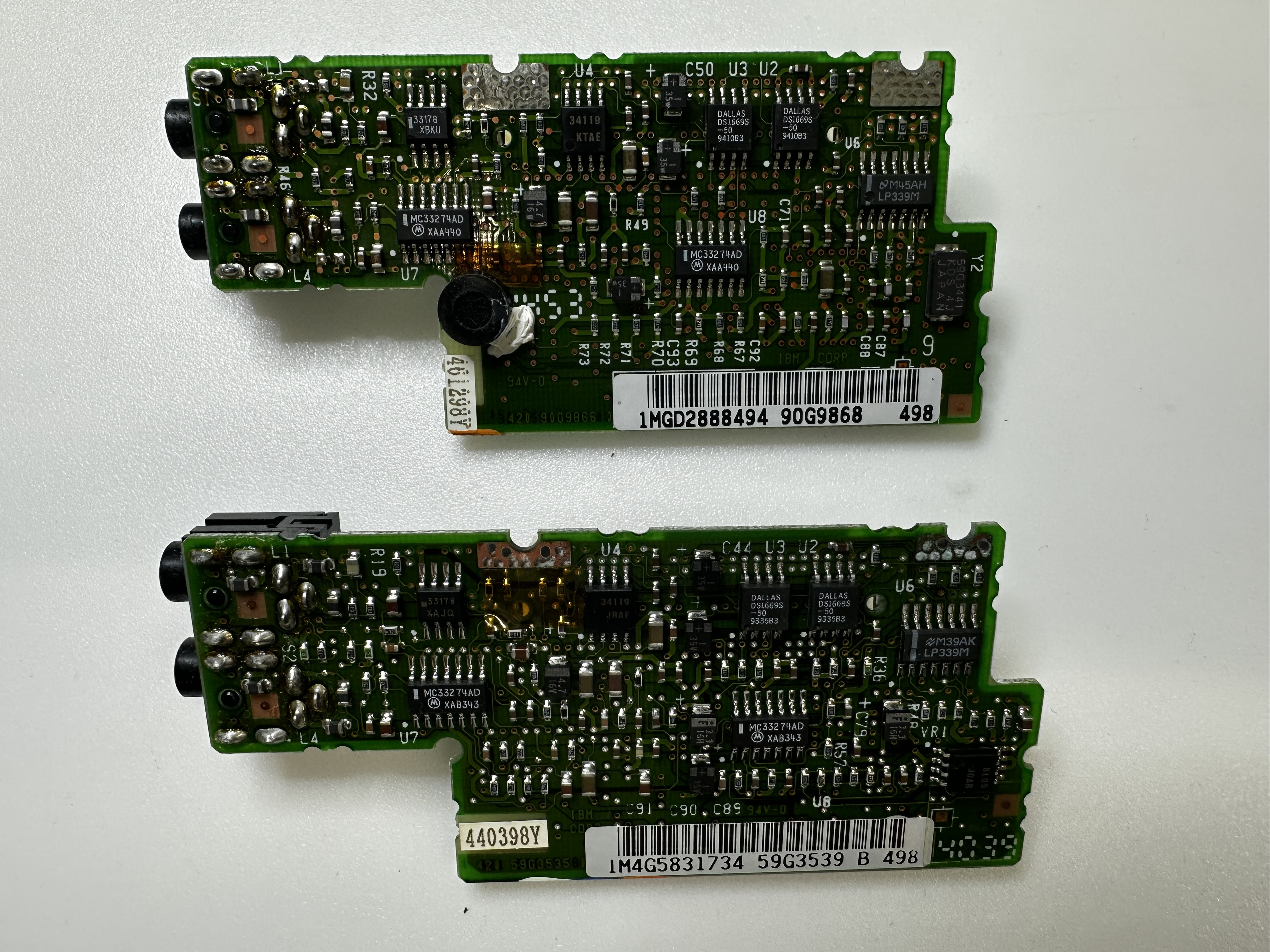
Some additional notes regarding the insides. Here are some pictures of the different boards:
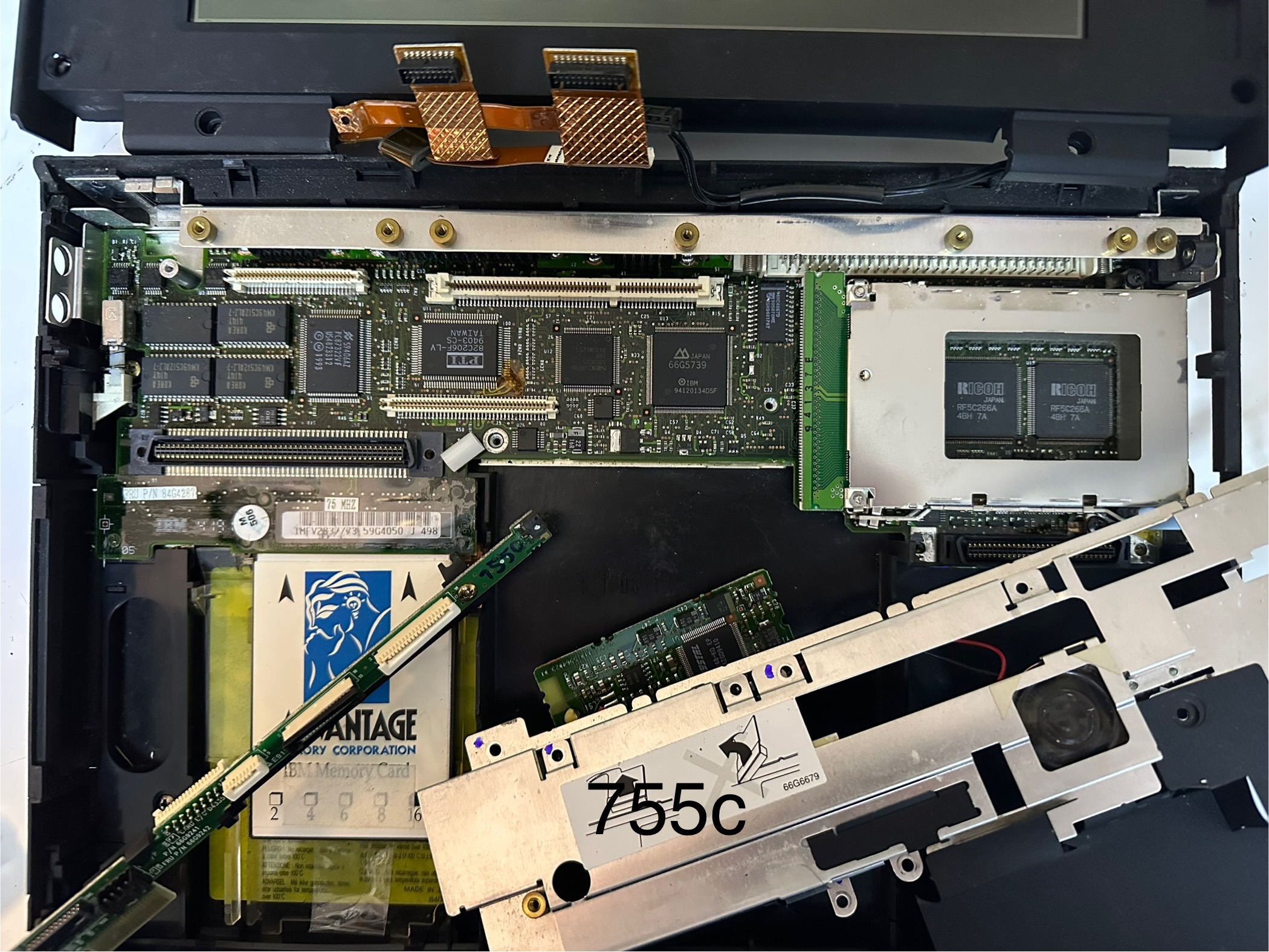
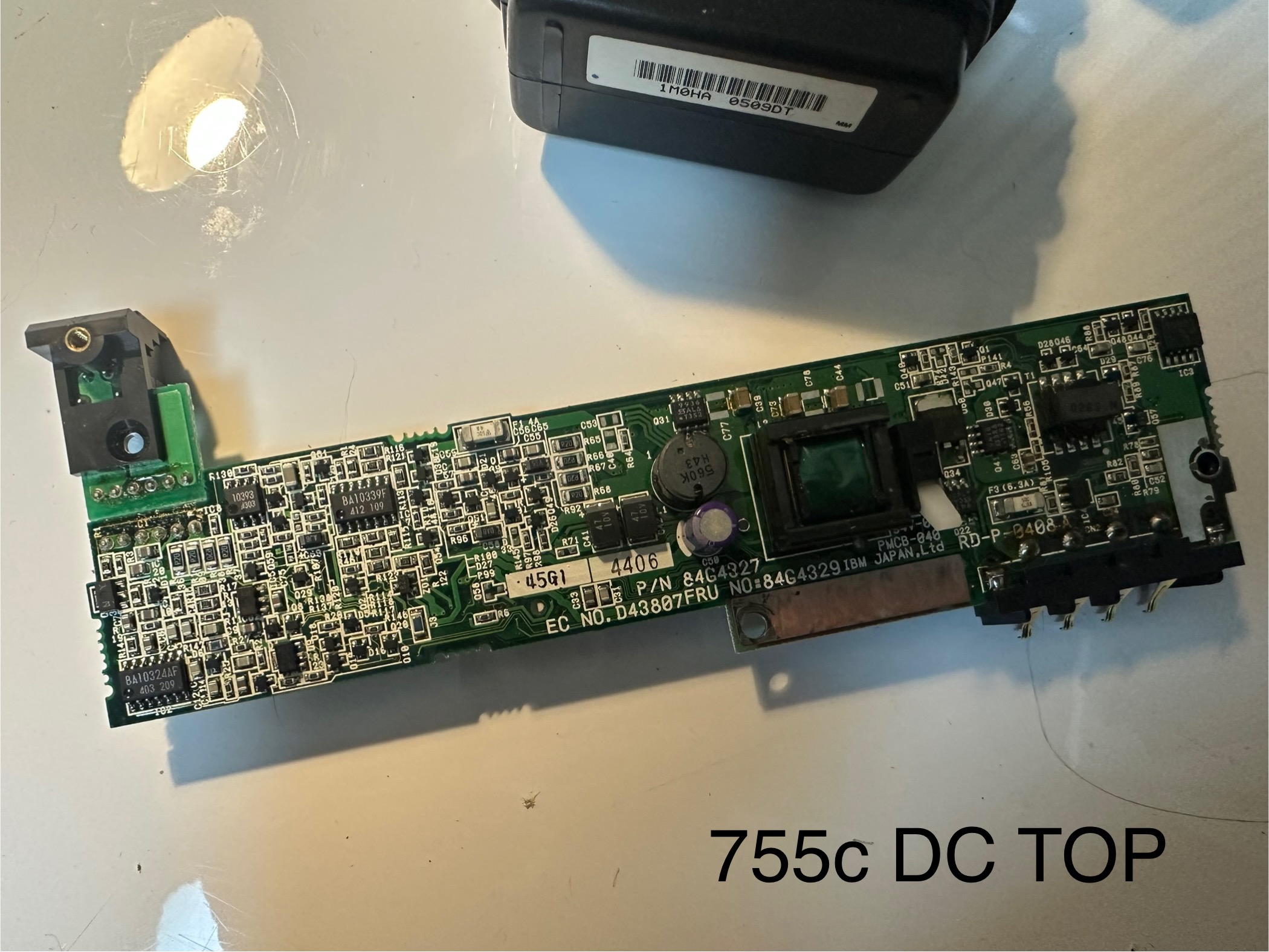
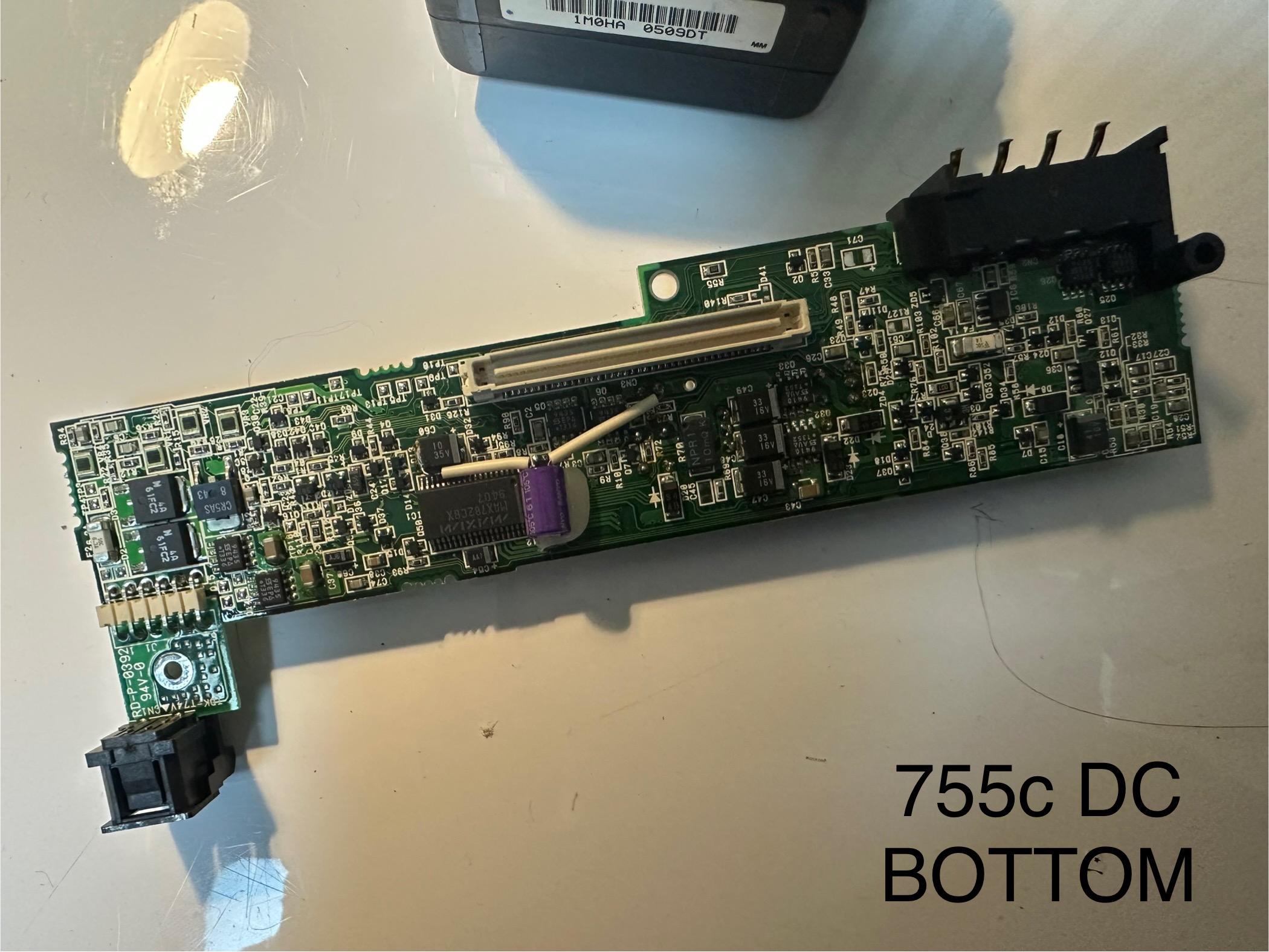
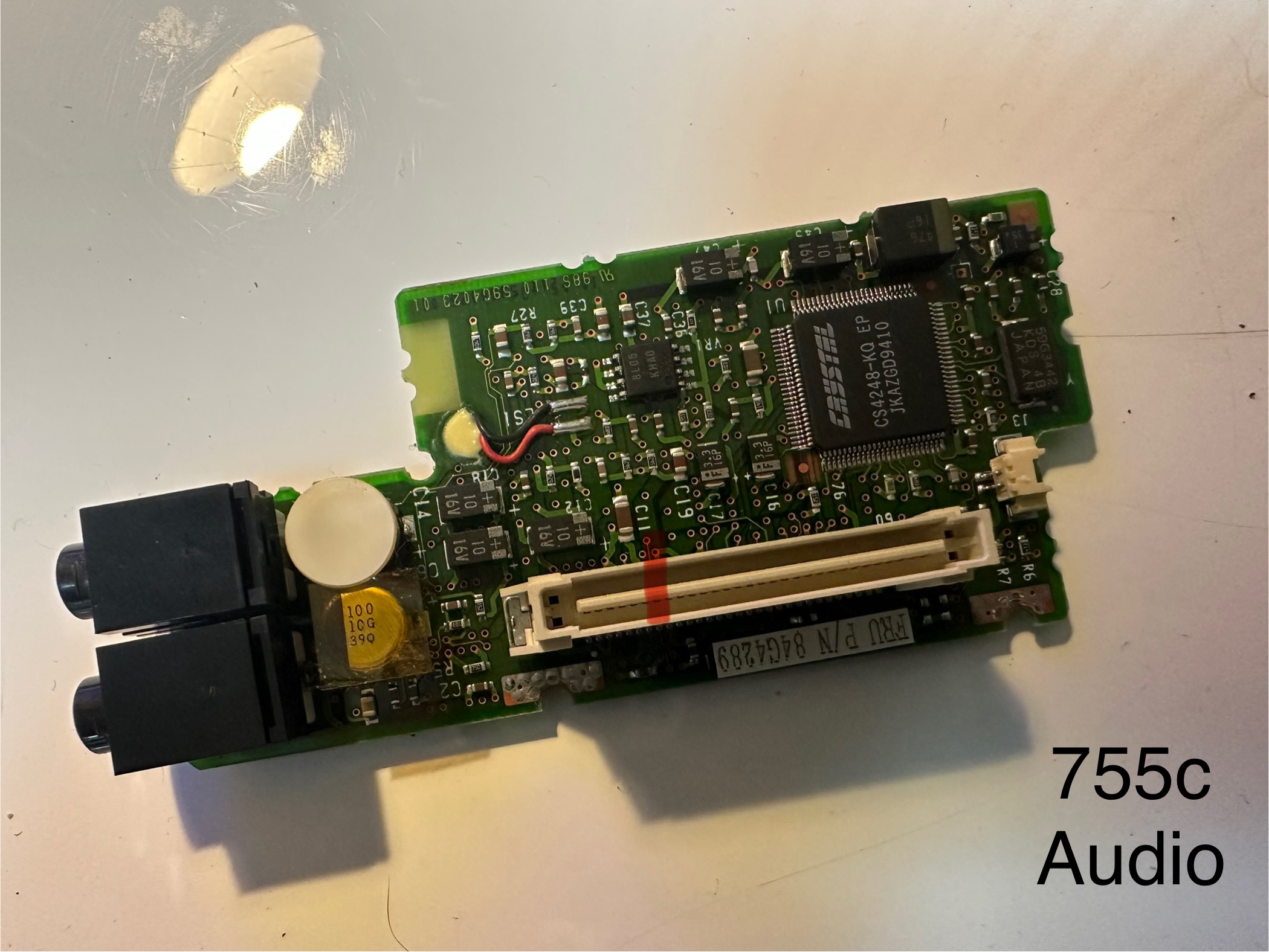
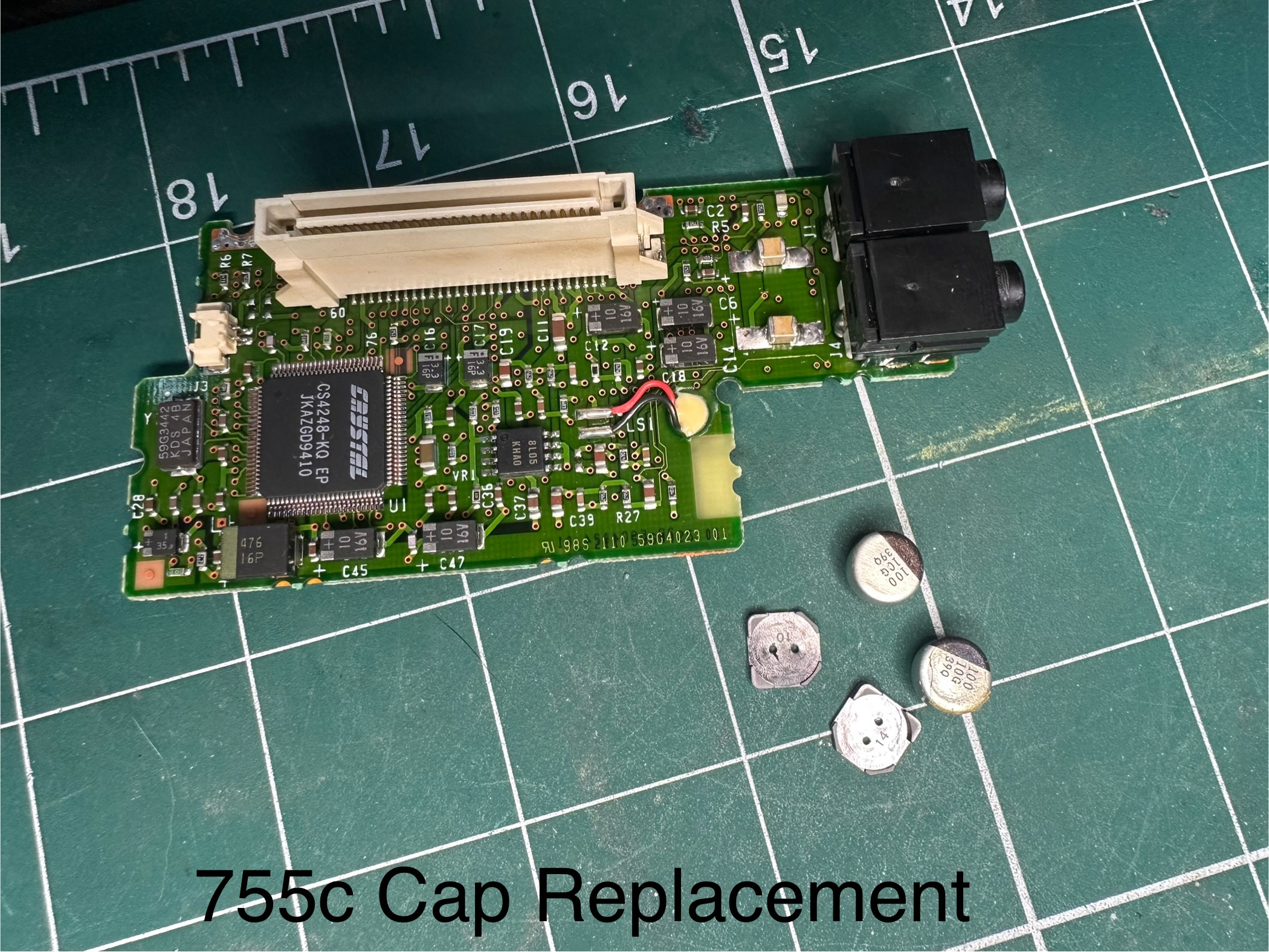
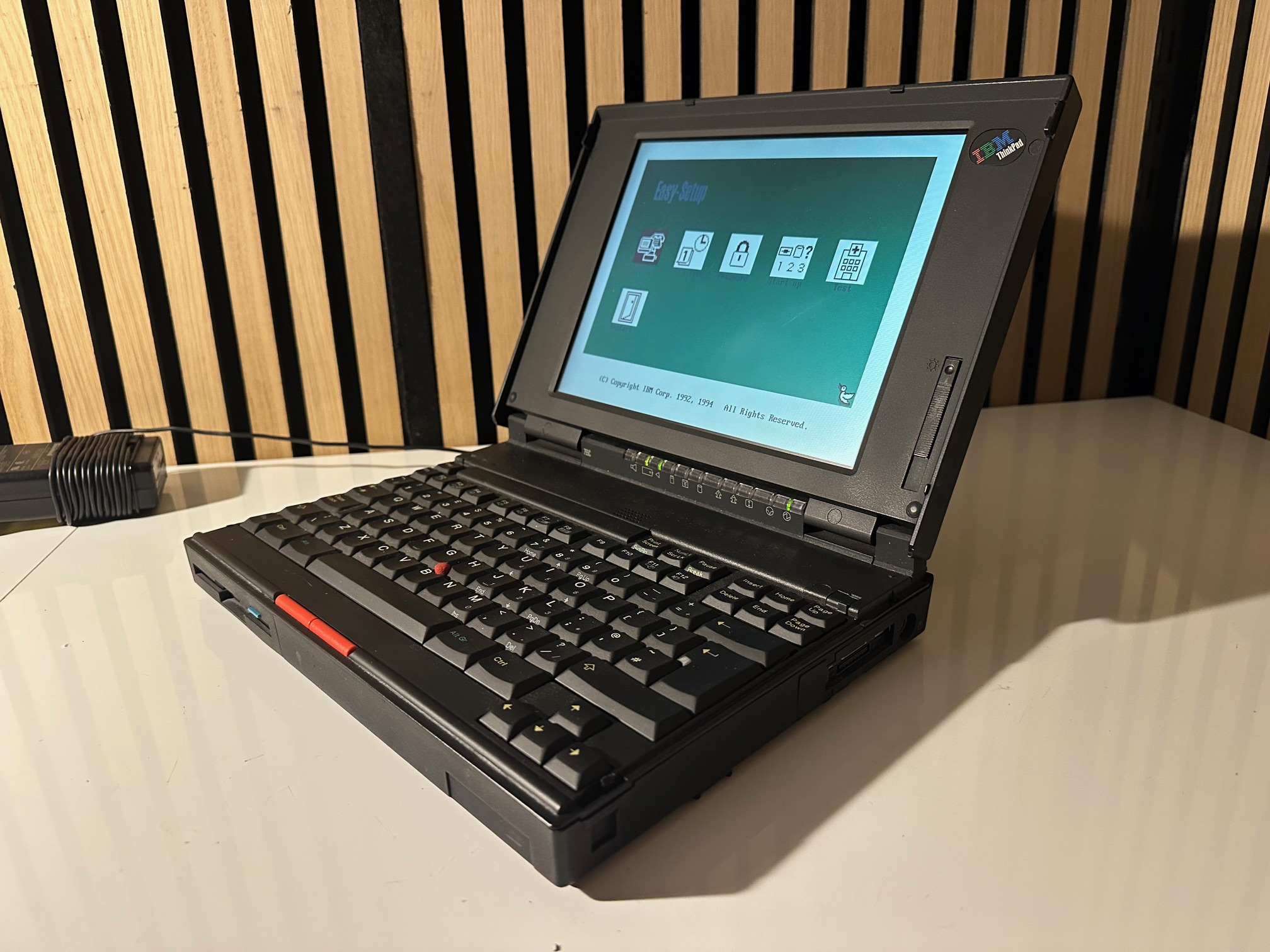
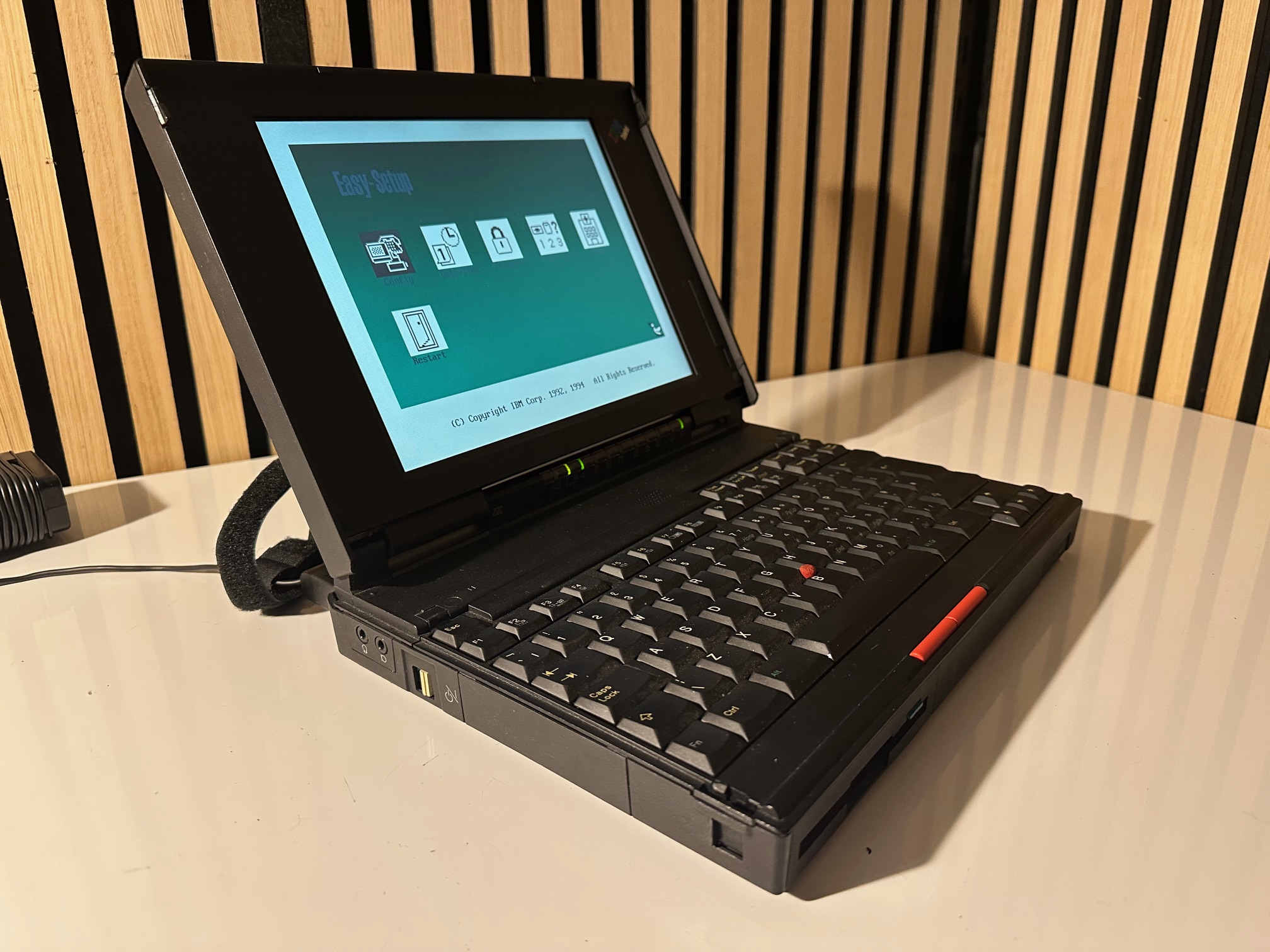
Just for the sake of documenting it all, here is another 755c in my collection. A nice example...

Recreating PCMCIA Cover
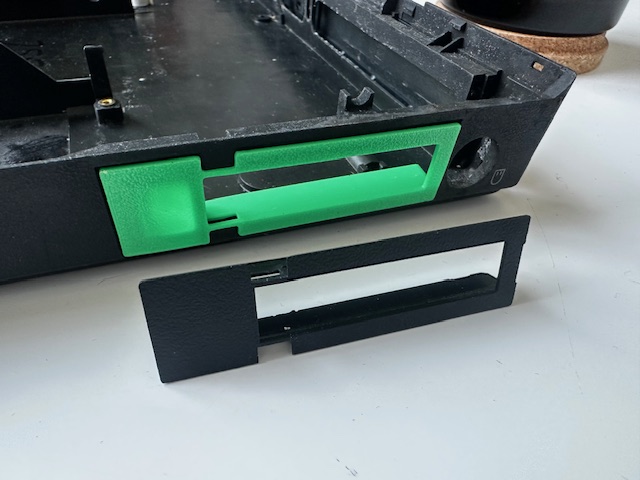
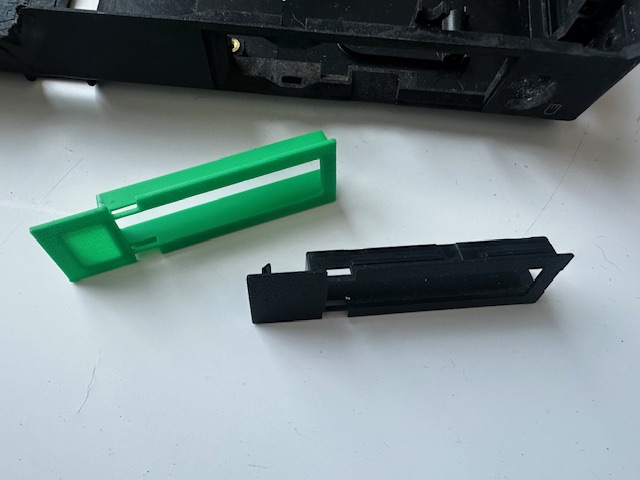
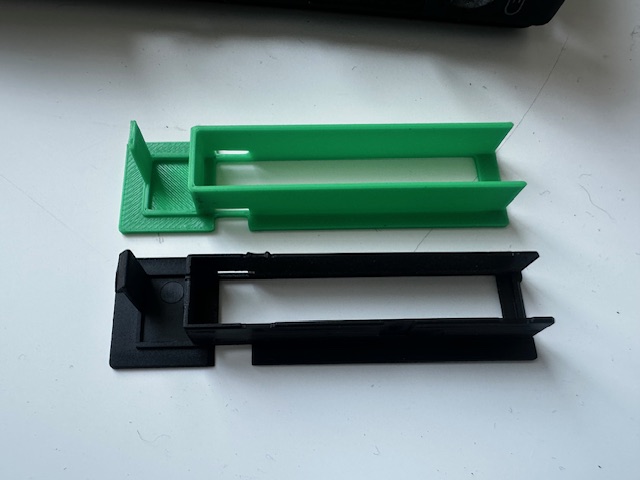
On a lot of 755 machines, the PCMCIA cover is missing, and it's a different design to that found on the 760. So here is a very basic recreation:
Updating the BIOS
Unless your 755 is on the latest and greatest BIOS, you may find that some devices, such as the video and audio board don't seem to work very well at Windows 95 or Windows 98 levels of fun. However, the original BIOS upgrade program requires you to have an installed and charged battery to continue the update. This can be particularly annoying as most 755 batteries were NiMh-stylee which don't tend to have survived.
This floppy image file is for that of a PWNED BIOS updater disk with the switch to require the battery removed! Will save you a lot of hassle finding the rarer Lithium battery or rebuilding one.
256 Colour 640x480 Video
The 755c has a relatively early iteration of a TFT flatpanel, which hadn't reached SVGA quality quite yet. There is this disk with all the drivers on for DOS and Windows 3.1.
Windows 95 will not recognise anything useful on this disk and will seemingly be stuck at 16 colour mode - all you have to do is drop back down to DOS mode, run the VINSTALL executable and then select the top option - the IBM 8511/8512/8513/8517/8518 640x480-60Hz. This will install the VESA video driver in a folder on the hard drive and then when you reboot into Windows it should automatically switch to 256 colorurs.
Crystal Soundcard - Especially in Windows 95 & 98
The 755c has a Crystal CS4248 soundcard, which is widely regarded as pretty awful - particularly compared to the later 755 models have an MWAVE soundcard. It's also a little picky when it comes to drivers, but not so bad once you know the gotcha.
There is 1 floppy disk you need to download caled AFTPS140.EXE with the drivers on which can be installed in either MS-DOS, Windows 3.11 or Windows 95, each working in their own particular way. You can grab IBM's original self-extracting floppy creator here, or the files contained within here.
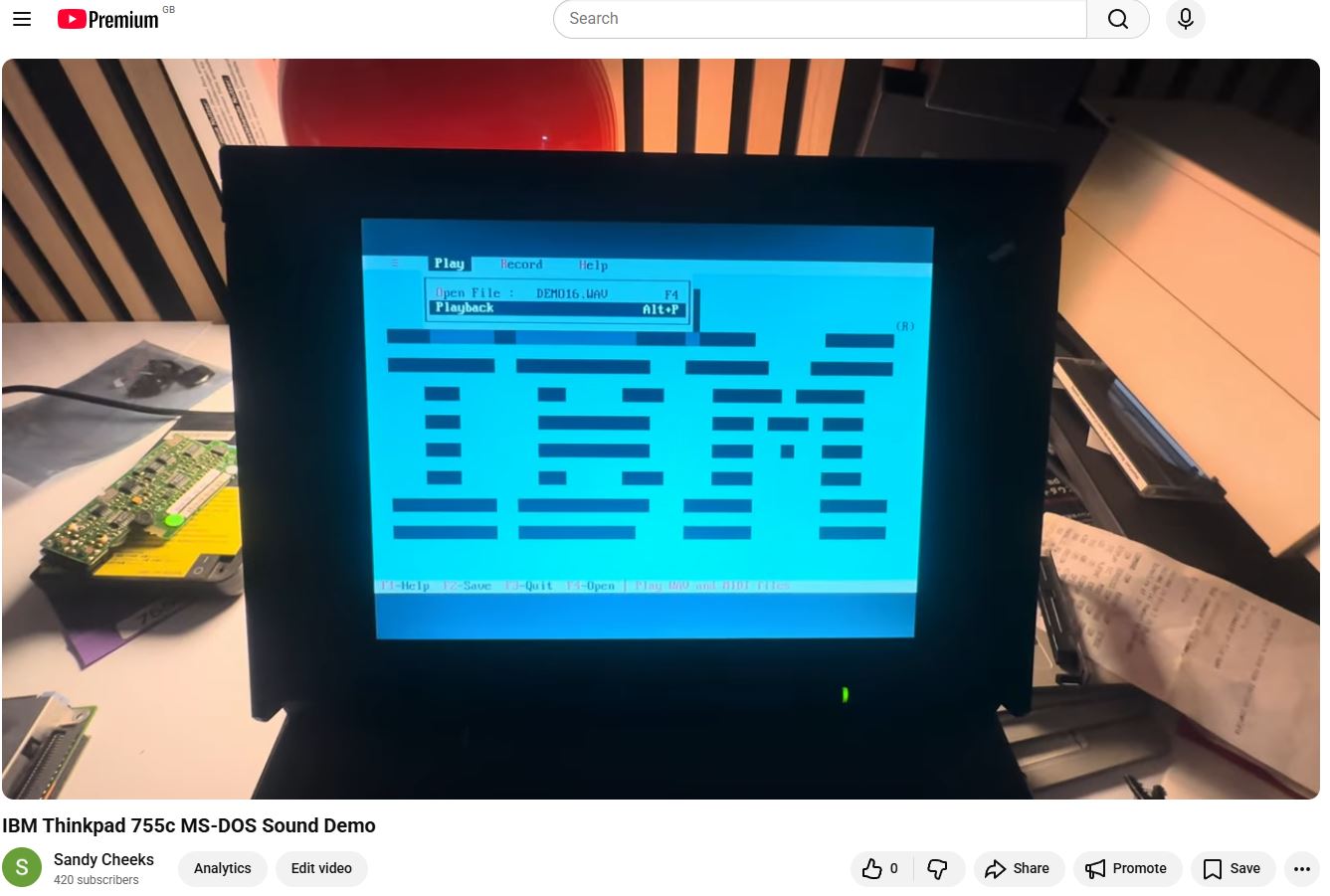
In DOS, once you run the PCMINST executible it installs the files and inserts the drivers into your config.sys. There is a little demo audio player included which can play wav and midi files. Once installed, on a booting up you get a quaint little test tune each time! Click the image below see the demo audio player play the 'Thinkpad' demo sound....
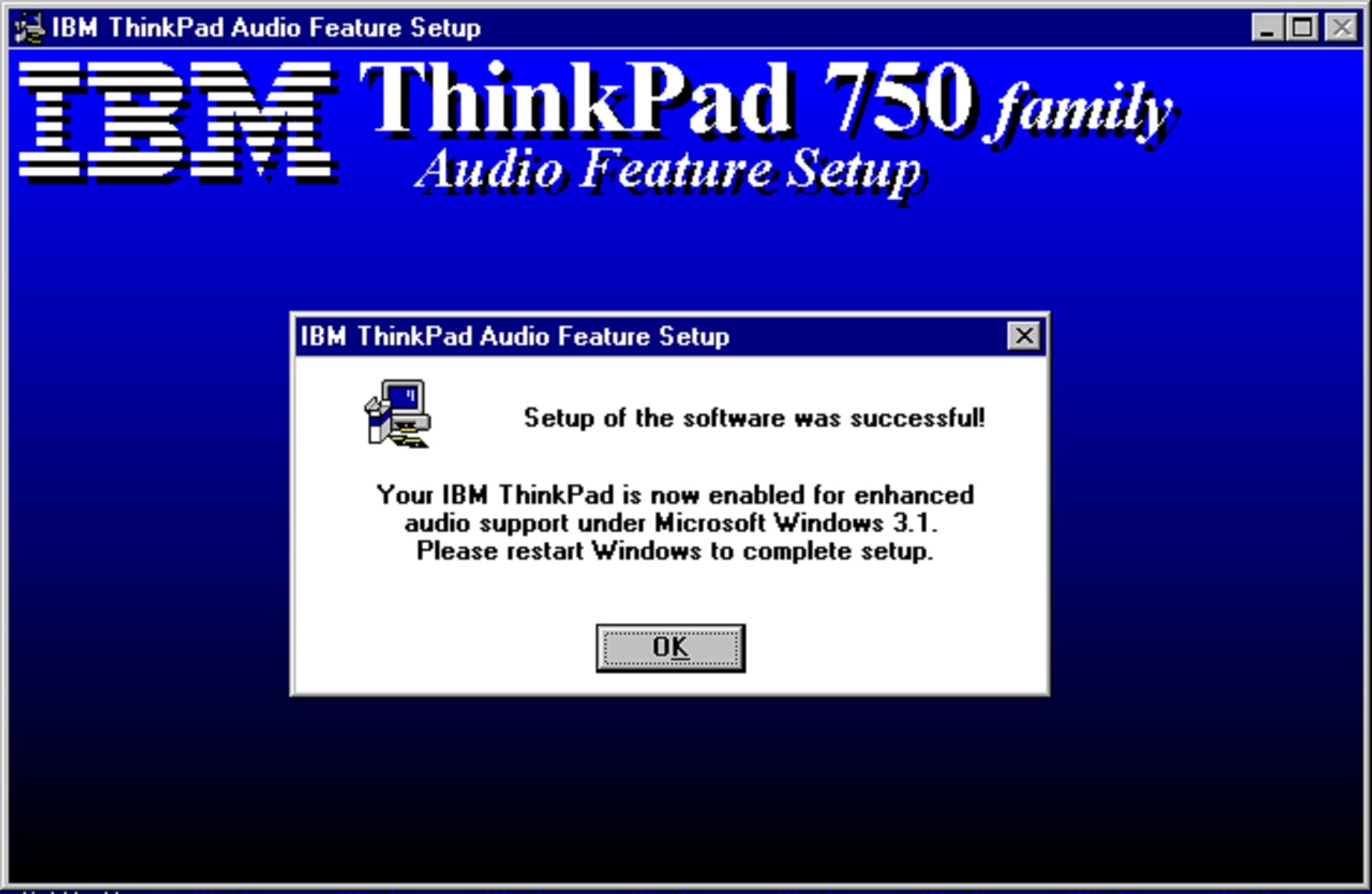
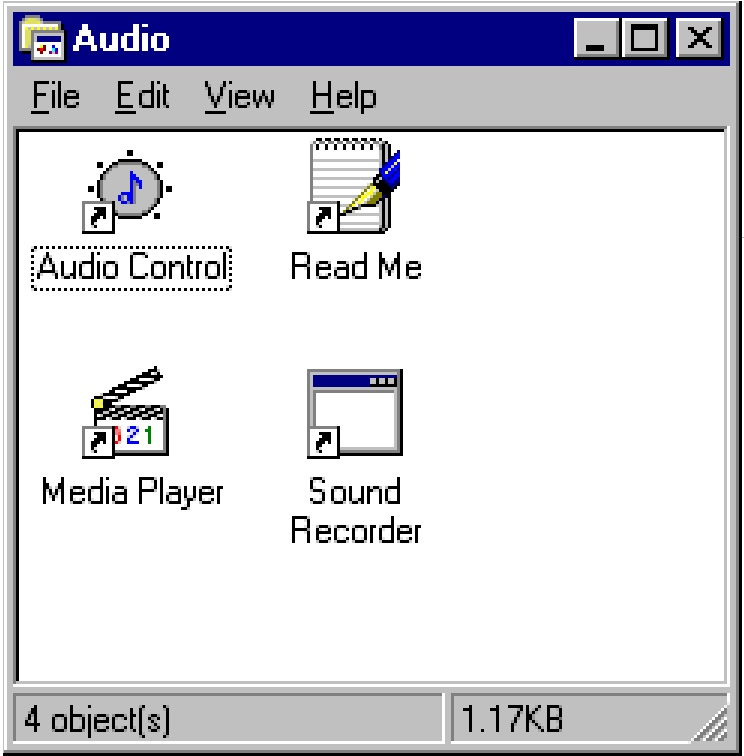
In Windows 3.1, the same setup program installs the Windows 3.1-specific drivers and some nice little programs in it's own little folder. This should easily get audio working in Windows 3.11.
In Windows 95 on a clean install or a Windows 95 upgrade from 3.1, the sound will not work or even get detected - it's like there is no soundcard installed. You need to use the same installer, but instantly get a warning it might need adjustments from within Windows 95 to make it work.
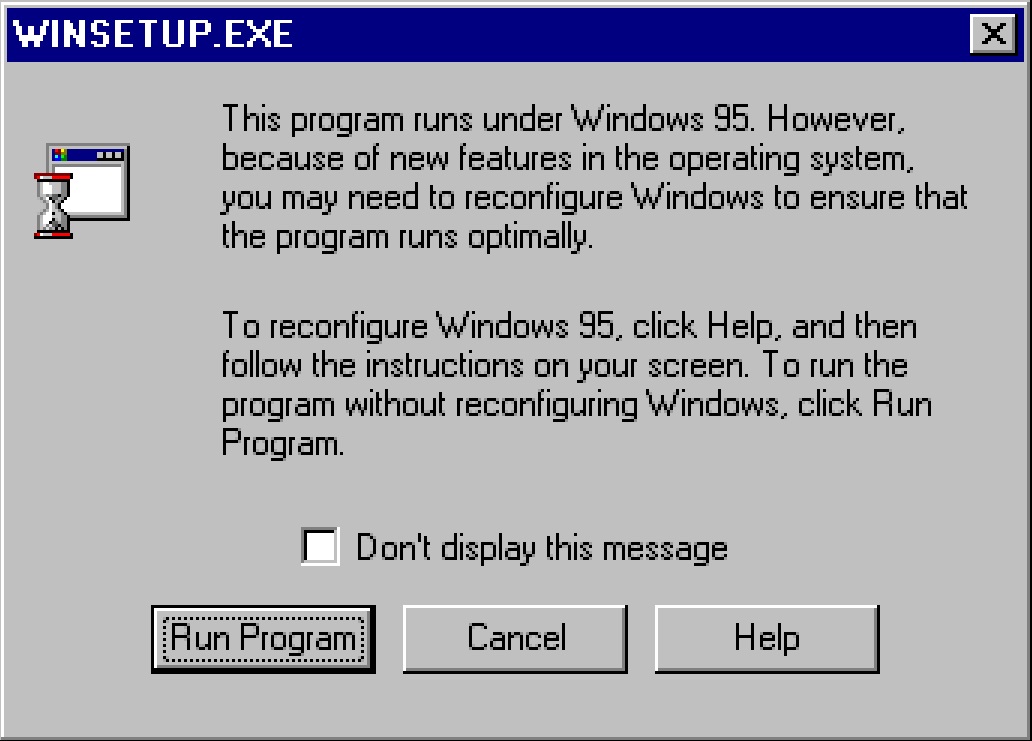
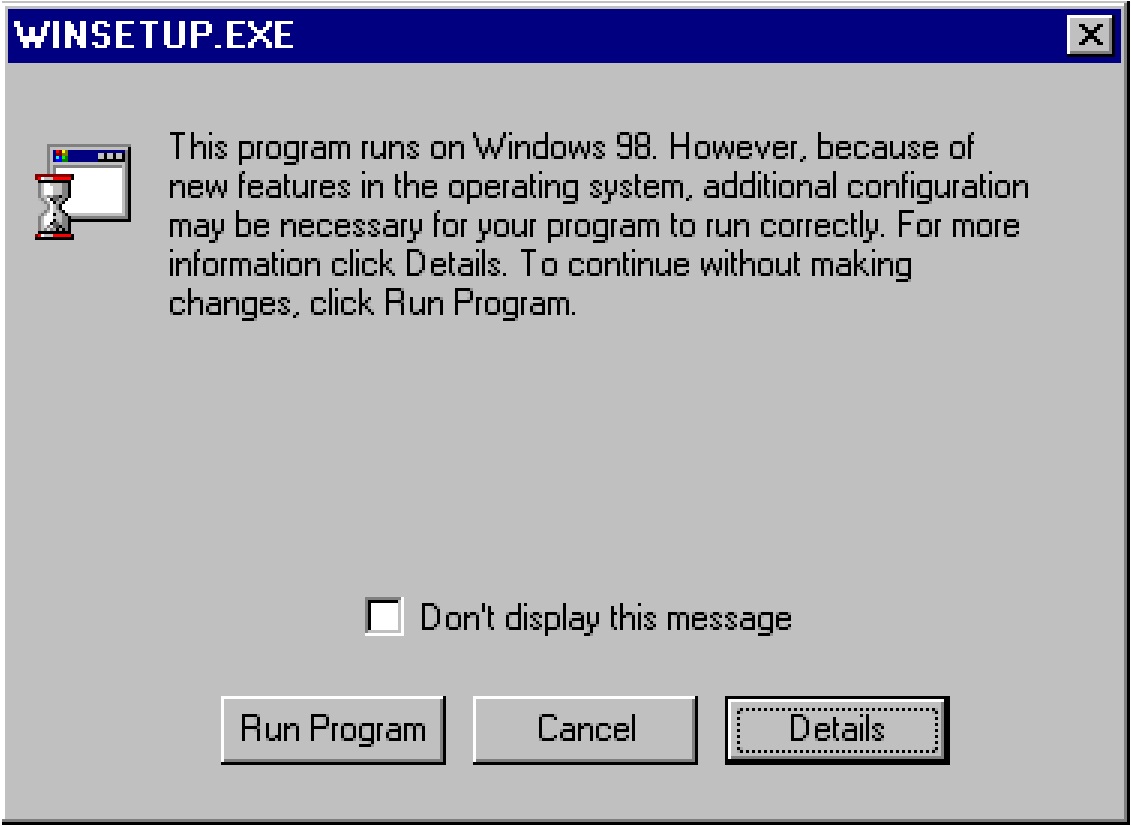
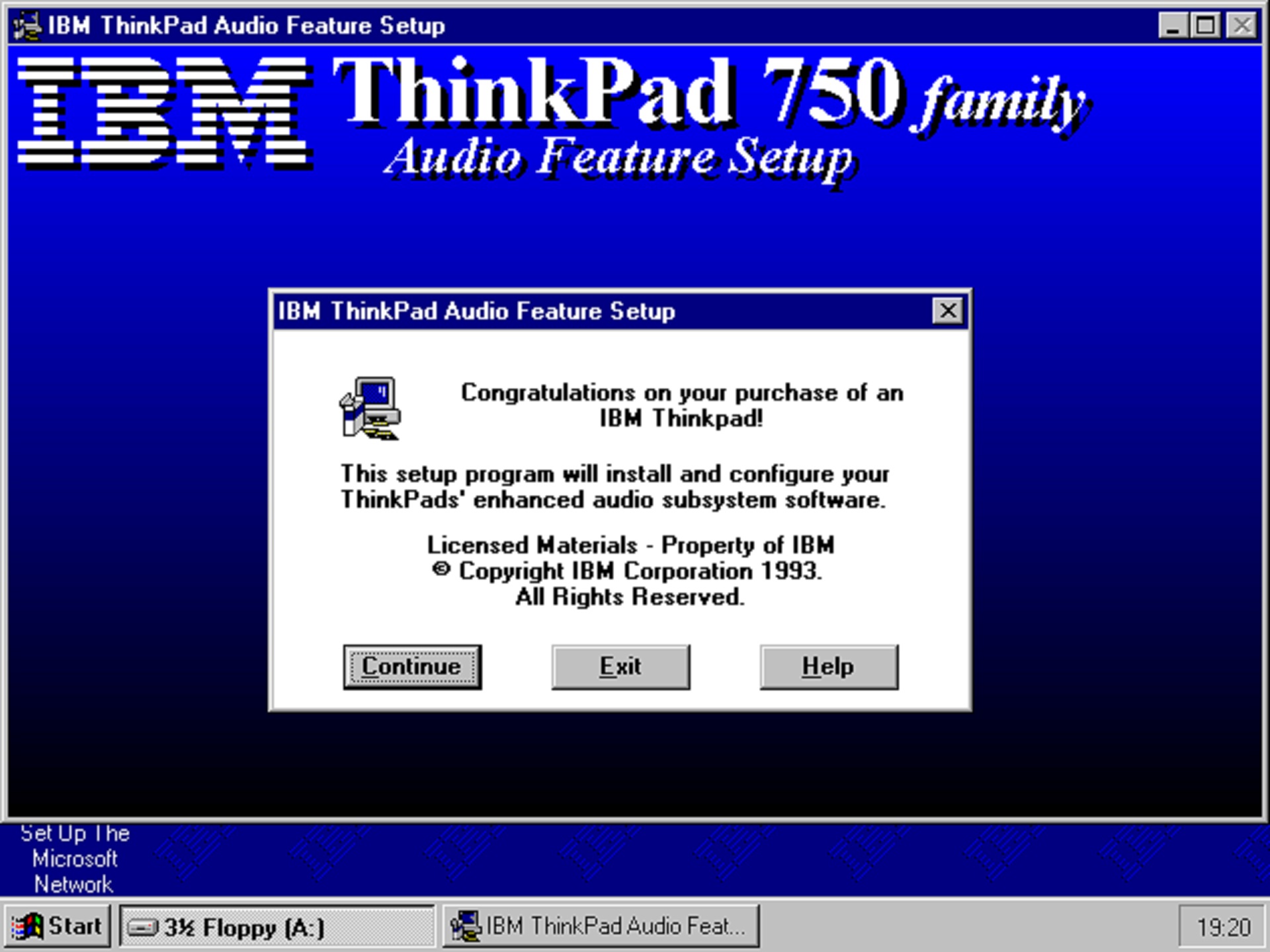
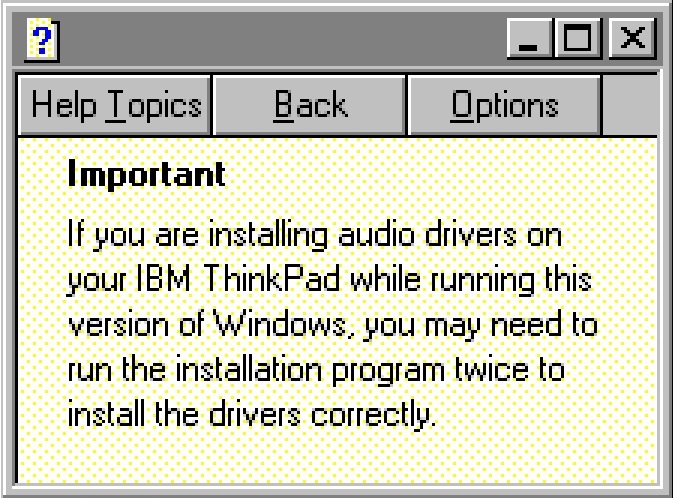
Only at this point if you click on the 'help' button does it tell you the gotcha - you need to install, reboot, and install it AGAIN and reboot!
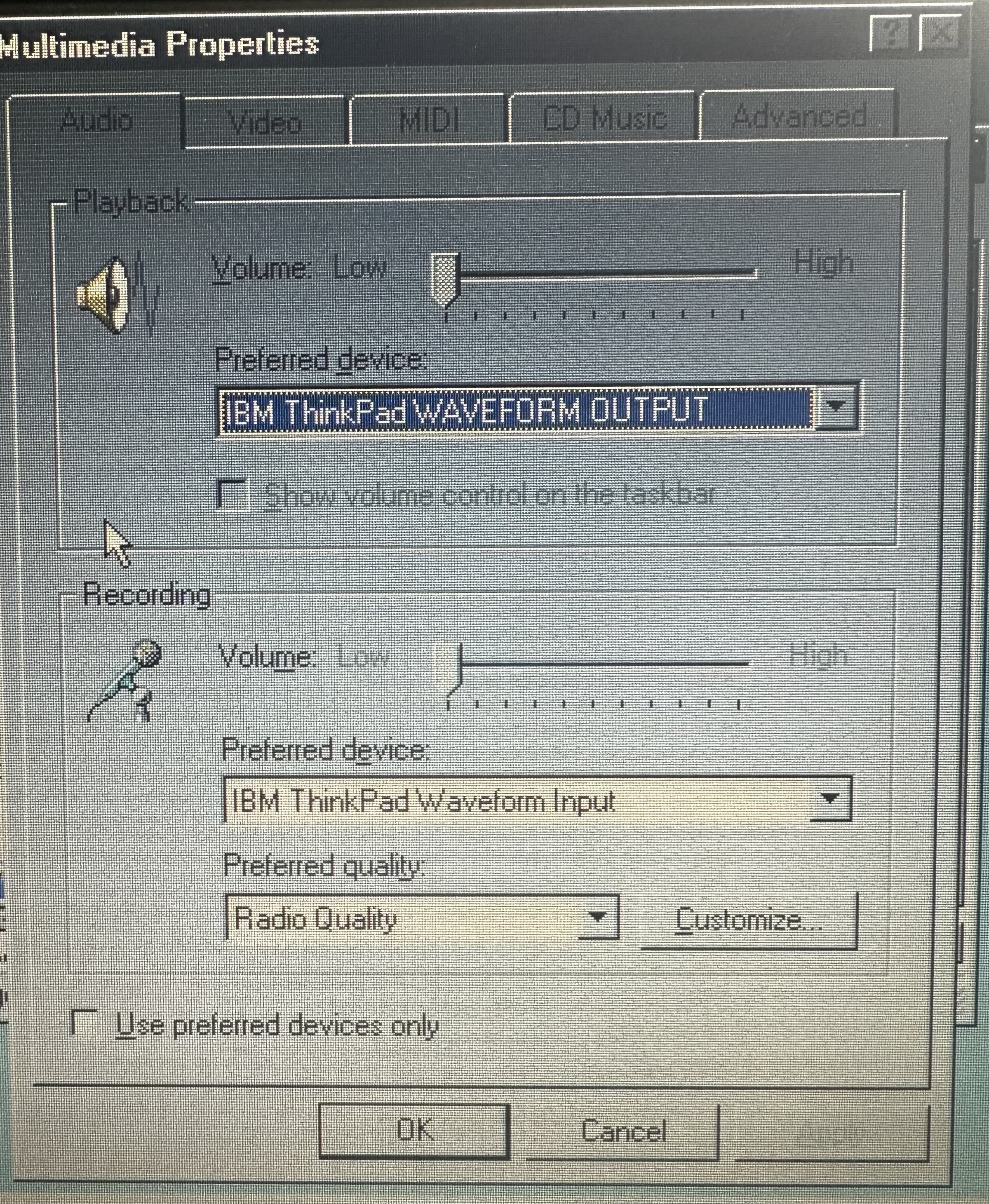
This should get audio working in both Windows 95 and 98. You get virtually no control over it within Windows - you have to use the Fn+F5/F6 key to change the volume. It works, but often of a really low quality.
Hardware Soundcard Issues
Besides the driver issues with the sound card, I've noticed a few other issues which are slightly odd and fairly unique to the sound board inside the 755. The 755c's soundboard does seem to get a lot of surface mount gunk build up, which you can often only see under a magnifier. I'm not sure if this comes from the caps or a small battery nearby, but it certainly causes some issues - mainly the symptoms I've seen are:
- Crackling and popping when no sound should be playing
- Try and play both a MID and WAV file in the dos /IBMAUDIO/DEMO folder and see if they both play nicely. If you either get a lock-up or terrible scratching, you have a short on the board.
- Sometimes you boot into an OS like Windows 3.11 or 95/98 and the welcome sound will play which holds up the machine - you can't do anything but reboot. If you get this, reboot into safe mode and remove the sounds in the Sounds settings in Control Panel, then diagnose.
I've experienced a lot of success in doing two things to remove all the gunk - soak in some 100% IPA for a few hours, then remove and then run it a few times through an ultrasonic bath, which will hopefully move a lot of the tiny dirt. Dry out thoroughly and re-test. This has brought several boards back to life for me.
As covered seperately, the sound card from the 750 and the 755c/cs are swappable. The 750's card is a little different by having a much larger chip on board and no 'microspeaker'. They use the same IBM driver and software and have the same leaky surface-mounted capacitors....
755c Travelling Multimedia Edition
If you look closely at IBM's PSREF document, you'll see there are 3 'versions of the first edition of the 755; the 755c, 755cs and 'Travelling Multimedia'! This was a multimedia shoe-in whilst IBM got their act together with a 755CD - a combined TFT 755c or DSTN 360 with the 3545-001 Dock I, CD-ROM drive installed, Kodak Photo CD compatibility and carry case. This really was a bit of a mess, as i've written on the Dock page - it more or less wanted you to only run PC-DOS and OS/2 2.1 but unless they came preinstalled, it's almost impossible to install it - because you're forced to use OS/2 2.1 boot disks which are inacapable of seeing the dock and the CD-ROM drive. A lot of the option disks for the 755, which are related to making it more 'multimedia' with the dock are based around you having OS/2 2.1 installed.
It's a lovely looking thing - a real prize, but my one has been adjusted somewhat to make it a little less unusual and little more usable. With installation of DOS, drivers and Windows 95 in a certain order you can get Windows 95 with CD-ROM support, audio, PC card and all sorts.