
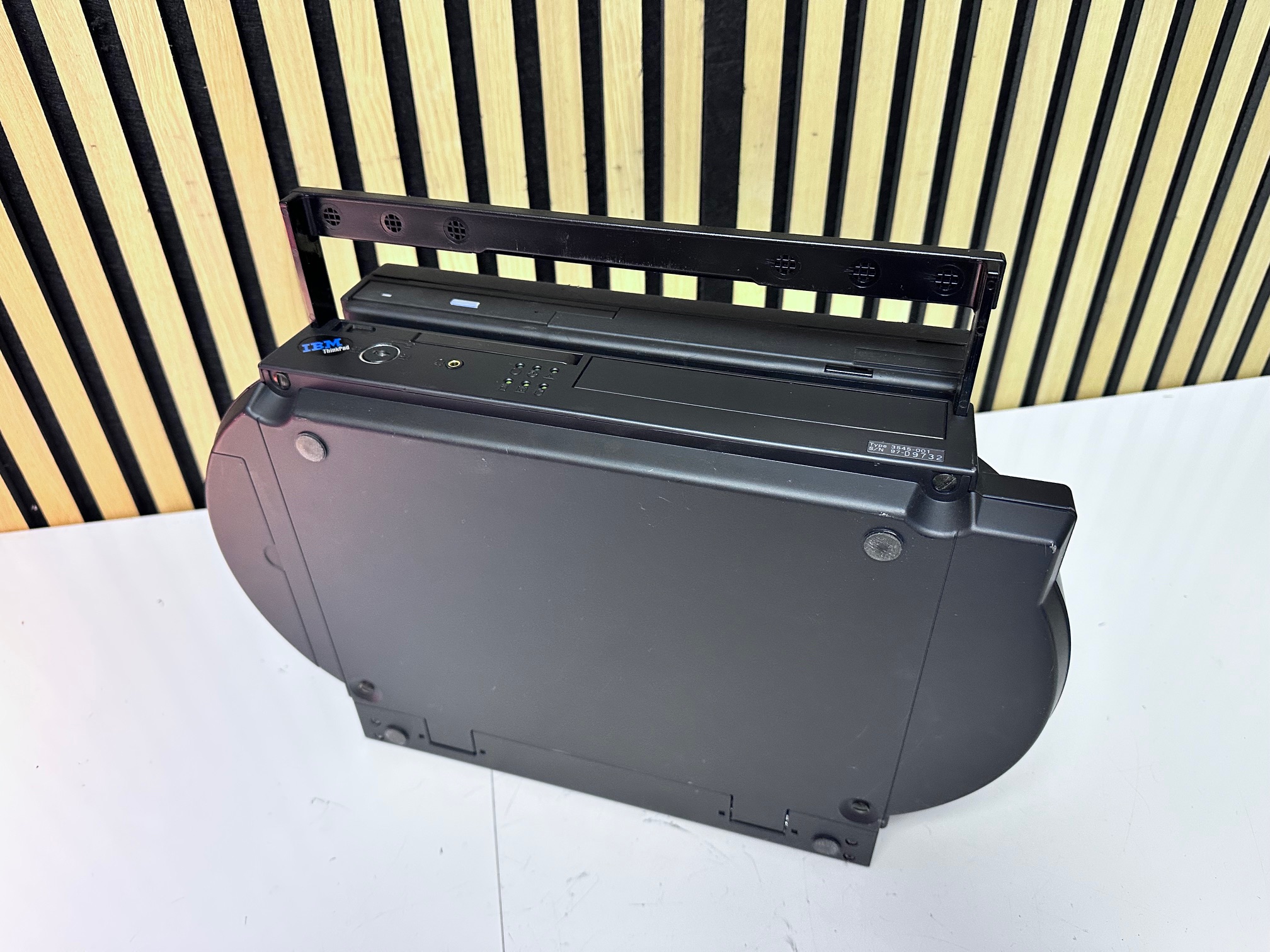
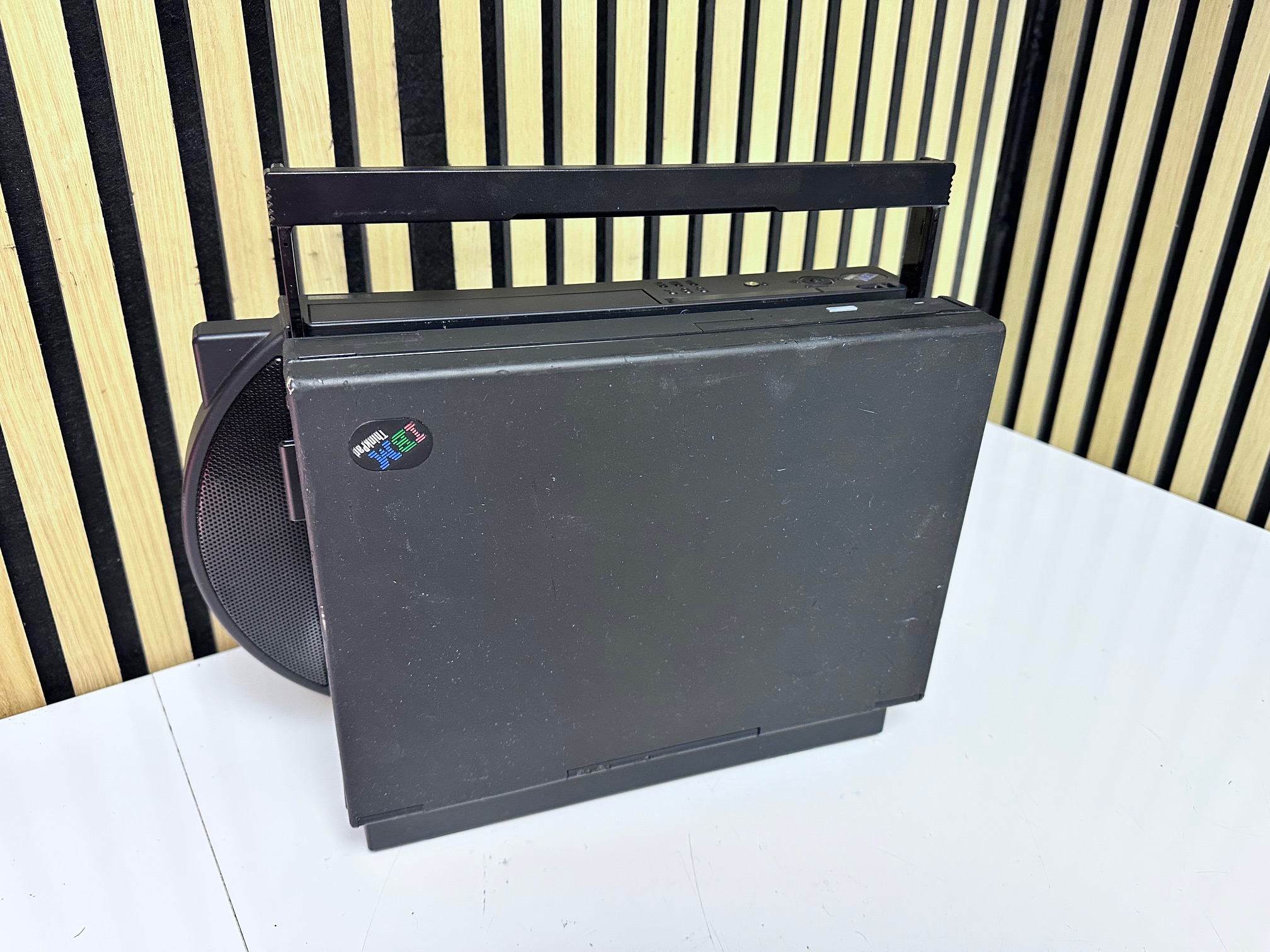
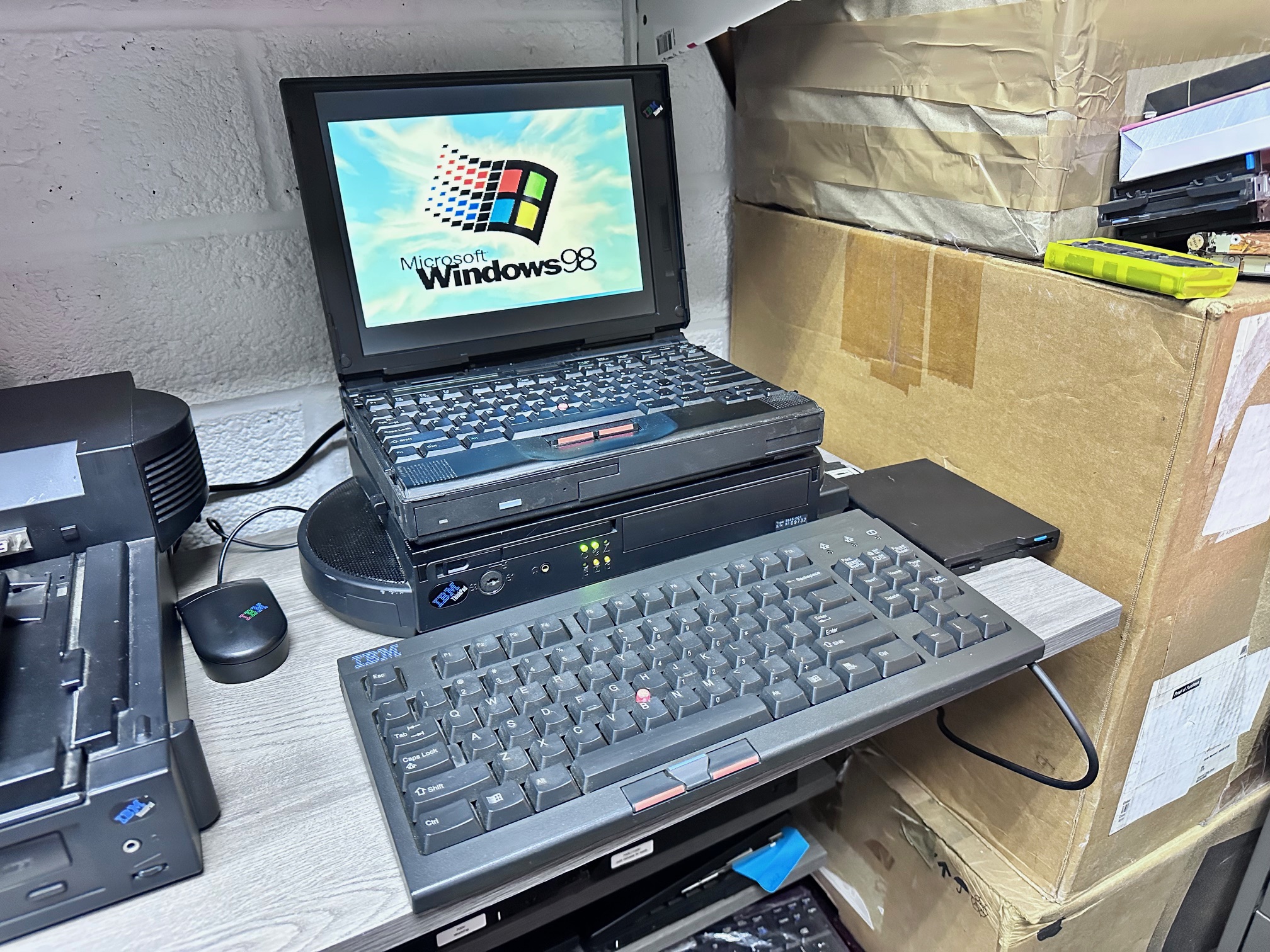
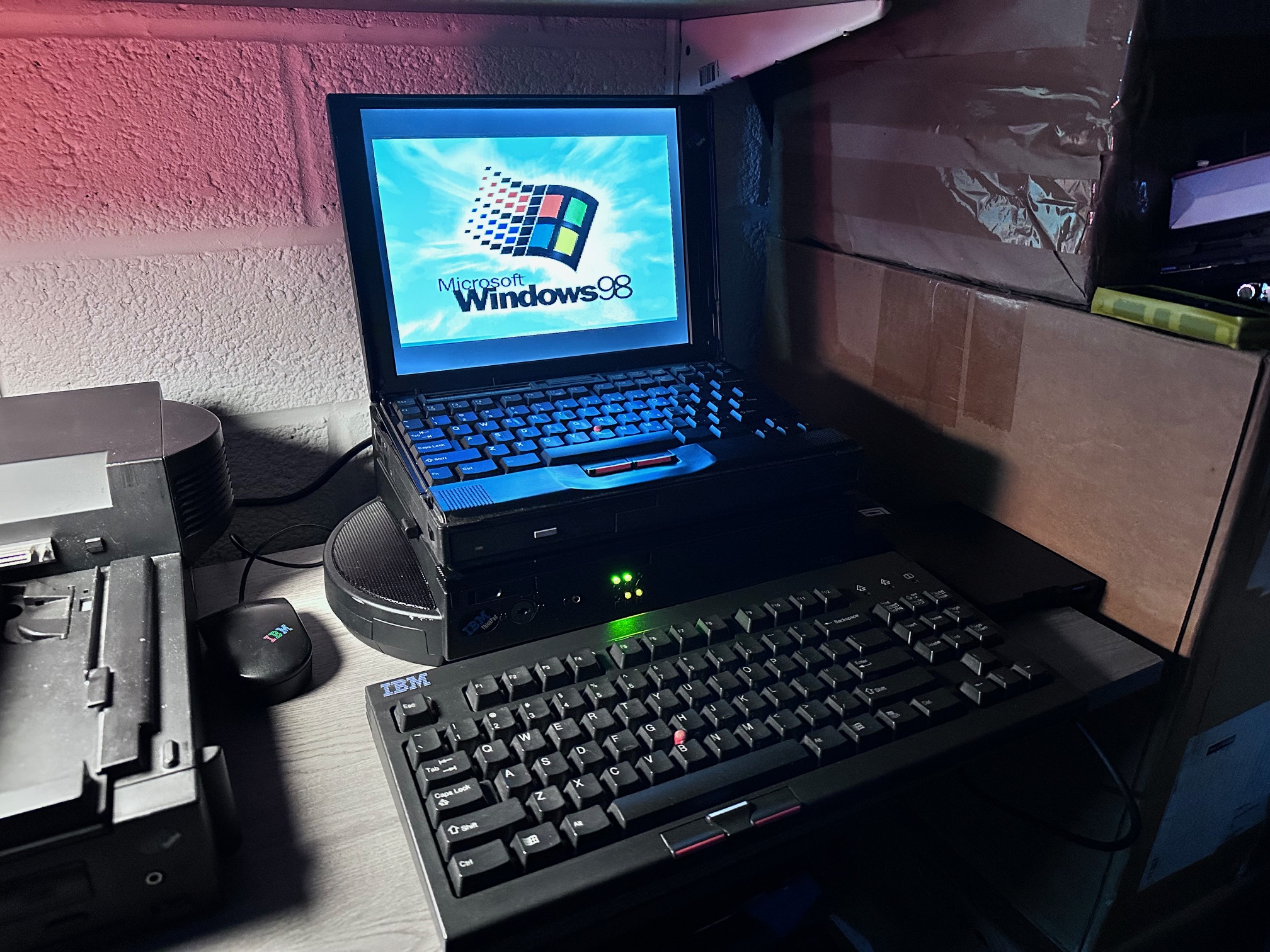
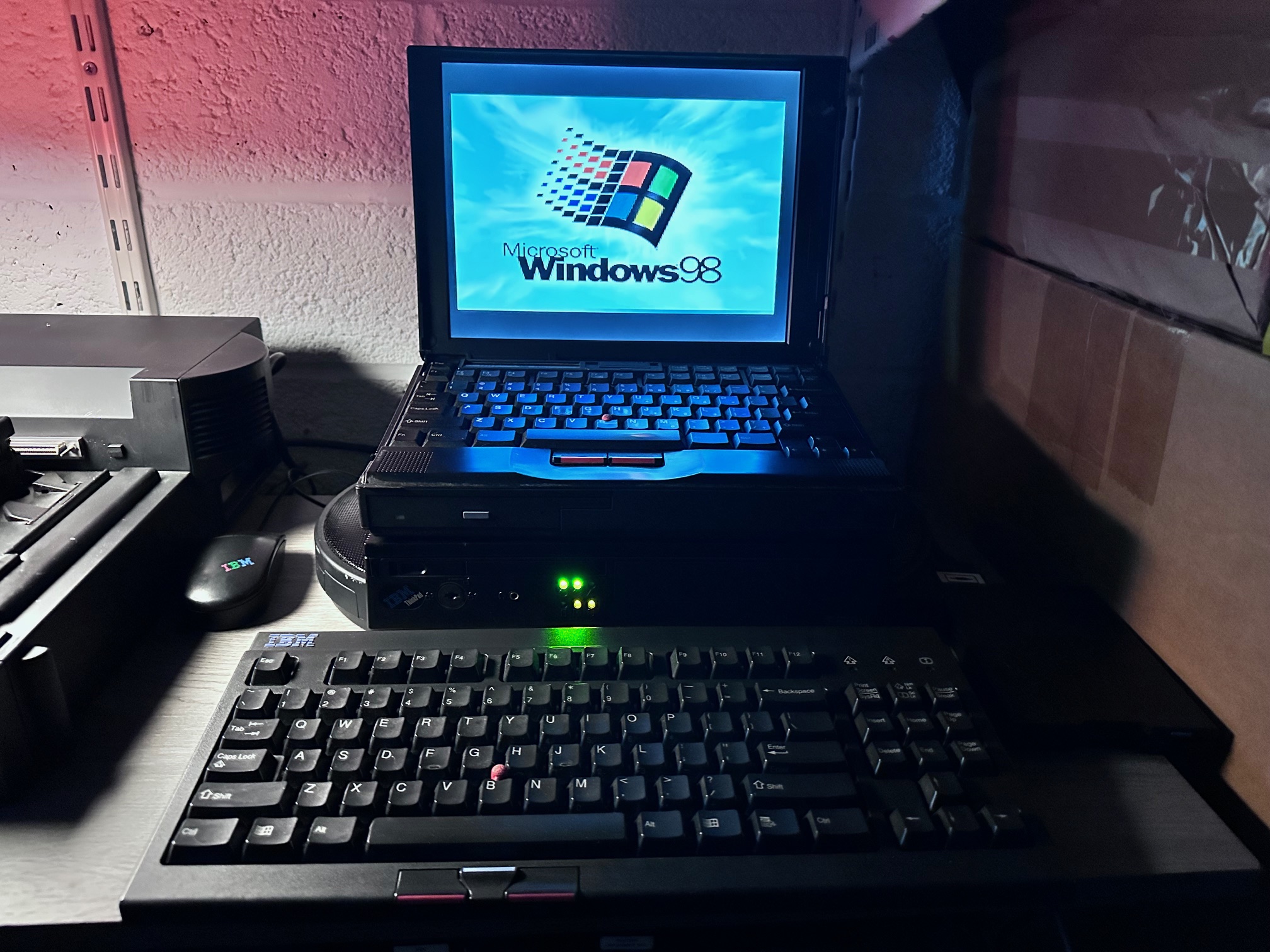
This is the first 'officially titled' 'Dock, which came after the "Expansion Unit" for the note N51, C52 and Thinkpad 700. Amongst other features, it will accomodate a full-sized 16-bit ISA expansion card, SCSI CD or Hard Drive and IDE CD-ROM. As you can see it has it's own lovely carry handle.
The speakers are cool but not very big or loud - I expected them to be Powered but instead they're passive with no volume control of their own.
There was a special combination sold with this dock, offered in 1994 and branded as the Traveling Multimedia ThinkPad which came in two versions. The 755c with it's TFT came in at a premium at $9,175. The other was a 360CS version (with a DSTN screen) which would cost you a mere $5,699. I think DSTN wasn't the only variation but I'm not sure what the exact other differences were.
One of my 3545-001 Dock I's was missing it's key and there was a 760EL attached. All the keys were different, so you can't just get another dock and split the key set, so you've got two options - disable the locking mech or pick it. I decided to disable it. You have to overcome a Catch-22 whereby the four flat-headed screws on the base will open up, but only when the dock is unlocked. When locked, a piece of metal holds it right. However there is a way to disable this from the side panel for the expansion card.
You really need a 'bendy' screwdriver which will rotate out at about 90 degrees and with this you can put in a chunky philips screw head and unscrew the bolts onto the back end of the lock.
You can see here where i've scribbled a circle around the chunky philips bolt - you need to unscew this to get the top cover opening:

Once this is loose, the whole locking mechanism comes apart and will slide out. This solves the issue with the base, but I've found the best way to simply disable the lock (which still cannot be turned either way without a key) from locking the release mechanism for the laptop is to flatten the tiny sloped metal strip right under the lock mech. It slopes upwards to stop the latch to release the laptop moving left and right, so if you just unscrew it and remove the bend in it, nothing stops the latch mechanism. You're more or less good to go. Assuming your Dock was in the 'locked but operating' position to start with!
Below you can click on the gallery showing the 3545-001 Dock upside down with the access door now opening. Note the tiny speakers either side. The white tape is just where I've kept the locking metal and taped it to the inside of the machine incase anyone wants to put it back. I've done the same with the front plastic blanking panel.


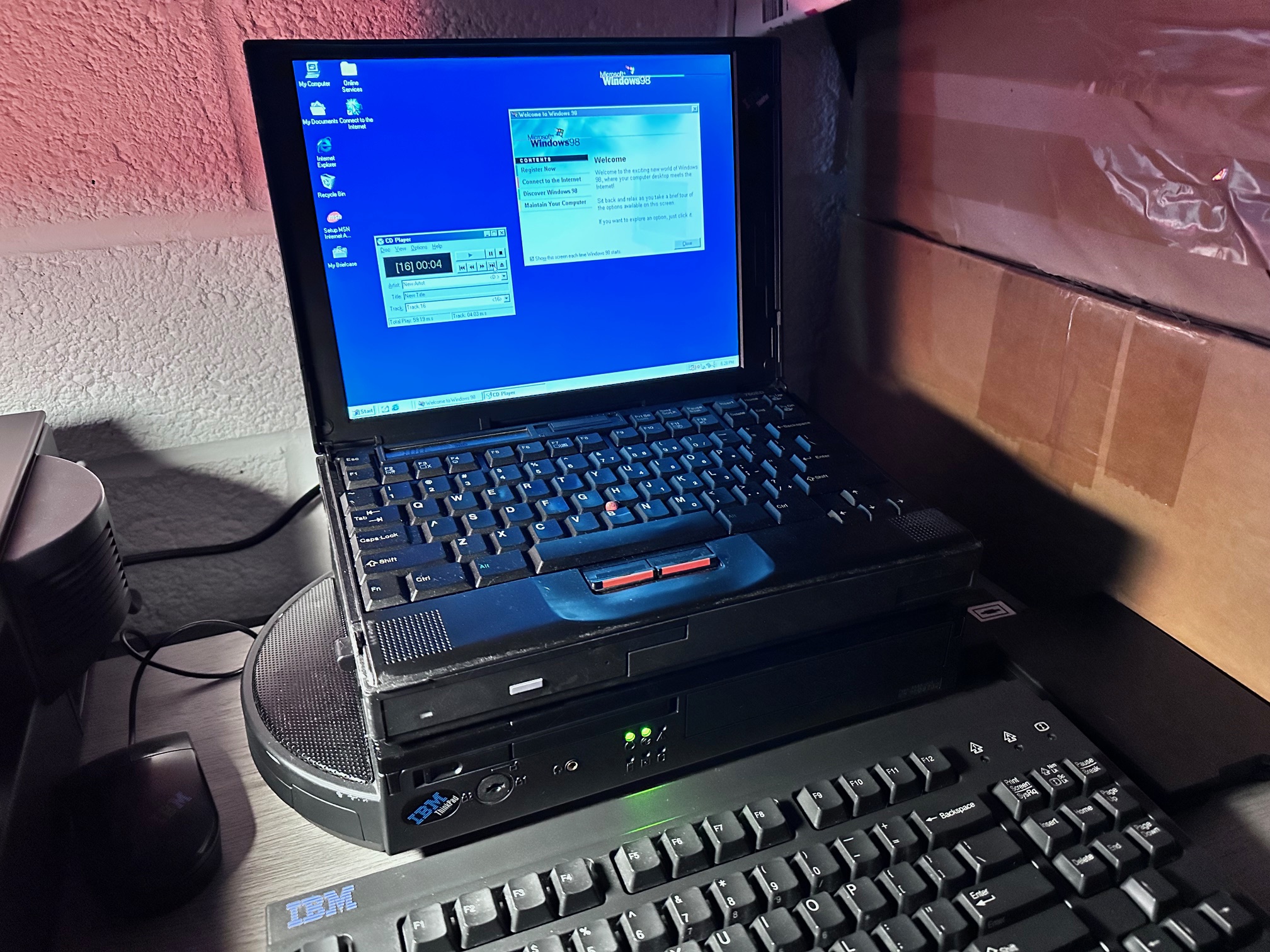
I think the best example of the Dock I in use is to combine it with the 755c, for which it was sold as the Traveling Multimedia ThinkPad


Looking to get all the software together for this early iteration of the portable multimedia platform (before the 755CD did it all-in-one) is quite tricky as it was an emerging proposition. I believe the 755c and Dock as a Multimedia platform was offered in two operating systems - DOS and OS/2 2.1 - you can of course attach the Dock I within the Windows 95 or 98 environment but so far I've found the CD-Player not to be usable.
I've also found that if you install a base install of MS-DOS 6.22 and then install the audio drive and utility diskette, it will install the docking options and re-arrange the autoexec.bat and config-sys files to provide you with a menu for booting the machine with or without it's dock.
I have found though that if you install the PC Card Director in DOS and have it load within the autoexec.bat as default, it takes up the same drive letters as required by the MSCDEX CD-ROM device driver - so if you install the CD-ROM driver before or after the PC-Card Director, it won't load because there isn't an available D: or E: drive. To overcome this issue, insert LASTDRIVE=Z into the top of your config.sys file to enable all the drive letters past D/E/F/G. Alternatively, you could go one better and insert LASTDRIVEHIGH=ZRAM Impact: Allocates roughly 90 bytes of memory per unused drive letter.Optimization: Use LASTDRIVEHIGH to offload this allocation into Upper Memory Blocks (UMBs).
The IDE CD-ROM driver for the Dock I is available here - it's called CDTPE120.
If you're installing a 755c onto your Dock I and you'd like it to be 'multimedia ready' you need to install this CD-ROM device driver before installing Windows.
There us a Dock option disk called dock1100 but it's only related to OS/2, not Windows 3.11/95/98. There is also a userguide available for download here.
There is a reference of all the additional files installed by the various 755 option disks here. It's not particularly useful as it just contains the raw additional files it places into a bunch of other folders on a 755c though.
The most complete active and working side of the actual files referred to all over the internet are here. Look in the 0/ directory for lots of the 755 self-extracting files for the Dock.
The IBM Thinkpad 755c'm' multimedia version was intended to be loaded with IBM's OS/2 2.1. However I ran out of patience trying to install it, mainly because there was no simple way to get the OS/2 installer to 'see' the Dock's CD-ROM drive. You have to kick the installation off using 2 floppy disks, which then looked for the CD-ROM installer. It refuses to see it. There is a way but it was far too convaluted. I also had a crack at OS/2 2.0 over it's 20 or so floppy disks, but that had it's own issues!
As covered above, I'd say the best installation is:
- FDISK and Format in FAT
- Install MS-DOS 6.22
- Install the Utility Disk to see the Dock.
- Install the CDTPE120 DOS DOS device drivers.
- Install Windows 95
- Install Audio in Windows 95 twice.
- Install the PC card director in DOS
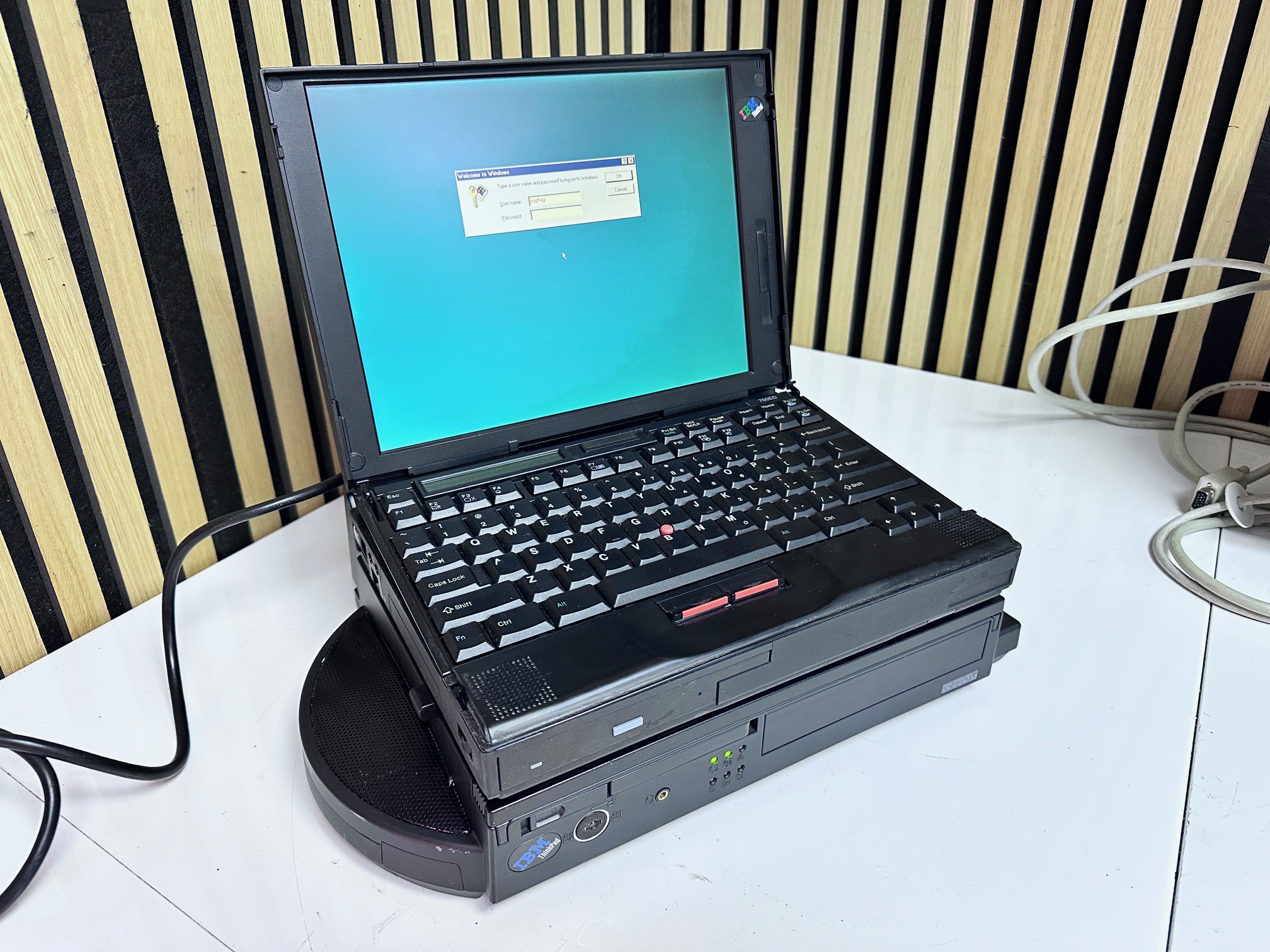
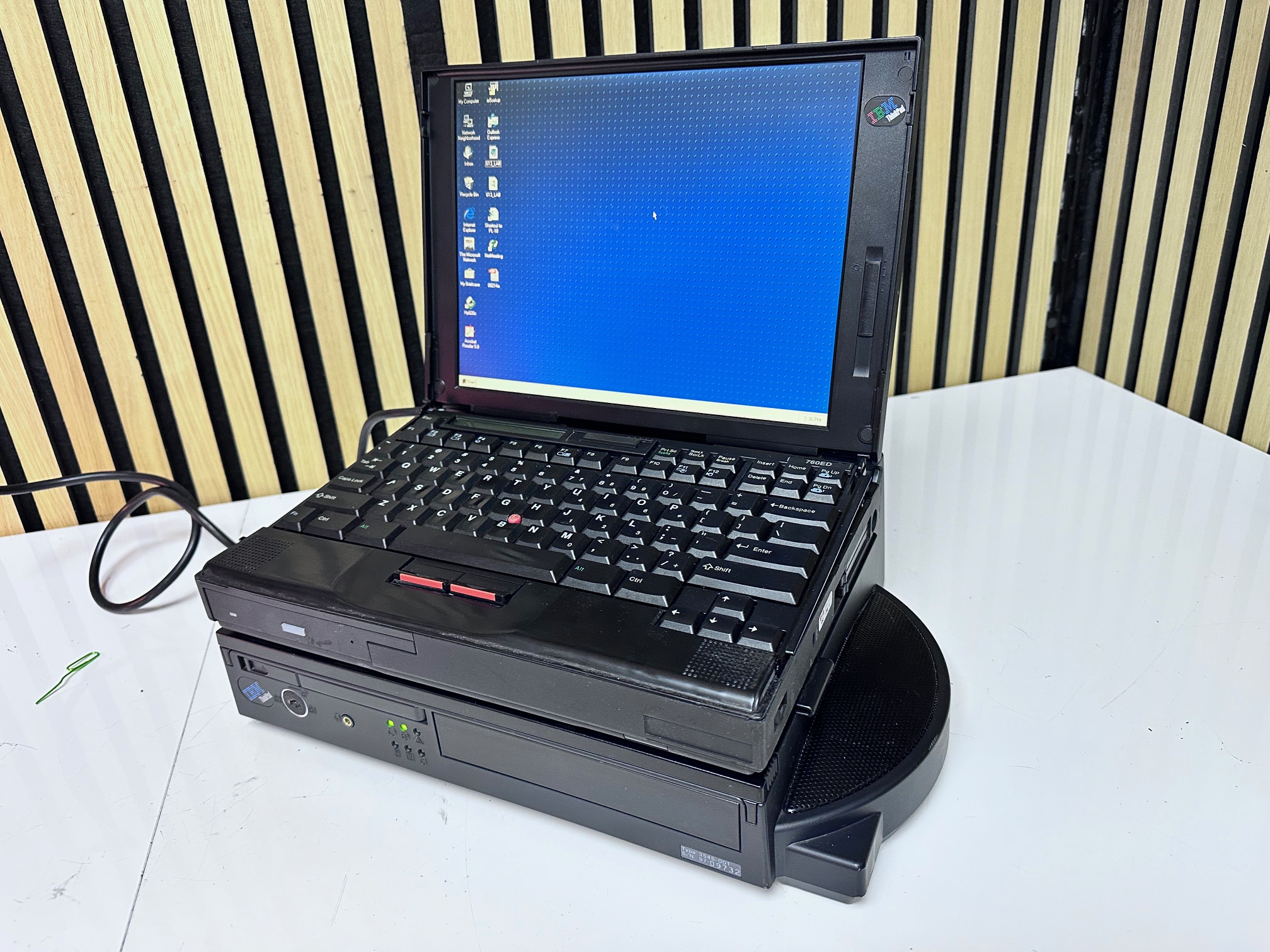






Supported ThinkPads
ThinkPad 360, 360C, 360CS, 360P, 360CE, 360CSE, 360PE
ThinkPad 370C
ThinkPad 750, 750C, 750CS, 750P
ThinkPad 755C, 755CS, 755CE, 755CSE, 755CD, 755CX, 755CV, 755CDV
ThinkPad 760C, 760CD, 760E, 760ED, 760EL, 760ELD, 760L, 760LD, 760XL, 760XD