
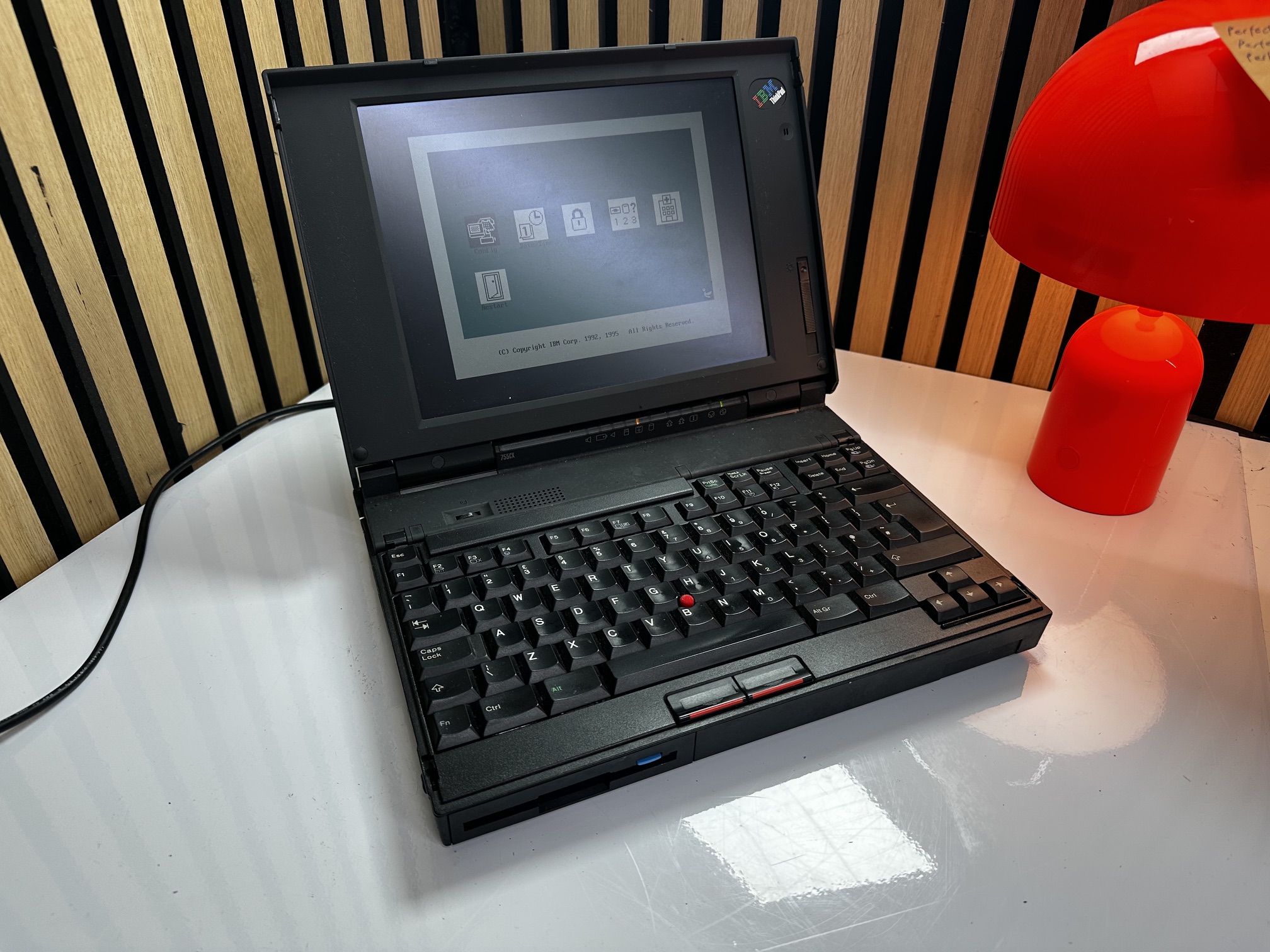
The 755CX was the last machine in the 755-series and has a couple of upgrades on the rest of the range. The most obvious one from the UX-perspective is that it had the option of an 800 x 600 SVGA flat panel, showing 16-bit colour - as opposed to the much more basic 640x480 VGA at 256 colours across the rest of the range. It was also the only model in the range to contain only an Intel Pentium processor, clocked at 75Mhz. In many ways the 755CX is closer-architecturally to the 760-series than the 755c which came before, in many ways eclipsing the specification of the new 760L with a better sound card and high-resolution graphics.
| Model | IBM Thinkpad 755CX |
| Machine Types | 9545 |
| Release Timeframe | Sold from May 1994 for around 2 years. |
| Preceded by | 755CE |
| Superceded by | 760 |
| Motherboard Specs | Pentium 75, 8Mb RAM, MWAVE Audito |
| Display Specs | Colour VGA or SVGA (as an option) TFT via WD90C24A (1Mb) |
Having been through the software and drivers of the 755-series, you can really feel the progress into the 32-bit, plug-and-play era. The early models have a lot of the drivers and hardware setup in a 16-bit DOS environment where hardware tends to be very picky sharing it's resources with other bits of hardware, and such as with the audio, little integration inthe Windows 95. By the time of the CX, the MWAVE audio was more tightly integrated into the Windows 95 UI and a lot of the software has lost it's DOS-foundations.
In many ways the 755-series is the pinnacle of the original Thinkpad 700's simple, bentobox design, with it's easily-removable hard drive and battery, it's forward-facing floppy, cutting-edge colour TFT panel, great keyboard and slim design. The 760 certainly has a worse keyboard, takes on some bulk and somehow looses a lot of the original Thinkpad feel.
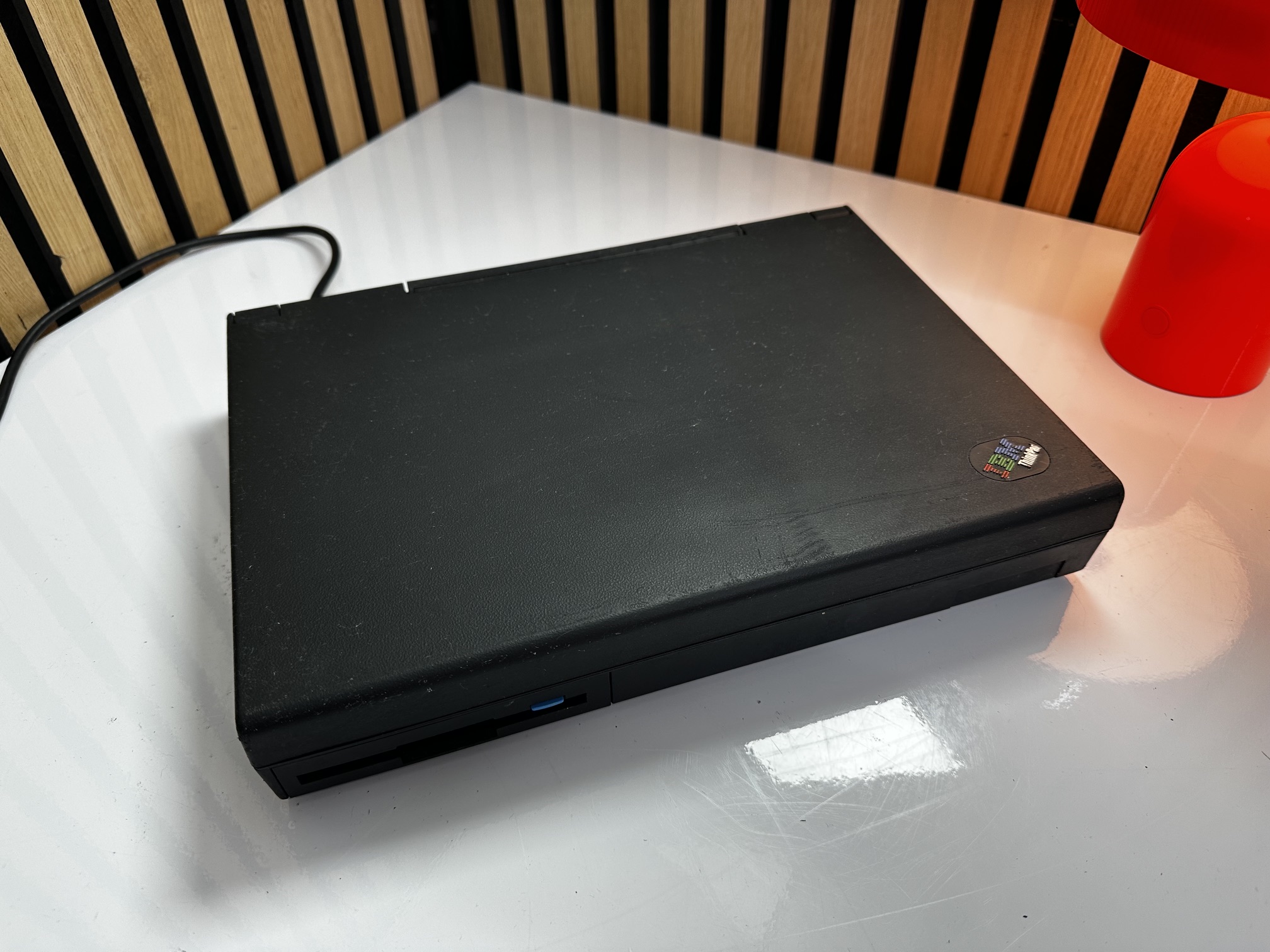
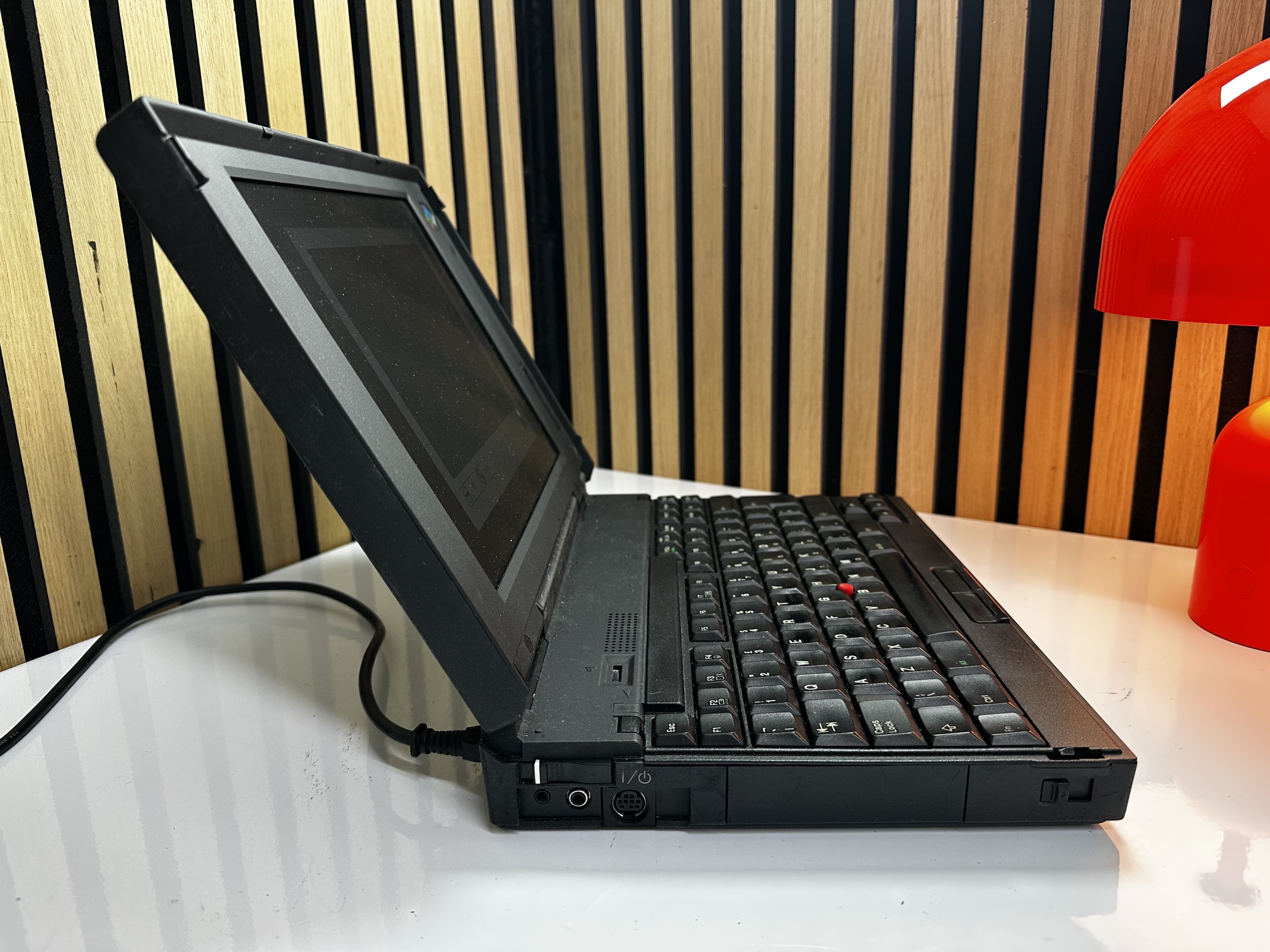
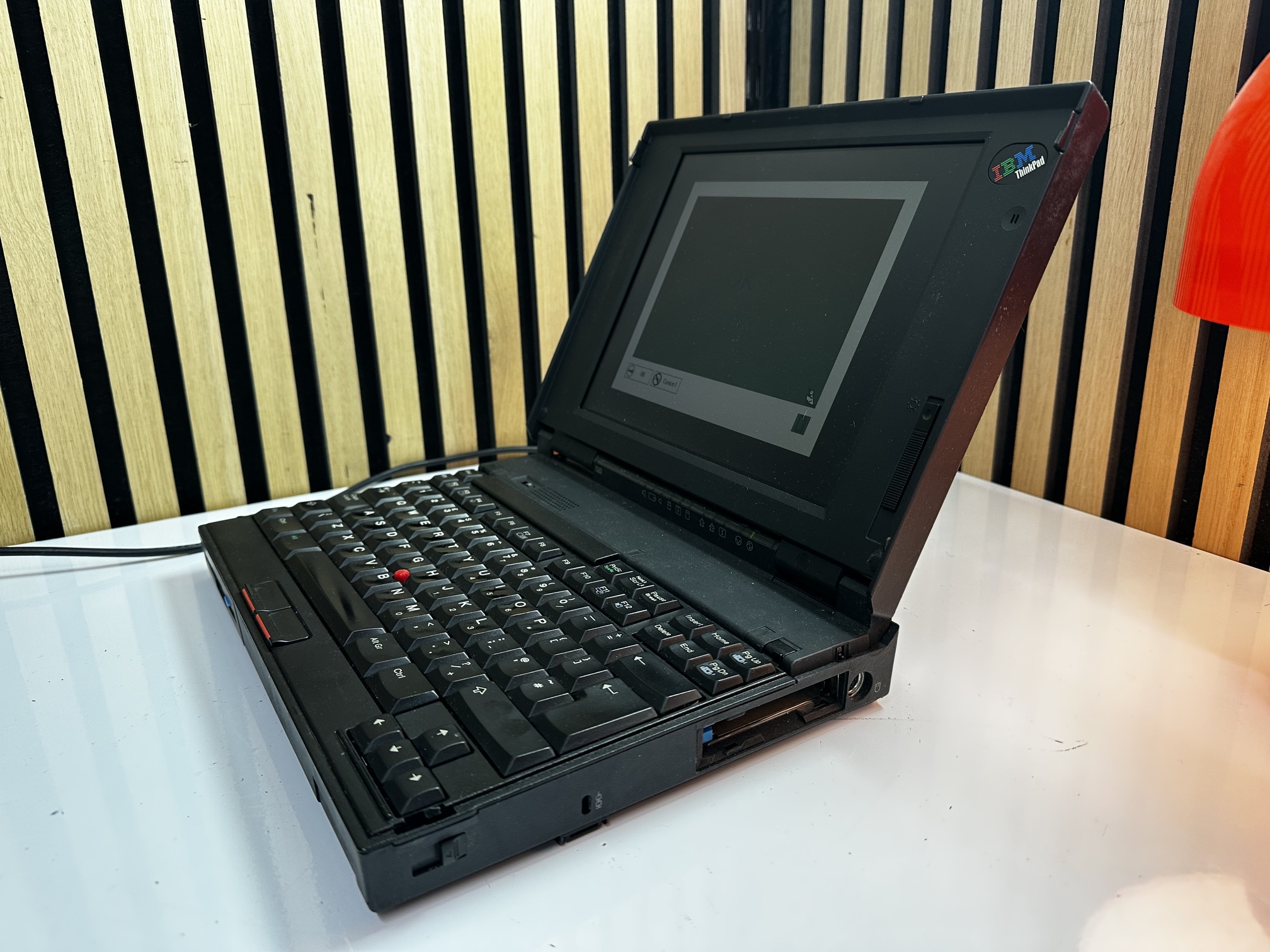
Here we have a couple of my renovated IBM Thinkpad 755CX machines. In the pictures where you have two side-by-side, the machine on the left has been restored to MS-DOS 6.22 with Windows for Workgroups 3.11, sporting a standard VGA display. On the right we have it's 'big brother' with a larger hard drive accomodating a clean installation of Windows 95, which would have been the 'in' thing of this machine's time. The Windows 95 machine sports the optional SVGA display.
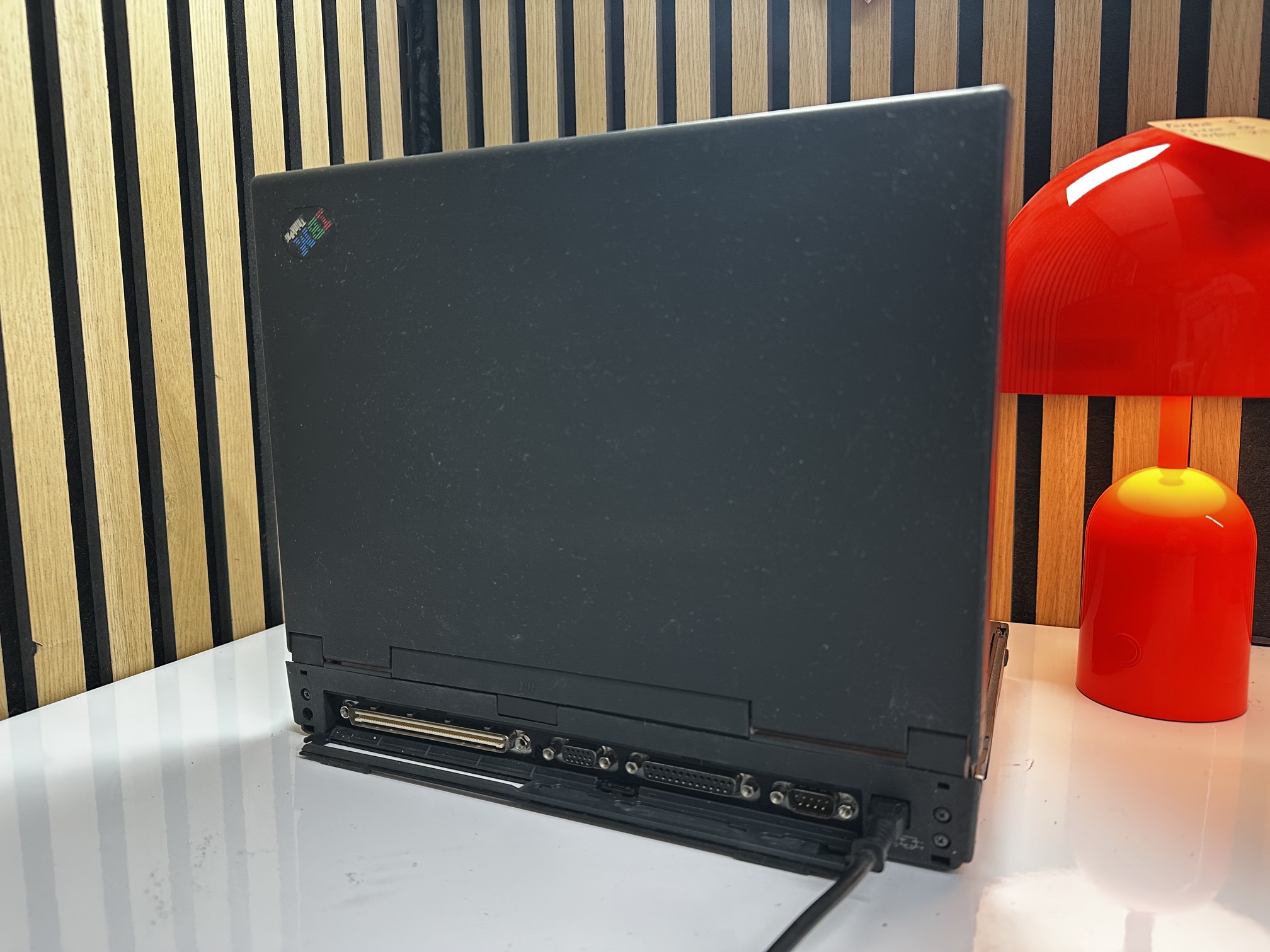
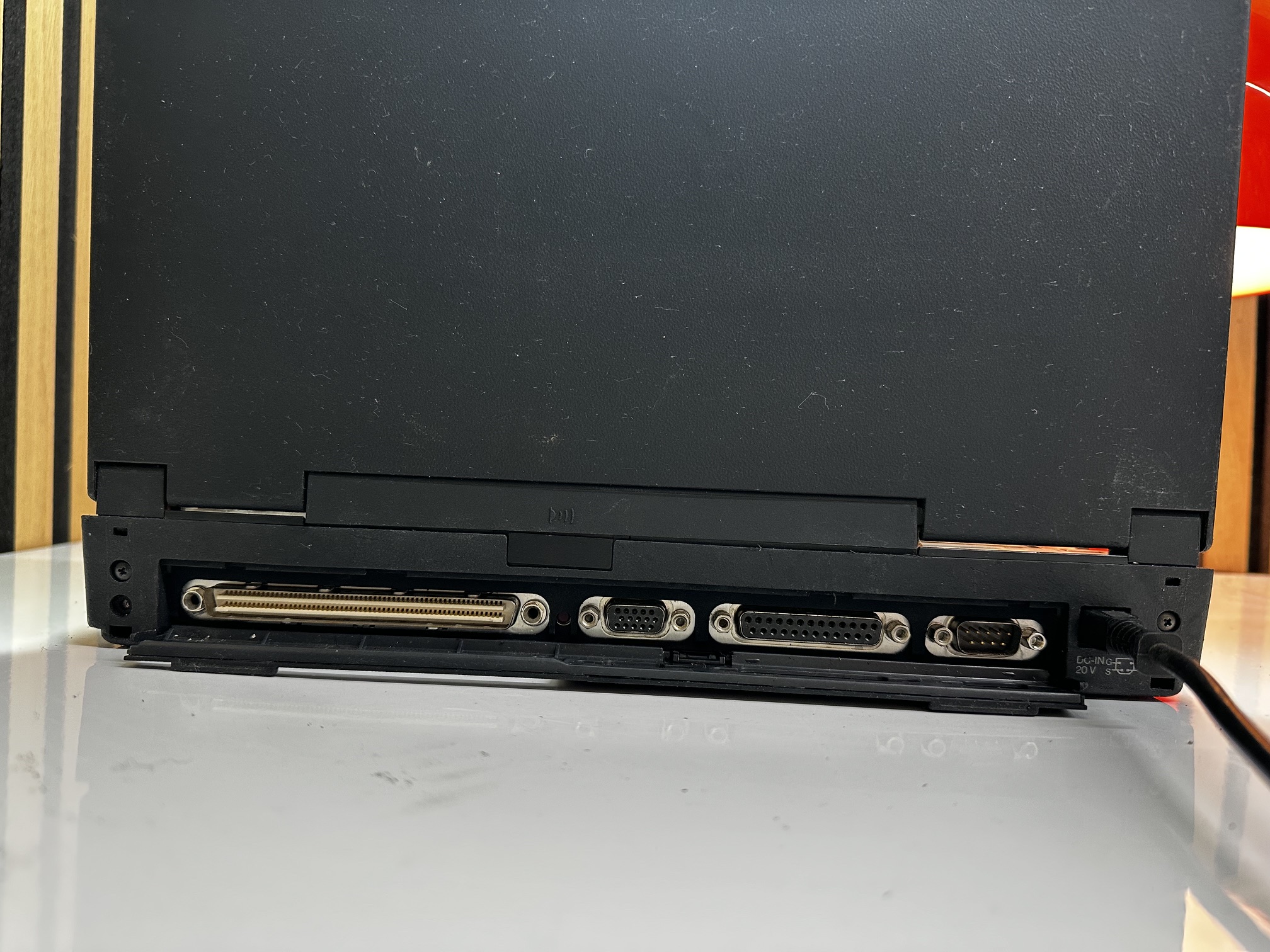
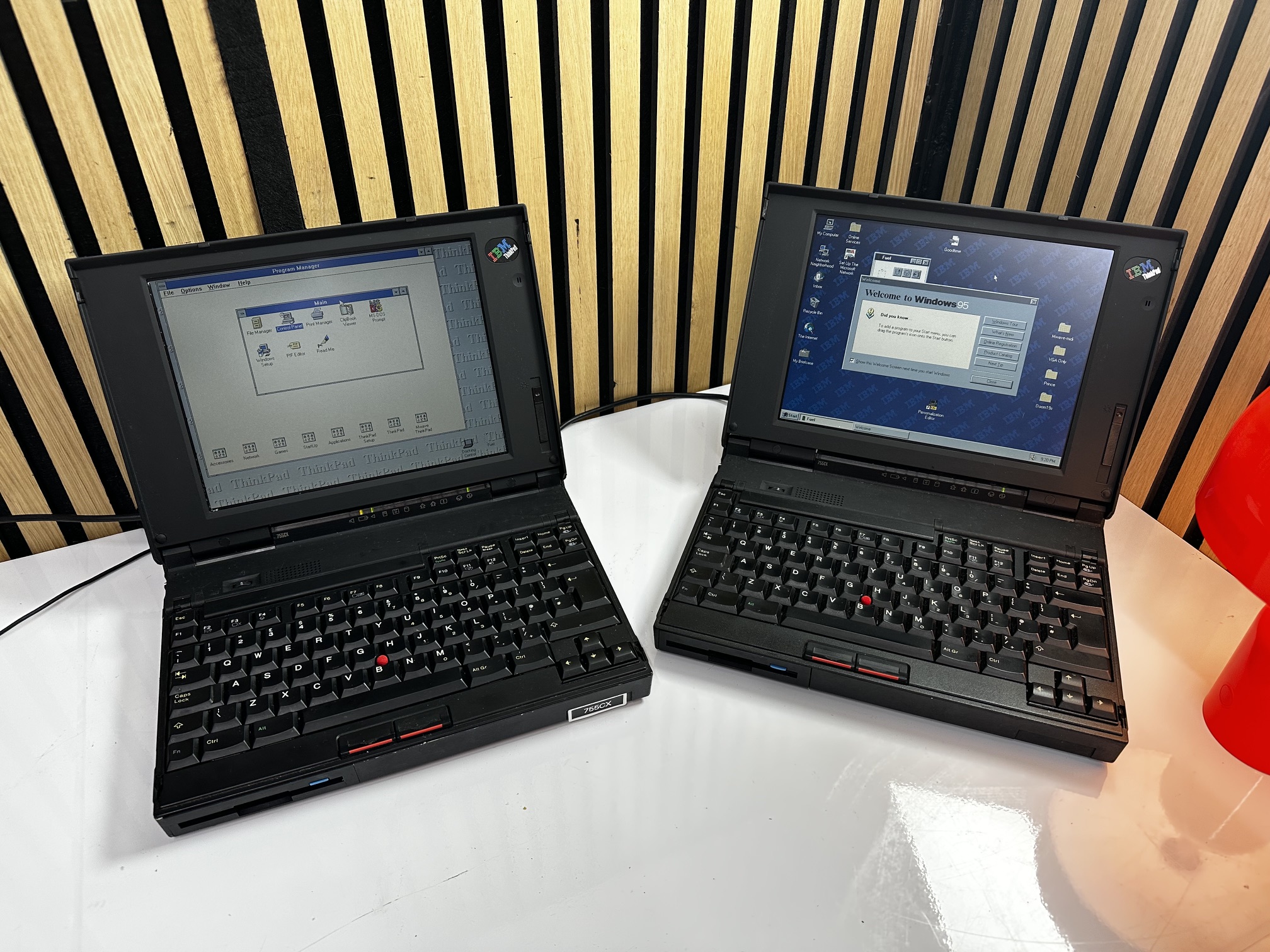

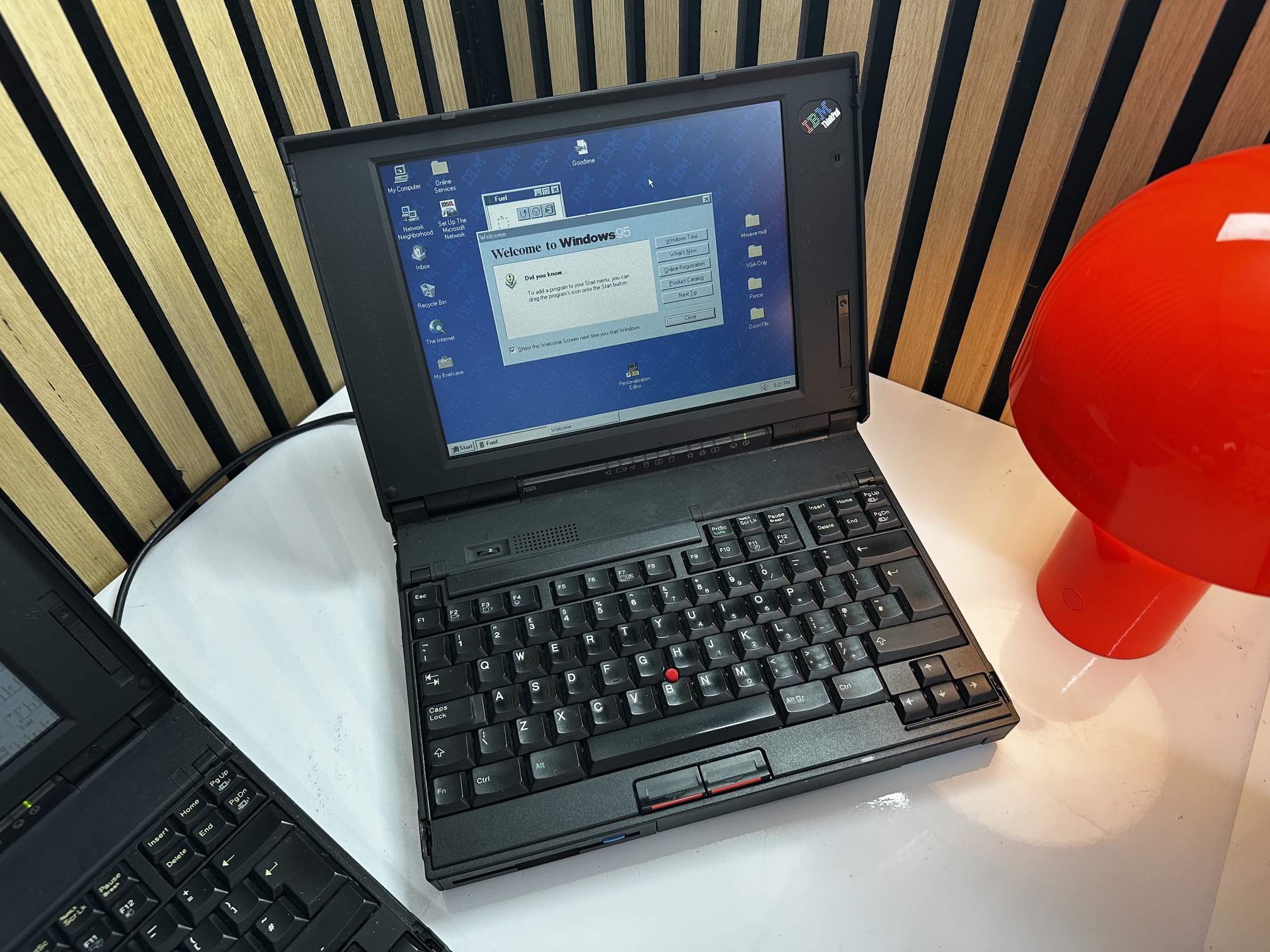
Windows 95 & 98 Video for SVGA Panels
Some version of the 755CX came with 800x600 SVGA panels. However, getting this to function in Windows 95 and 98 isn't very well documented. Here's what you need to do.
- Install a base installation of Windows 95 or 98. Do not pre-load any of the earlier 755 VESA drivers.
- Windows 9x will find a compatible "Western Digital" driver which is fine for 640x480 @ 256 colours, but nothing more. So you need to download....
- VWTPE121.EXE - this will decompress to a floppy disk and contain the correct driver for the 755CX's SVGA panel.
- Once you've decompressed to disk, browse the floppy and right click the OEMSETUP.inf file and install it.
- Now go into Device Manager and locate the Western Digital display adaptor and right click and go into the properies.
- Go into the Driver Tab and update driver.
- Show a list of compatible hardware.
- You'll now see the 'IBM Thinkpad 755cx' driver as an option.
- Select it - it will then ask you to select a monitor - I selected Super VGA Laptop Panel 800x600.
- Finally it'll ask if you want to change the settings without rebooting windows - select to do this and the screen should change to 'proper' native SVGA!